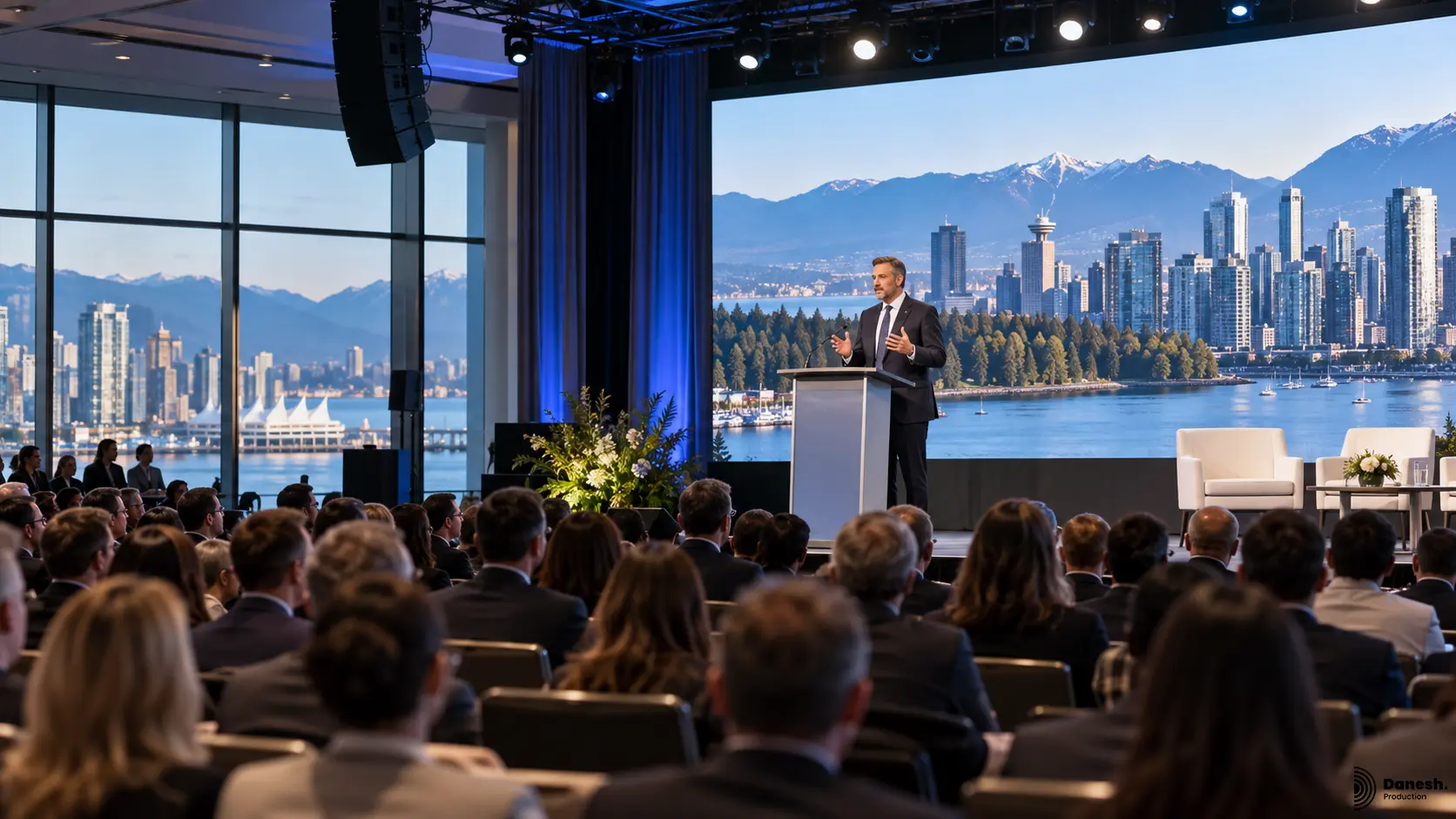
A reliable corporate event AV plan starts with one principle: sound, screens, lighting, staging, presentations, cameras, streaming, power, networking, and show control should be planned as one production system. For conferences and business events in Vancouver, this corporate event AV checklist helps event teams identify the technical decisions that need to be confirmed before equipment is booked, speakers arrive, or the room opens to guests.
Danesh Production approaches corporate event production in Vancouver around communication first. The goal is not to fill a room with equipment. The goal is to make sure every presenter can be heard, every screen can be seen, every camera receives a usable image, every cue happens at the right time, and the technical system supports the event rather than becoming a distraction.
The short version: confirm the venue and audience layout, build the audio plan, choose the correct display system, design camera-ready lighting, define streaming and recording needs, document power and network requirements, assign technical roles, and rehearse the complete run of show before doors open.
Corporate Event AV Checklist at a Glance
- Event goals, agenda, audience size, room layout, and presentation format are confirmed.
- Venue access, load-in windows, ceiling height, rigging, power, internet, and house rules are reviewed.
- Microphone count, presenter formats, panels, Q&A, playback, and audience coverage are planned.
- LED walls, projection, confidence monitors, and presentation screen sizes match the room and sightlines.
- Lighting supports presenters, branding, audience visibility, photography, and camera exposure.
- Stage dimensions, podiums, panel furniture, speaker movement, and technical zones are coordinated.
- Live streaming, recording, remote speakers, camera positions, and return feeds are defined early.
- Breakout rooms follow a repeatable AV standard where possible.
- Power distribution, cable paths, network access, and backup systems are documented.
- Presentation files, videos, fonts, aspect ratios, and playback responsibilities are assigned.
- A technical run of show identifies cues, transitions, walk-ons, videos, lighting changes, and speaker handoffs.
- A full rehearsal or technical check is scheduled before the audience arrives.
1. Start With the Event Brief, Not the Equipment List
The fastest way to overcomplicate an event is to start by selecting microphones, screens, lights, and cameras before the programme is understood. Equipment should follow the event format. A 150-person executive meeting with one keynote and a panel has a different technical profile from a multi-room conference with sponsor content, remote speakers, breakout sessions, simultaneous recording, and a live stream.
Before the AV plan is built, document the event date, venue, estimated attendance, room layout, agenda, speaker count, panel sessions, presentation format, brand requirements, breakout rooms, entertainment segments, recording needs, streaming requirements, accessibility requirements, and the time available for load-in and rehearsal.
For conferences where stage layout, audience sightlines, presentation content, branding, AV, and camera planning need to be coordinated together, use the conference design in Vancouver service as the planning layer before individual systems are specified.
2. Review the Venue Before Finalizing the AV Scope
A venue can change the production plan more than almost any equipment choice. Room depth affects screen size and speaker coverage. Ceiling height affects screen placement and lighting angles. Rigging rules affect suspended equipment. Loading access affects setup time. Electrical service affects power distribution. Internet service affects live streaming and remote contribution.
For a Vancouver corporate event, request the current venue technical information early. Confirm room dimensions, ceiling height, approved rigging points, electrical service, loading access, freight elevator dimensions, setup windows, noise restrictions, house AV policies, internet options, stage limitations, fire exits, cable routes, and any insurance or contractor requirements that apply to the production.
Do not assume a previous event at the same hotel or conference facility used the same room setup, access schedule, or technical rules. The current event plan should always be checked against the current venue documentation.
3. Build the Audio Plan Around Speech Clarity
For most corporate events, audio failure is more damaging than a decorative lighting issue because the programme depends on communication. The professional sound and audio plan should begin with presenter format, microphone requirements, audience coverage, room acoustics, playback, Q&A, panel discussions, remote contributors, and recording or streaming feeds.
List every person who may need a microphone and identify the correct type for each role. A keynote presenter may need a wireless lavalier or headset. A moderator may prefer a handheld microphone. A panel may require individual microphones. Audience Q&A may require roaming handheld microphones or dedicated floor positions.
- Primary and backup microphones for critical presenters.
- Speaker placement that covers the audience without excessive volume at the front of the room.
- A digital mixing position with clear visibility or communication with the stage.
- Dedicated audio feeds for recording, cameras, streaming, interpreters, press, or overflow rooms when required.
- Playback channels for walk-in music, videos, stings, award cues, and presentation content.
- A plan for panel discussions, Q&A, remote speakers, and last-minute presenter changes.
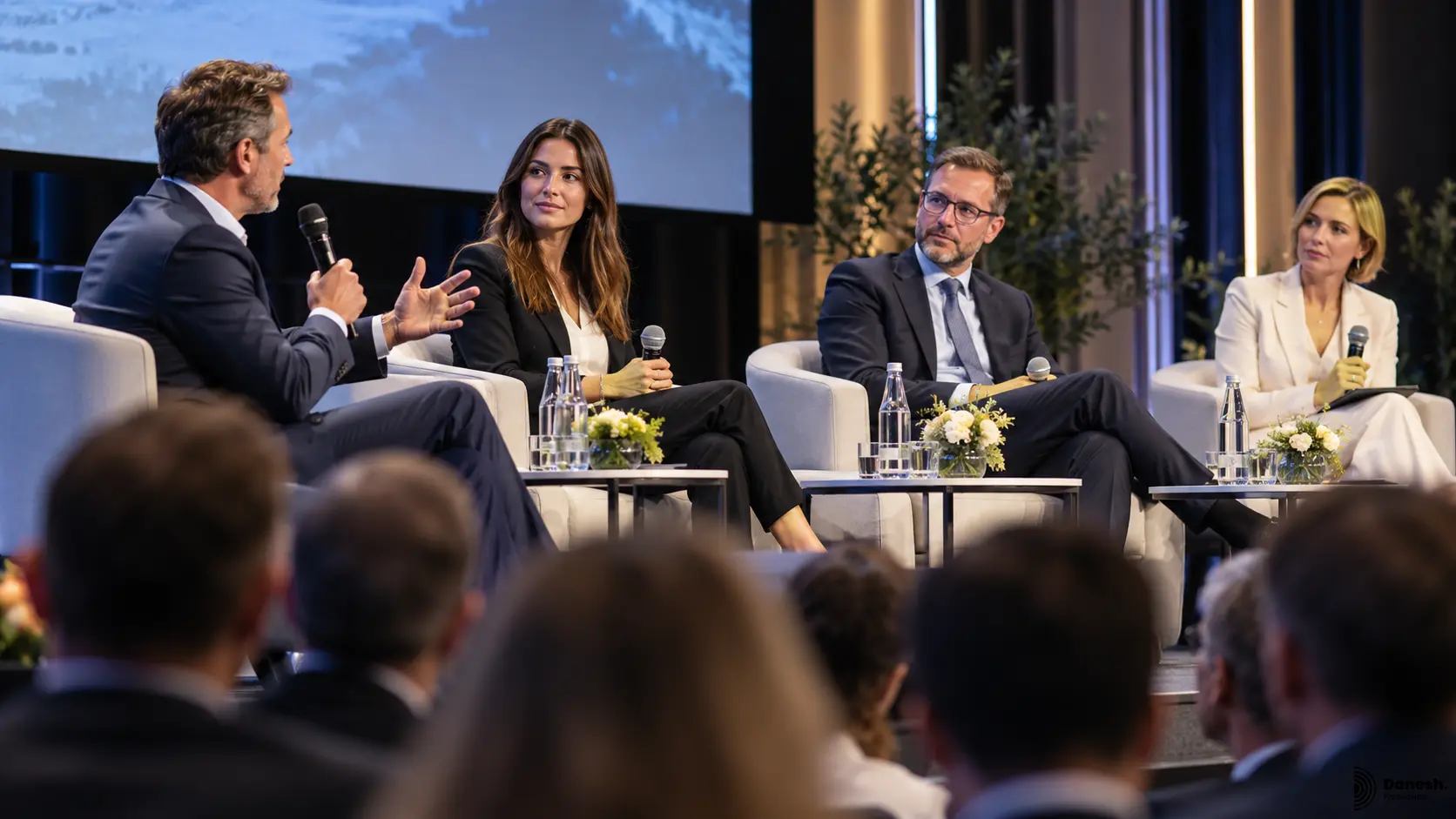
If the event team wants a deeper overview of system design principles, the article on an event sound system explains why coverage, clarity, microphone selection, and the relationship between the room and the system matter.
4. Choose Screens Based on Sightlines and Content
Presentation screens should be selected for the room, audience distance, content type, ambient light, camera requirements, and stage design. Danesh Production’s video and screen solutions can include LED walls, presentation displays, switching, playback, confidence monitoring, and screen integration with the wider event production.
A screen that looks large during an empty-room site visit can become difficult to read once the room is full. Small text, spreadsheets, charts, sponsor logos, and detailed slides require more usable image area than a simple branded background. Screen height matters as much as screen width because heads, stages, podiums, cameras, and room depth all affect sightlines.
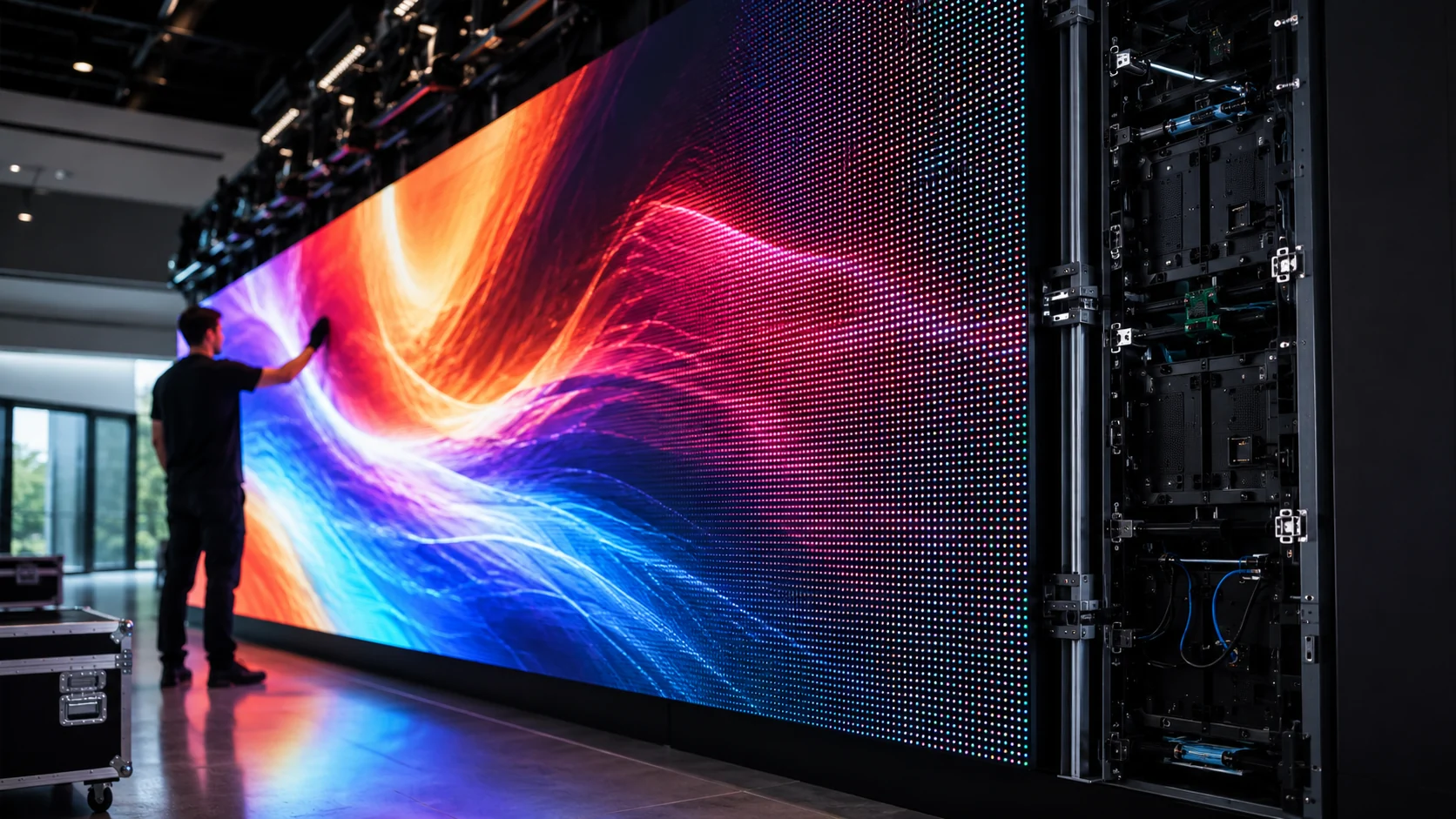
For LED walls, confirm the required physical dimensions, pixel pitch, viewing distance, processor resolution, content aspect ratio, brightness, camera compatibility, power, and structural support. For projection, review throw distance, lens requirements, ambient light, projection surface, obstruction risk, and the available mounting position.
If your team needs the technical background before choosing a screen, read how LED walls work for an explanation of processors, controllers, modules, content resolution, power, data paths, and viewing distance.
5. Design Lighting for People, Screens, and Cameras
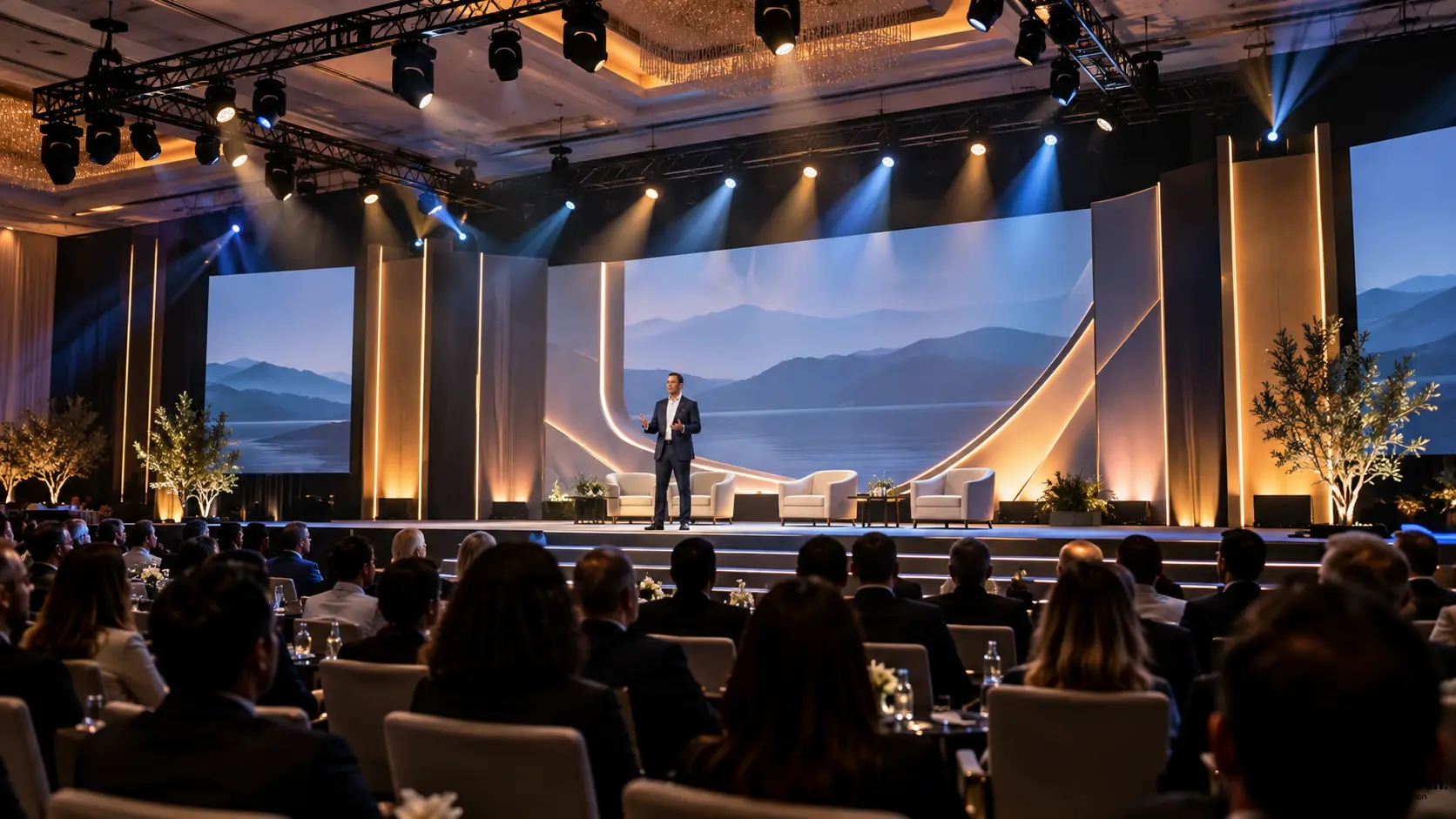
Corporate lighting should support communication before decoration. Professional event lighting needs to keep speakers visible, create separation from the background, protect screen readability, support branded colour, and remain usable for photography, recording, and live video.
Speaker lighting should be designed around where people will actually stand, sit, enter, and move. A podium position, panel table, fireside-chat chairs, presentation zone, award position, and product reveal may each need a different lighting focus. If cameras are involved, facial exposure, colour temperature, screen brightness, and background contrast need to be balanced together.
- Front light or key light for presenters and panelists.
- Backlight or edge light to create separation from scenic elements and LED screens.
- Podium, panel, award, and product lighting for planned programme positions.
- Brand colour and architectural lighting that does not overpower speaker visibility.
- Lighting scenes programmed for walk-in, keynote, panel, video playback, awards, entertainment, and closing moments.
- Camera tests during rehearsal to confirm exposure and colour consistency.
6. Coordinate the Stage With AV, Cameras, and Speaker Movement
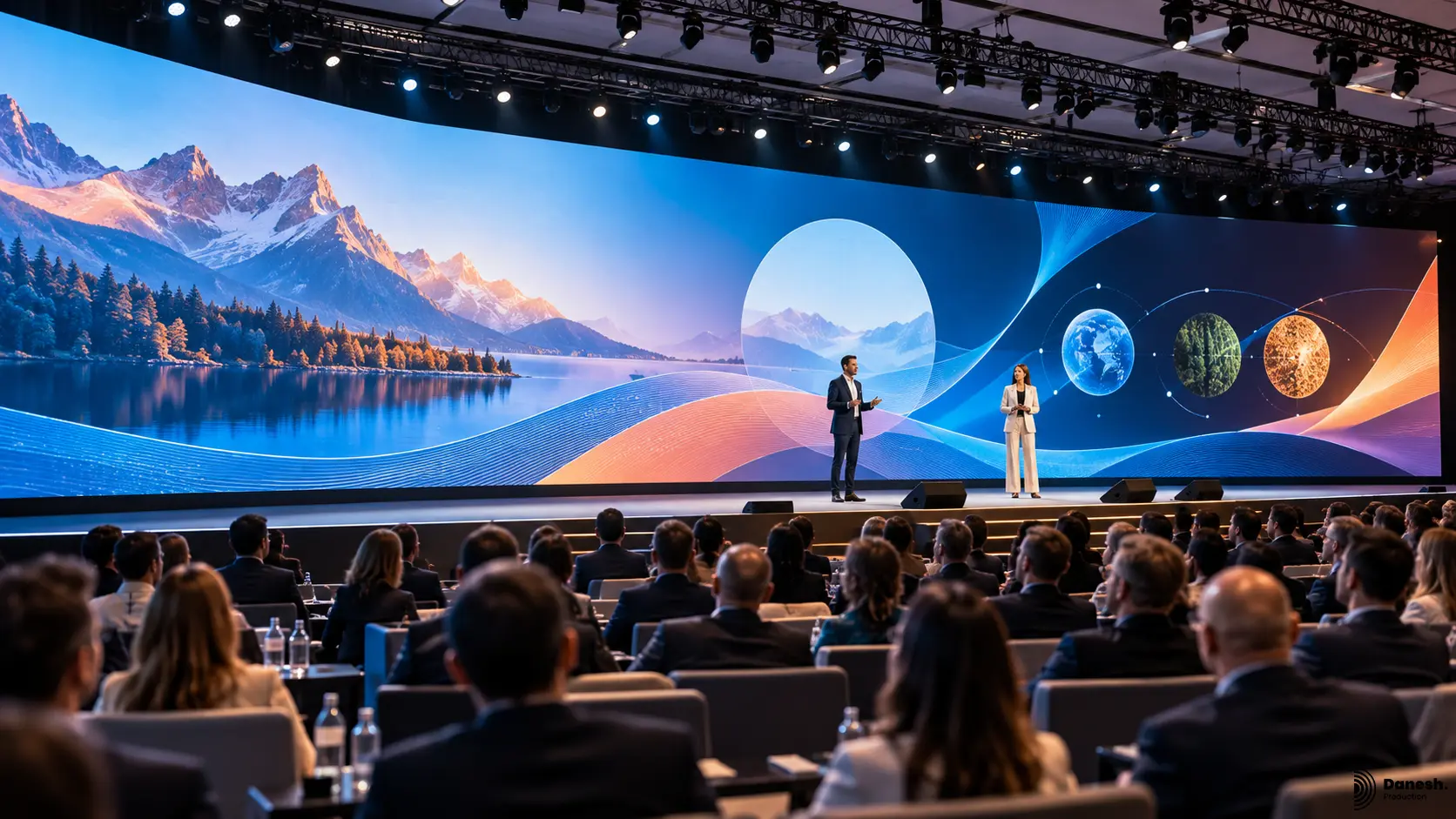
The stage is not a separate decorative element. It is the physical framework that connects presenters, screens, audio, lighting, cameras, branding, panel furniture, audience sightlines, and technical access. Professional stage design in Vancouver should therefore be finalized with the AV plan, not after it.
Confirm stage width, depth, height, stairs, handrails, podium position, panel furniture, accessible access, speaker walk-on routes, cable paths, screen positions, confidence monitors, stage returns, camera angles, lighting focus areas, and backstage or green-room access. If the programme includes awards, product demonstrations, entertainment, or multiple speaker formats, reserve enough stage area for those transitions to happen safely and cleanly.
7. Plan Live Streaming and Recording as Part of the Production
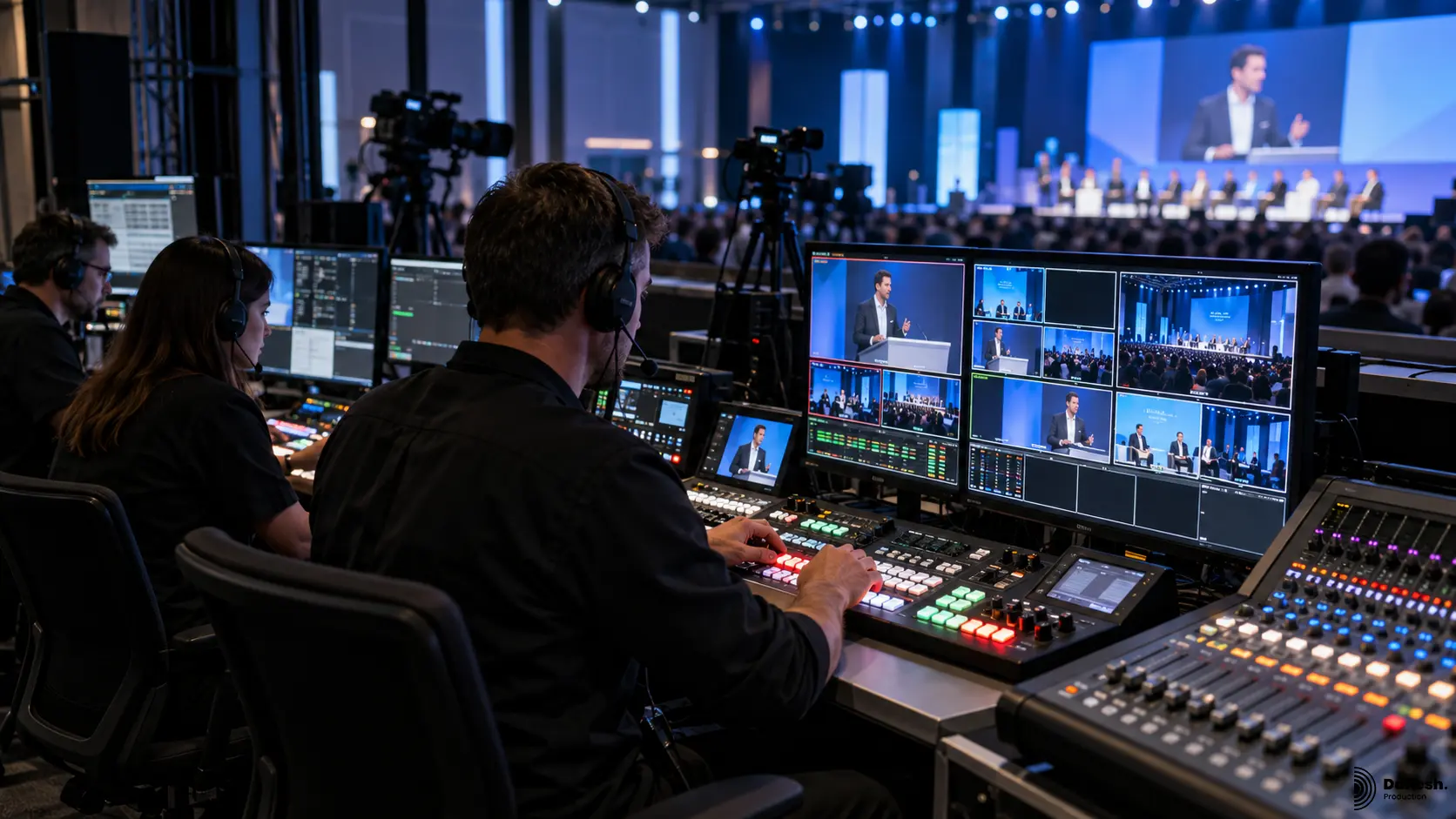
If the event includes remote viewers, internal communications, hybrid participation, executive broadcasts, or post-event content, define the live streaming production workflow before the room is built.
Streaming is not simply placing a camera at the back of the room. A professional stream may require multiple cameras, video switching, presentation capture, graphics, dedicated audio mixes, remote speaker integration, confidence returns, network testing, platform configuration, recording, redundant capture, and a control position that can operate independently from the in-room presentation system.
The network plan is critical. Confirm the expected upload capacity, whether a dedicated wired connection is available, how the venue manages network access, whether a backup connection is required, and who is responsible for testing the full workflow before the event begins. If the stream is mission-critical, record a clean local backup even when the live output appears stable.
8. Standardize Breakout Rooms and Multi-Room Conferences
Breakout rooms create operational complexity because the same basic requirements are repeated across several spaces. Standardization reduces mistakes. Where possible, define one breakout-room package with a consistent screen format, microphone plan, presenter connection, confidence monitoring, audio playback, lighting level, technician role, and presentation workflow.
Then identify the rooms that genuinely need a different specification because of audience size, panel format, hybrid participation, recording, simultaneous interpretation, or sponsor requirements. A consistent standard also makes presenter movement easier because speakers encounter the same connection and microphone process in each room.
9. Document Power, Network, Cabling, and Technical Infrastructure
A strong AV design also needs an infrastructure plan. LED walls, lighting systems, audio, video processors, cameras, computers, streaming encoders, network switches, charging stations, and control systems can create substantial electrical and data requirements. These systems should not be added to venue circuits without a documented power plan.
- Available electrical service, circuit locations, and distribution requirements.
- Dedicated circuits for high-demand systems when required.
- Safe cable routes that do not interfere with guest paths, exits, service routes, or stage access.
- Network drops and internet service for streaming, remote speakers, registration, show control, or production communications.
- Backup signal paths, spare adapters, spare microphones, playback backups, and redundant recording where the programme requires them.
- Clear labeling so technicians can diagnose a problem quickly during the event.
10. Control Presentation Files Before Show Day
Presentation management is one of the most common hidden AV risks. Late files, unusual fonts, unsupported codecs, incorrect aspect ratios, embedded online video, last-minute edits, and presenters connecting personal laptops can all create avoidable delays.
Set a content deadline and define a single presentation workflow. Confirm slide dimensions, video formats, playback computers, fonts, clicker responsibility, presenter notes, confidence monitor content, embedded media, sponsor loops, walk-in content, and whether the event requires separate clean feeds for streaming or recording.
Critical presentations should be tested on the actual show system. Keep local backups of presentation files and important videos. If a presenter must use a personal laptop, test the device, adapters, output resolution, audio, power supply, and any security restrictions before the session begins.
11. Build a Technical Run of Show
A production team needs more than the event agenda. A technical run of show translates the agenda into executable cues. It identifies when microphones go live, when walk-in music fades, when presentation computers switch, when lights change, when videos roll, when cameras reframe, when lower-thirds appear, when remote speakers join, and when the stage is reset for the next segment.
The document does not need to be complicated, but it must be specific. Include scheduled time, actual show time where appropriate, session name, speaker, stage position, microphone, presentation source, video cue, lighting state, audio cue, camera or streaming note, and the person responsible for calling or executing the cue.
12. Rehearse the System, Not Just the Speakers
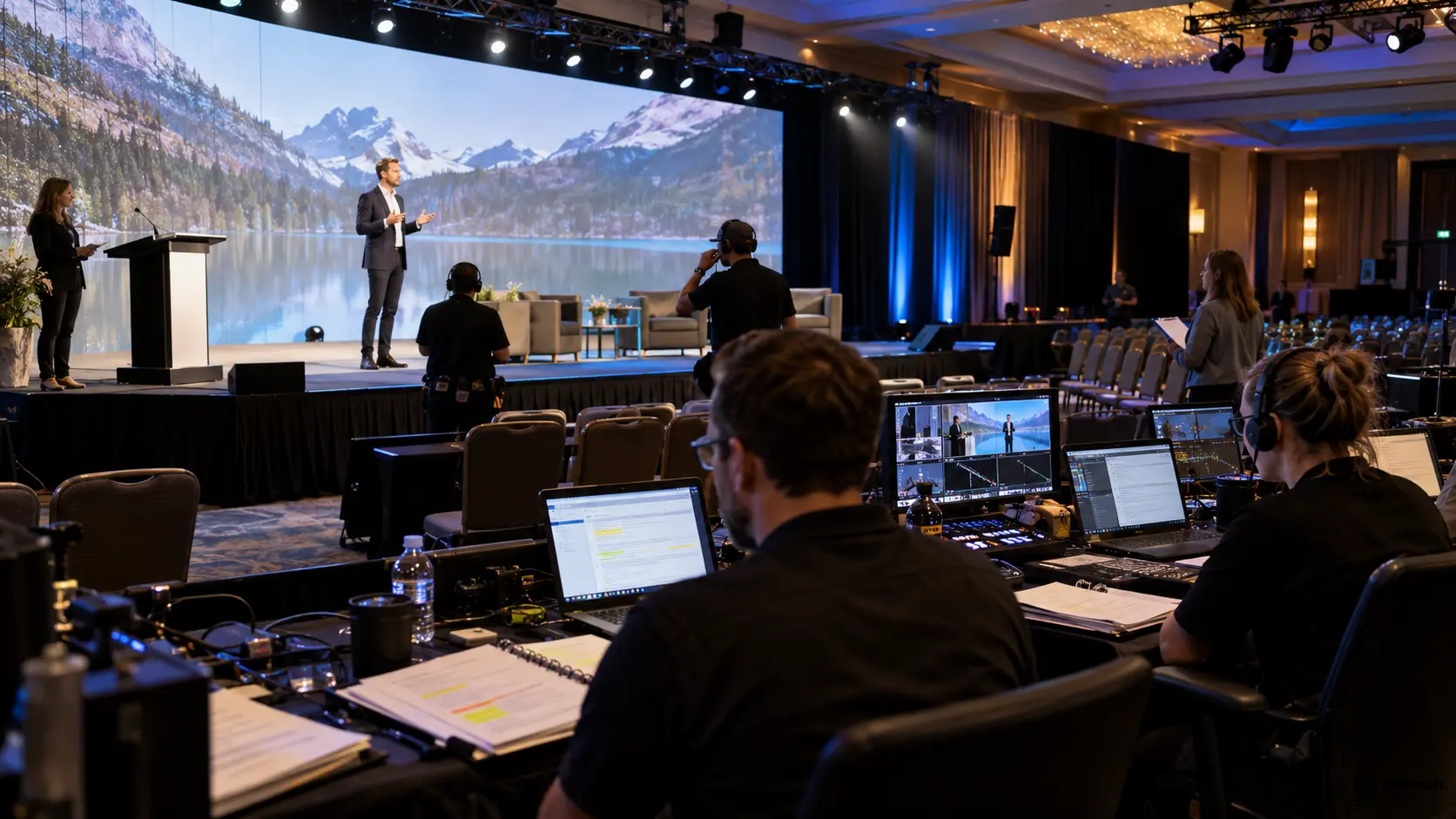
A speaker rehearsal that ignores the technical workflow is incomplete. Rehearsal should test microphones, presentation playback, videos, remote participants, stage movement, confidence monitors, lighting, camera exposure, streaming outputs, transitions, walk-ons, and the communication process between the technical director and operators.
Focus especially on the moments where systems interact: a speaker walks on while music fades, the presentation appears, lighting changes to the keynote look, the camera reframes, the stream switches to the correct source, and the speaker sees the proper confidence return. These transitions are where small planning gaps become visible to the audience.
Common Corporate Event AV Mistakes to Avoid
Choosing equipment before the room plan is final: Screen quantity, speaker coverage, stage size, camera positions, and lighting angles should follow the audience layout and programme.
Using screens that are too small or too low: A slide that looks readable from the first rows may be unusable from the middle or back of a ballroom.
Treating audio as a last-minute rental: Microphone count, panel format, Q&A, acoustics, remote speakers, recording, and streaming feeds require deliberate design.
Ignoring camera requirements until show day: Lighting, LED brightness, podium placement, speaker movement, and scenic backgrounds should be tested for camera exposure.
Relying on venue internet without production testing: A speed test alone does not validate the complete live-stream workflow or network stability during the actual event.
Skipping presentation management: Uncontrolled laptops and late media files create avoidable switching and playback risk.
Skipping rehearsal and cueing: Untested walk-ons, videos, microphones, remote speakers, and transitions create problems that are difficult to solve once the audience is in the room.
Vancouver AV Planning: What Event Teams Should Confirm Early
Corporate events in Vancouver take place across hotels, ballrooms, conference facilities, offices, theatres, galleries, restaurants, and custom event spaces. The technical approach should be adapted to the actual venue rather than copied from a previous show.
Before the proposal is finalized, confirm the room, event date, guest count, seating plan, presentation format, loading access, setup time, power, internet, rigging, stage footprint, screen plan, camera requirements, venue contractor rules, rehearsal window, and teardown deadline. These details affect labour, equipment quantity, system design, and risk more than a generic equipment list.
For a local example of integrated production, see the Neekoo 2026 corporate event production project in Vancouver and browse the broader corporate event portfolio to review how sound, lighting, screens, staging, and technical execution work together in real event environments.
How to Choose an AV Production Partner for a Corporate Event
The best AV partner is not necessarily the company with the longest equipment list. Look for a team that asks detailed questions about the programme, venue, audience, content, speakers, cameras, timing, and business objective before recommending equipment.
- Can the team coordinate sound, lighting, video, screens, staging, streaming, and show control through one production plan?
- Do they review venue access, power, rigging, internet, and loading logistics before show day?
- Can they explain why a specific microphone, screen size, stage layout, or lighting plan is appropriate for your event?
- Do they provide technical documentation, a run-of-show process, and rehearsal support?
- Can they support presenters, panels, remote speakers, breakout rooms, cameras, recording, and live streaming?
- Do they assign experienced operators who can respond to changes during the programme?
Final Corporate Event AV Checklist
Before approving the production scope, verify that the event team can answer yes to the following:
- We know exactly what the audience needs to hear and see in every event space.
- The venue layout, access, rigging, power, network, and setup rules have been reviewed.
- Every presenter, moderator, panelist, performer, and Q&A format has an audio plan.
- Screens are large enough and high enough for the expected audience sightlines.
- Lighting works for the room, speakers, branding, photography, and cameras.
- Stage layout supports speaker movement, screens, cameras, furniture, and technical access.
- Streaming and recording requirements are documented, tested, and backed up where necessary.
- Breakout rooms have consistent standards and clear technician responsibilities.
- Presentation content is collected, tested, and backed up before show day.
- Power, cabling, network, adapters, and critical spare equipment are documented.
- The technical run of show includes all major cues and transitions.
- A rehearsal or complete technical check is scheduled before the audience arrives.
If you are planning a conference, executive meeting, gala, product launch, panel, town hall, or branded corporate event in Greater Vancouver, request a custom production quote or book a production consultation with Danesh Production. A complete brief allows the technical team to design the AV system around the venue, audience, programme, and communication goals from the beginning.
Frequently Asked Questions
What AV equipment is usually needed for a corporate event?
The exact equipment depends on the room and programme, but a typical corporate event may require microphones, speakers, digital audio mixing, presentation computers, LED walls or projection, confidence monitors, lighting, stage platforms, video switching, cameras, recording or streaming equipment, communications, power distribution, cabling, and on-site technicians.
How early should AV planning start for a Vancouver conference?
AV planning should begin as soon as the venue, event format, audience size, and programme direction are known. Larger conferences, multi-room events, custom stages, LED walls, hybrid productions, or events with complex venue requirements benefit from earlier technical planning because venue access, staffing, equipment availability, content workflow, and rehearsal time all affect the final scope.
Should a corporate conference use an LED wall or a projector?
It depends on room size, ambient light, viewing distance, content detail, stage design, camera requirements, available projection distance, structural limitations, and budget. LED walls provide high brightness and flexible sizing, while projection can be efficient when the room conditions and throw distance support it. The decision should follow the venue and audience plan.
Can one production team handle sound, lighting, screens, staging, and live streaming?
Yes. An integrated production approach can reduce coordination gaps because audio, lighting, video, staging, cameras, streaming, power, cabling, and show control are planned around the same event brief and run of show. Danesh Production provides these systems as coordinated corporate event production services in Vancouver