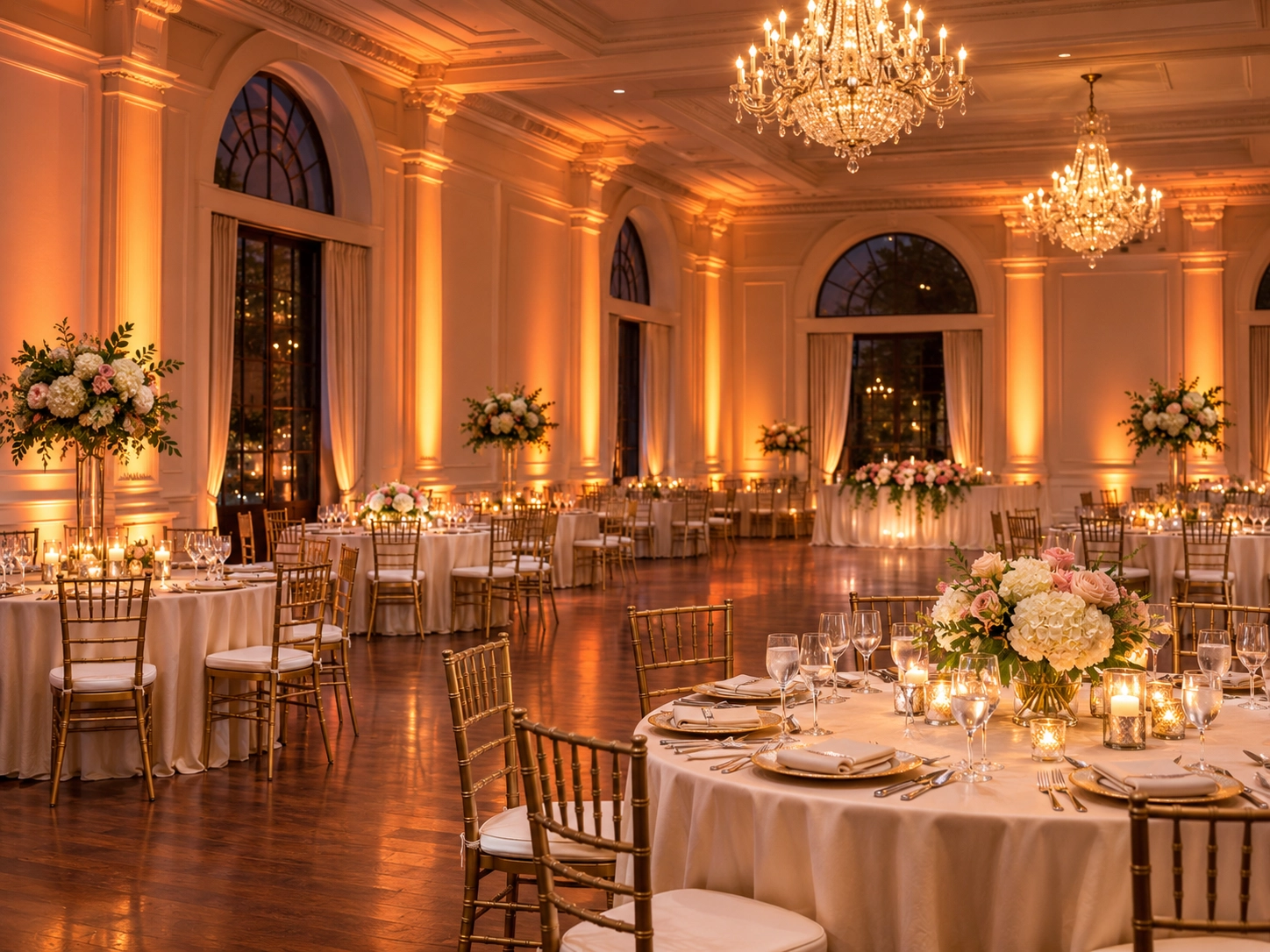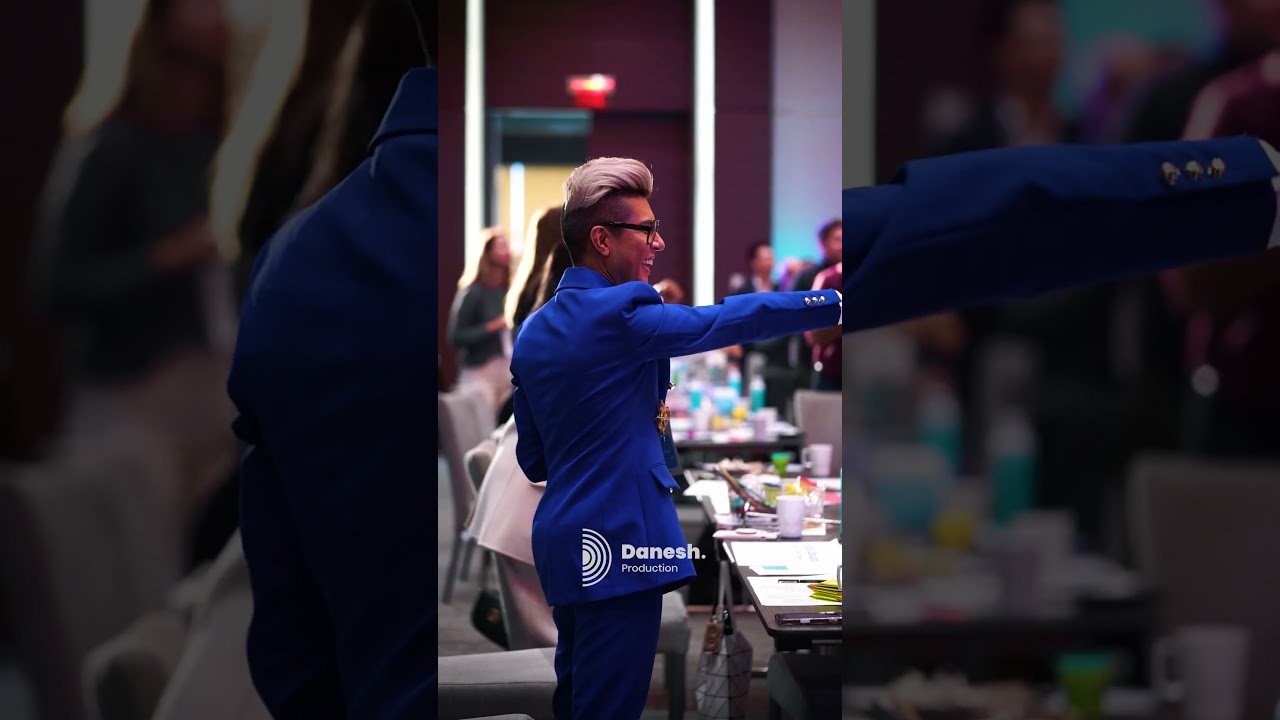
Integrated event production means planning lighting, LED walls, stage design, professional audio and cameras as one technical environment—not as separate equipment orders. A stage can look excellent in a rendering but fail during a live show if its speakers block camera angles, lighting spills onto displays, an LED wall overpowers presenters or show cues reach different departments at different times.
For conferences, corporate galas, product launches and hybrid events, each system affects the others. The goal is a coordinated experience in which guests can see and hear clearly, presenters feel confident and every live transition happens when expected. Danesh Production’s corporate event production and AV services bring these disciplines into one production brief. If you’re still collecting venue information, the event lighting planning checklist is a useful starting point.
What does integrated event production actually involve?
Integration is about the decisions and handovers between departments. The stage determines where people stand, the lighting determines what the audience and cameras can see, the LED wall determines how the background behaves, the audio system carries the message and show control connects everything to the running order.
| Production system | Primary purpose | What must be coordinated |
|---|---|---|
| Stage design and rigging | Physical environment for presenters, performers and displays | Rigging positions, sightlines, weight limits, access and cable routes |
| Event lighting | Visibility, atmosphere, focus and show transitions | Stage geometry, LED brightness, camera exposure and cue timing |
| LED wall and video | Presentation content, branded visuals and live images | Screen position, content format, brightness and camera coverage |
| Professional audio | Speech intelligibility, music and programme sound | Speaker placement, microphones, stage movement and audio cues |
| Cameras and streaming | Coverage for recording, IMAG and remote viewers | Lighting levels, stage blocking, exposure, screen content and clean audio feeds |
| Show control | Coordinated live execution | Run of show, operator communications, rehearsals and fallback decisions |
How event lighting and stage design work together
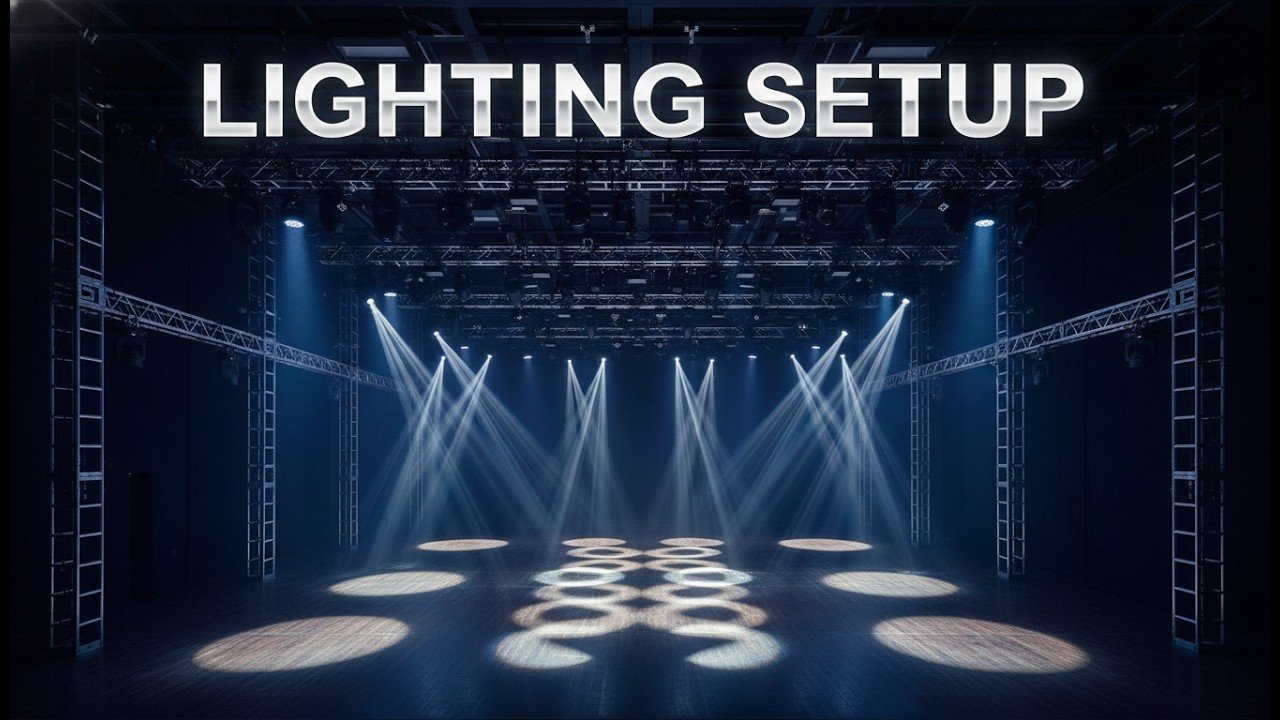
Lighting and stage design need to be developed together because every fixture needs a safe location and every speaking position needs suitable illumination. Stage width, depth and height affect lighting coverage. Ceiling height, venue rigging permissions, truss layout and scenic structures determine which angles are physically possible.
For example, a keynote speaker may move from a lectern to centre stage. If the stage is designed around the screen but the lighting plan only covers the lectern, the presenter walks into a darker area. Similarly, a scenic header may conceal a lighting fixture or a camera view if its position is confirmed after the technical design.
Decisions to make before approving the stage layout
- Identify the lectern, keynote, panel, awards and product-demonstration positions.
- Confirm stage dimensions and any required presenter movement zones.
- Check approved rigging points, load limits and fixture clearances with the venue or qualified rigging team.
- Leave suitable positions for front light, fill light, back light and any decorative fixtures.
- Keep speakers, camera platforms, truss legs and scenic pieces out of critical sightlines.
- Coordinate steps, entrances and backstage circulation with the lighting and audio teams.
When those constraints are defined early, stage design and event staging can support the lighting design instead of forcing awkward compromises at load-in. The lighting team can then build coverage around the actual programme using professional event lighting.
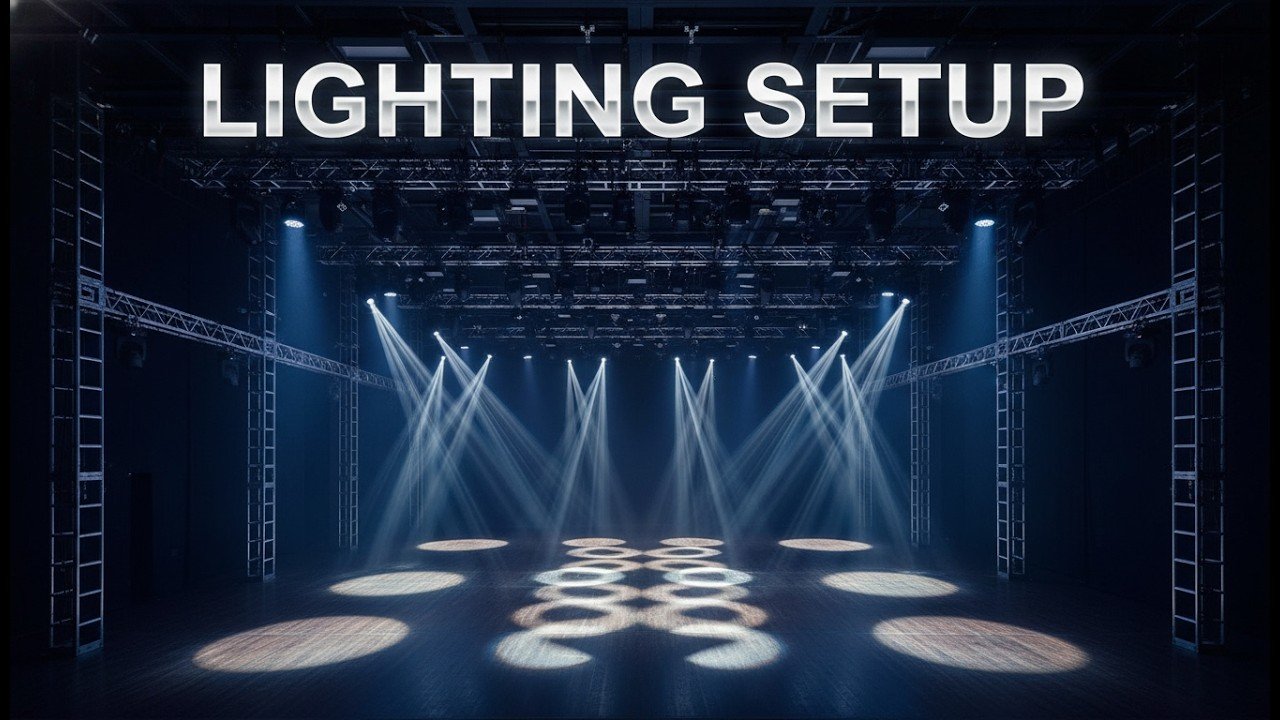
Danesh Production stage-lighting project at Capilano University. Fixture positions and presentation space need to be planned together.
How lighting and LED walls affect each other
An LED wall emits its own light. Event lighting illuminates the people and physical set around it. When the two systems are not balanced, the audience may see a bright display but struggle to see the speaker, while cameras expose the screen correctly and leave faces too dark.
Balance speaker exposure and LED wall brightness
Start with the real stage positions and representative screen content. Bright white slides, dark branded graphics and full-motion video can have very different perceived brightness. The video operator should test these states while the lighting team adjusts the presenter lighting and spill. The objective is readable content and natural-looking faces, not maximum brightness from either system.
Prevent spill, glare and unwanted reflections
Front light can wash out projection surfaces, and poorly aimed fixtures can create reflections on glossy LED panels, lecterns or stage floors. Fixture angles, shielding and screen placement should be reviewed from audience seats and camera positions.
Coordinate screen dimensions with physical staging
Screen width and height affect sightlines, presenter separation and where lighting can be hung or placed. Video content must match the display’s actual configuration and be tested through the processor and playback system. The event’s LED wall and video screen solutions should therefore be specified alongside the stage and lighting plan, not after it.
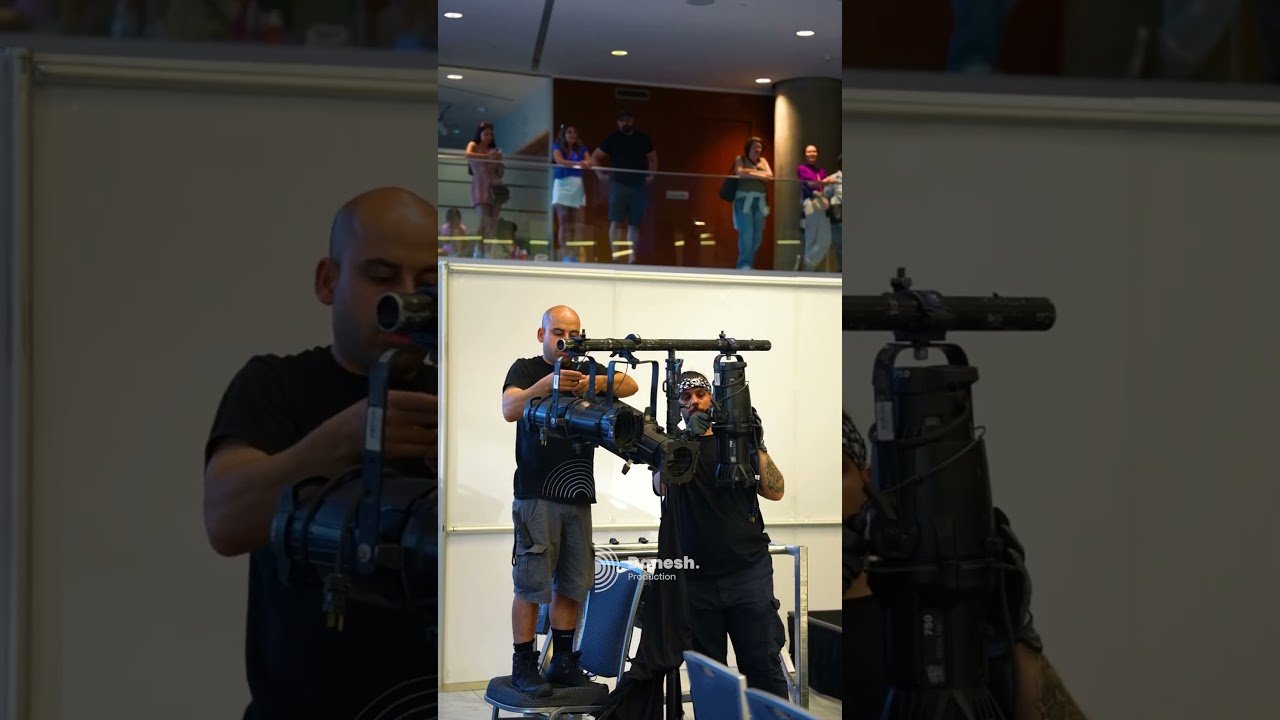
Lighting and LED visuals form one stage environment in this Danesh Production Glam Z Gala highlight.
How lighting and professional audio support the same show
Lighting and audio may operate from separate consoles, but they serve the same people and the same programme. A lighting cue can direct attention to a speaker at exactly the moment the correct microphone opens. Music playback may accompany a walk-on while the stage changes from a neutral presentation look to a more energetic branded scene.
Plan speaker coverage and fixture locations together
PA hangs, front fills, stage monitors and lighting truss all compete for space. A large speaker array can obstruct a camera angle or block a fixture if those positions are chosen independently. The sound and lighting teams should therefore review the room drawing, rigging positions and guest seating plan together.
Coordinate microphones, playback and lighting cues
A show caller needs to know when a presenter starts, when a walk-on music track ends and when a lighting transition should happen. The audio team prepares microphones and playback; the lighting operator prepares corresponding looks. Each department retains control of its own system while following one agreed cue sequence.
Share power and cable plans without mixing requirements
Lighting, audio and video can have different electrical demands and signal-routing needs. A coordinated production plan assigns circuits and distribution appropriately, protects crossings and separates routes where necessary to reduce interference or operational risk. Qualified technicians should confirm power loads and venue requirements.
For speech clarity, music coverage and live mixing, the professional sound and audio team needs the same stage layout and programme schedule used by the lighting team.
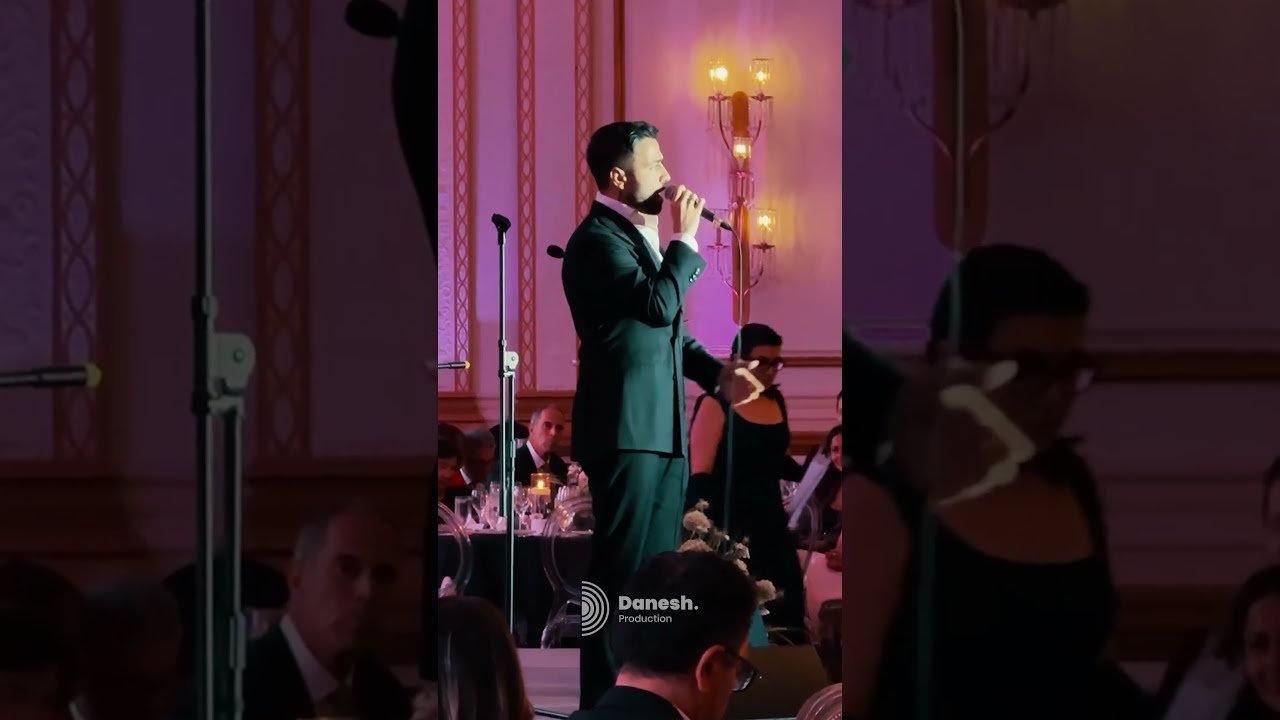
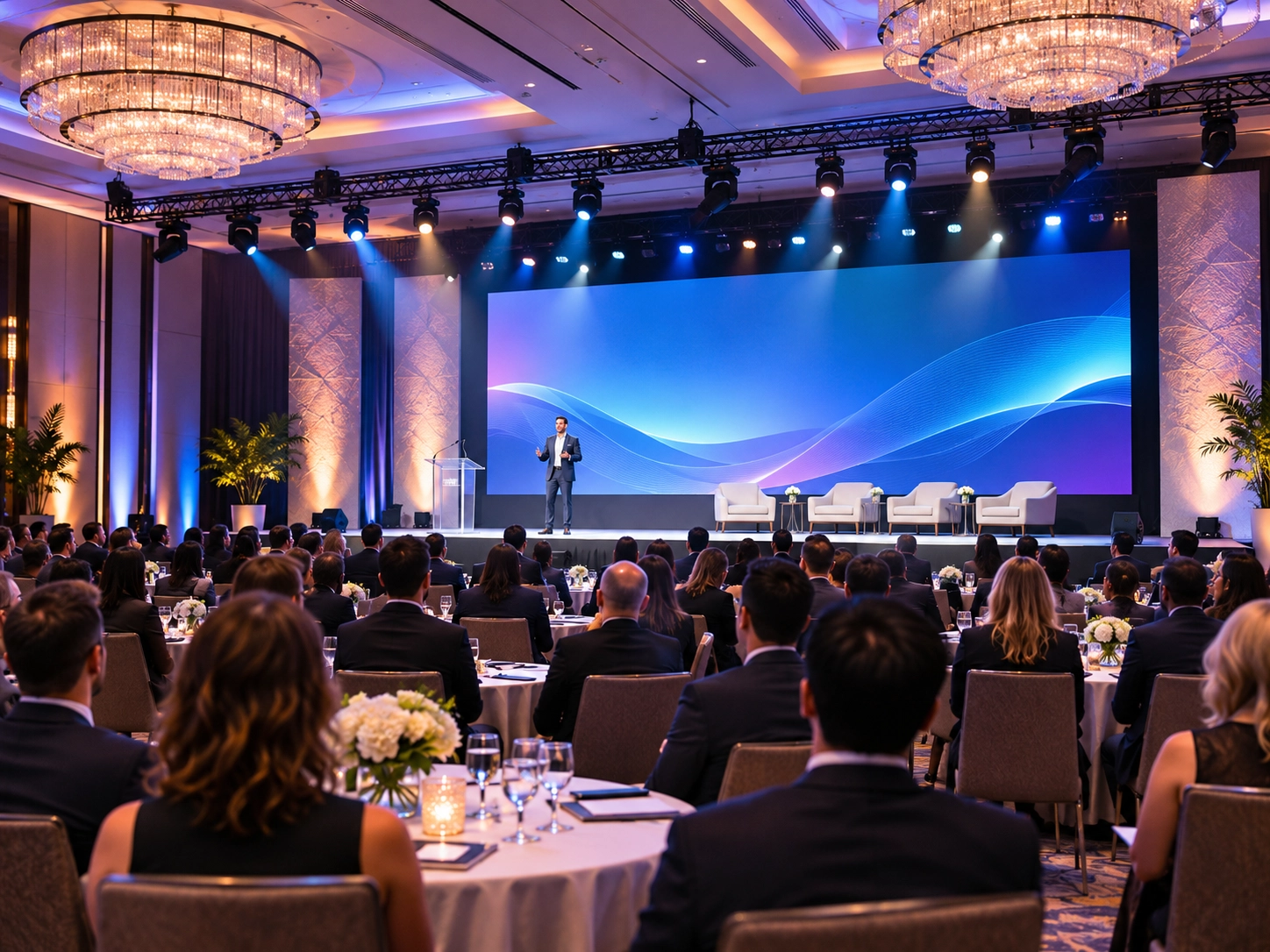
Danesh Production corporate event work at Fairmont Hotel Vancouver brings stage, sound and lighting requirements into one event brief.
Why lighting and cameras must be planned together
A stage that looks balanced to an audience can look inconsistent through a camera. Exposure differences, mixed colour temperatures, shadows and fixture flicker can become obvious when the video director cuts between close-ups and wide shots.
Camera-ready lighting requires more than turning the fixtures up. Test every planned speaking position, confirm exposure on faces and compare camera views with the LED wall displaying realistic content. Frame rate, shutter settings and LED fixture dimming behaviour should be checked together for flicker or banding.
Include every camera position in the lighting review
- Wide shot: confirms stage-wide coverage and the relationship between presenters and LED visuals.
- Close-up: checks skin tone, eye shadows, facial highlights and reflections.
- Side angle: reveals uneven coverage that may be hidden from the central camera.
- Roaming camera: tests expected movement paths and changing background brightness.
- Live stream: checks the video mix and the direct audio feed for remote viewers.
For deeper camera-specific guidance, see event lighting for live streaming and video. The camera plan should be agreed before final fixture focus, not added after the technical rehearsal.
Show control: connecting separate departments to one run of show
Show control is the process that keeps lighting, audio, video, cameras and stage activity aligned with the live programme. It does not always require one automated control system. Many events work best with a show caller, clear communications and operators executing a shared cue sheet. More complex productions may also use timecode, triggers or networked control where the equipment and workflow support them.
What a cue sheet should identify
Each major segment needs a trigger, an owner and an expected technical state. A practical cue sheet records the action, which department executes it and what the team should see or hear when the cue is complete.
| Programme moment | Lighting | Audio | Video / cameras |
|---|---|---|---|
| Guest arrival | Room and brand looks | Background music | Welcome visuals on displays |
| Presenter walk-on | Stage speaker look | Walk-on music fades; microphone ready | Walk-on graphic and appropriate camera shot |
| Keynote presentation | Consistent face lighting | Speech mix and backup microphone | Slides, confidence monitor and camera coverage |
| Video playback | Reduced or adjusted stage lighting | Playback audio level | Correct video source and screen output |
| Awards reveal | Reveal and celebration cues | Sting or music cue | Winner graphic and camera framing |
Illustrative example only; actual cues and responsibilities depend on the event’s running order.
Define a communication and fallback path
Operators should know who calls each cue, how changes are communicated and what to do if a presenter runs early, a video file fails or the programme order changes. Backup looks, alternate playback and a known microphone handoff can prevent a minor issue from disrupting the whole show.
Technical rehearsal is where the integration gets proven
A technical rehearsal is more than a microphone soundcheck or a lighting focus. It is a test of the relationships between systems using the real stage plan, playback content, camera positions and running order.
- Confirm the physical setup: final stage positions, rigging, speaker coverage, LED placement and cable safety.
- Check each system independently: lighting states, microphone channels, playback files, LED mapping and camera signal paths.
- Test interfaces: LED brightness against faces, audio and video playback together, and camera white balance with show lighting active.
- Walk the show: presenters move through their actual positions while operators execute cues in sequence.
- Test transitions and exceptions: late speakers, changed slide order, failed content and alternate microphone paths.
- Approve the final show state: stage manager, show caller and department leads confirm the changes before doors open.
When time is limited, protect rehearsal for the highest-risk handoffs: opening cues, speaker changes, first video playback, panel setup and major reveals. Do not use rehearsal time only to test one department while other systems remain in standby.
See integrated event production in real Danesh projects
Edge Organization at Paradox Vancouver
This Danesh Production highlight features sound, lighting, an LED wall, and stage and truss setup—an example of why room design, visual systems and audio cannot be treated as isolated decisions.
Glam Z Gala: stage, sound, lighting, LED and live streaming
Glam Z Gala combines stage and truss, sound, lighting, LED visuals and streaming in one show format. Its workflow illustrates the importance of camera planning and cue coordination alongside the in-room presentation.
What to share with an integrated production team before a quote
Clear information makes design coordination more accurate and reduces last-minute changes. A concise brief should include:
- Venue floor plan, clear ceiling height, approved rigging points and available power.
- Audience layout, stage dimensions and the location of every presenter or performance area.
- LED wall dimensions, presentation formats and representative video or slide content.
- Microphone, music playback and live sound requirements.
- Camera positions, recording, IMAG or live streaming needs.
- Brand colours, visual references and desired lighting states.
- Load-in access, rehearsal time, doors-open time and the complete run of show.
- Venue restrictions, technical crew obligations and any critical backup needs.
The value of integrated audiovisual event production is not that every event needs more equipment. It is that each technical choice is made with the rest of the production in view.
Common mistakes when production systems are planned separately
- Designing the LED wall before placing speakers: leaves poor sightlines or insufficient lighting angles.
- Finalizing truss without checking audio: creates conflicts between PA arrays, fixtures and scenic elements.
- Lighting the stage without camera tests: leads to inconsistent skin tones or an over-bright LED background.
- Programming lighting without the run of show: leaves operators guessing during transitions.
- Testing equipment but skipping show rehearsal: misses handoff problems between teams.
- Ignoring load-in dependencies: delays focusing or camera setup because stage and screen positions are still changing.
Frequently asked questions about integrated event production
What is the difference between AV equipment rental and integrated event production?
Equipment rental supplies specified gear. Integrated production also coordinates the design, technical dependencies, setup, crew operation and show execution. The scope can vary, so confirm what design and show-day responsibilities are included in a proposal.
Should lighting be designed before or after stage design?
They should develop together. A preliminary stage plan establishes speaking zones and rigging options; lighting requirements then help refine the final stage, screen and truss positions.
Who coordinates lighting, audio, LED walls and cameras during a live show?
That responsibility is normally assigned through the technical production structure. A technical director or show caller coordinates the programme and communicates cues, while department operators control their own systems.
Why is a full technical rehearsal necessary?
Because a working audio console, lighting rig or LED wall does not prove that the show is synchronized. Rehearsal reveals problems at the handoffs: speaker movement, display changes, camera cuts, microphone cues and transitions.
Plan a coordinated event production with Danesh Production
Tell Danesh Production about your venue, audience size, stage layout, presentation content and running order. An integrated production discussion can connect lighting, staging, LED visuals, audio and camera requirements before the final design and quote are agreed.
Explore the event production quote request and share your technical brief so the team can review the complete event rather than individual equipment items in isolation.