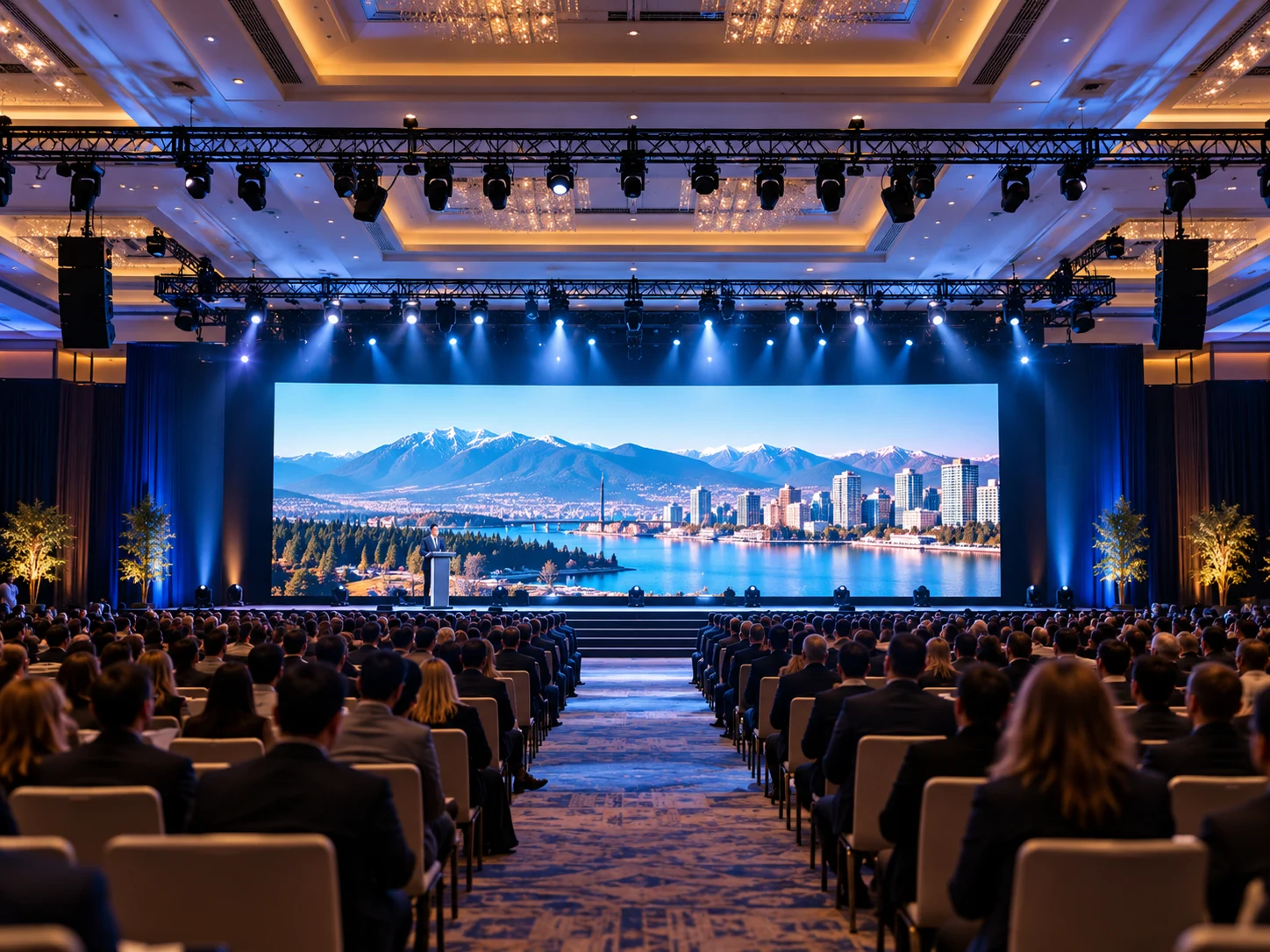
Choosing the right corporate event sound system can make the difference between a successful presentation and an event where attendees struggle to hear. Whether you’re planning a business conference, executive meeting, or corporate gala, clear and consistent audio keeps your audience engaged.
But how do you choose a sound system for an event without overspending on unnecessary equipment?
The answer depends on your venue, audience size, event format, and technical requirements. A reliable sound system for corporate events should deliver excellent speech clarity, balanced music, and dependable performance—not simply maximum volume.
As part of professional corporate event production in Vancouver, choosing the right audio equipment begins with understanding what your event actually needs.
Quick Guide: Which Sound System Is Right for Your Corporate Event?
The ideal event sound system depends on how your audience will experience the event.
| Corporate event | Main audio requirement | Recommended approach |
|---|---|---|
| Executive meeting | Clear speech | Compact portable PA system |
| Corporate conference | Multiple speakers and consistent coverage | Full-range PA system with microphone mixing |
| Panel discussion | Individual microphones and audience Q&A | Multi-channel audio mixer |
| Awards gala | Speeches, music, and video playback | Full-range speakers with optional subwoofers |
| Hybrid town hall | In-person and remote communication | Separate room and streaming audio feeds |
These are starting points, not fixed equipment packages. Your final corporate event audio equipment should be selected according to the venue’s layout and the event’s actual requirements.
What Does Your Corporate Event Need From a Sound System?
Before choosing speakers or microphones, identify what your event needs to communicate.
A keynote presentation prioritizes speech intelligibility, while an awards ceremony may combine announcements, background music, and video sound. A corporate celebration may require more powerful music reproduction without sacrificing voice clarity.
For a successful event audio setup, consider three questions:
- Will the event primarily feature speeches, music, or both?
- How many presenters and audio sources will be active?
- Will attendees need to ask questions or interact with remote participants?
For example, a corporate keynote may require one wireless microphone and a laptop audio connection, while a corporate town hall could need additional audience microphones and a more flexible mixing system.
These decisions should complement the overall conference design in Vancouver, particularly when presentations, audience interaction, and audiovisual cues must work together.
How Do Venue Size and Audience Layout Affect Your Sound System Choice?
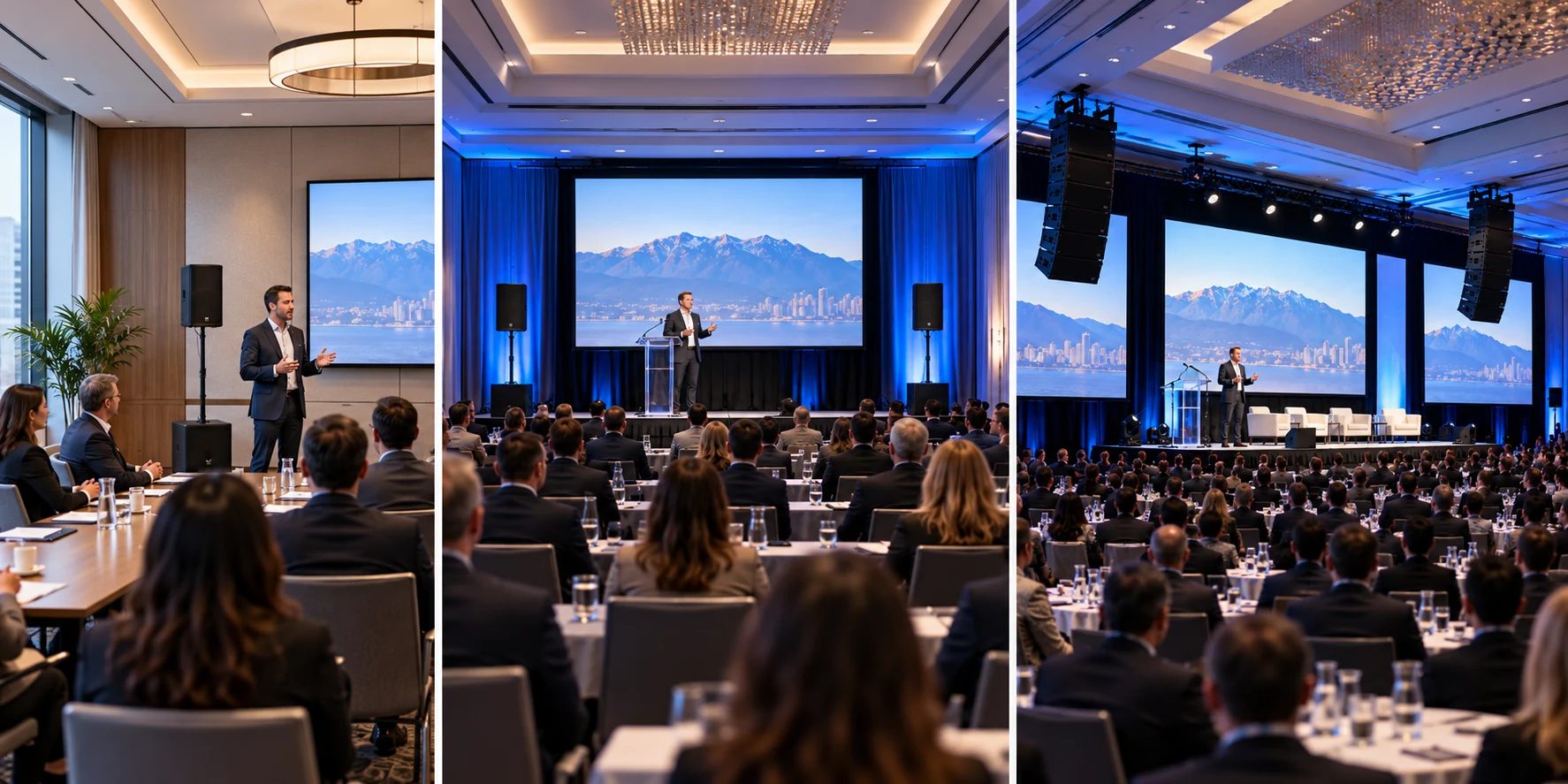
Venue size, audience size, and seating arrangements directly influence audio coverage.
A large ballroom may need several speaker zones, while a smaller conference room might achieve excellent results with two appropriately positioned speakers.
However, sound coverage is not simply about loudness. The goal is consistent audio clarity across the entire coverage area.
Why Do Venue Acoustics Matter?
Venue acoustics influence how sound travels and reflects.
Glass walls, high ceilings, and hard surfaces can create reverberation, reducing speech clarity. Outdoor venues present different challenges, including ambient noise and sound dispersion.
A professional assessment considers:
- Room dimensions and seating layout.
- Reflective surfaces and background noise.
- Distance between speakers and listeners.
- The need for additional audio zones.
Example: A Corporate Conference With 150 Attendees
Imagine a conference in Vancouver featuring 150 attendees, three keynote speakers, a panel discussion, and several video presentations.
Rather than selecting speakers based only on audience numbers, the technical team would evaluate the room’s width, depth, acoustics, and seating arrangement.
A suitable setup might include full-range main speakers, individual presenter microphones, an audience microphone for Q&A, and a mixer with enough inputs for presentation audio.
If the room is unusually long, additional speakers may improve coverage.
This hypothetical example illustrates why professional sound system for events planning should consider the complete event environment—not just capacity.
Which PA System and Speakers Should You Choose?
A PA system for corporate events typically includes speakers, microphones, mixing equipment, and suitable amplification.
Different configurations offer different advantages.
Point Source vs. Line Array Speakers
| Feature | Point Source Speakers | Line Array Systems |
|---|---|---|
| Typical application | Small and medium venues | Large or complex venues |
| Coverage | Defined listening areas | Controlled coverage over longer distances |
| Installation | Generally simpler | May require specialized rigging |
| Budget | Often more economical | Typically higher setup costs |
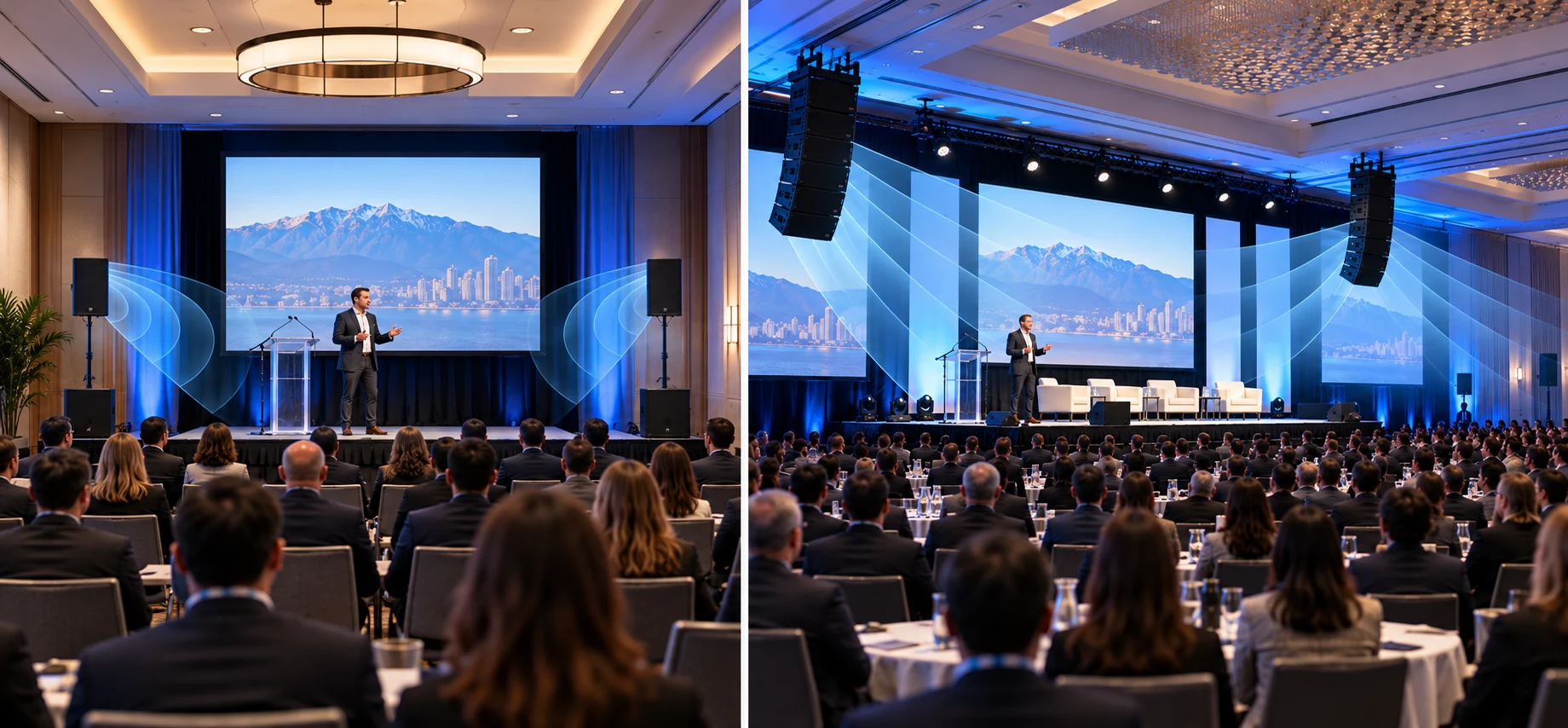
Point source speakers are practical for many conference rooms and corporate presentations.
Line array systems may be appropriate for larger venues that require controlled sound distribution across greater distances.
Speaker technology also includes active speakers, which contain built-in amplification, and passive speakers, which require external amplifiers. Both can provide excellent sound quality when correctly specified.
Do You Need Subwoofers?
Subwoofers reproduce low-frequency sound and can improve musical performances, corporate celebrations, and impactful video presentations.
For speech-focused meetings, they are often unnecessary.
The right approach is to match the equipment to the event rather than choose the largest available system.
Professional sound and audio solutions can help determine which speaker configuration is appropriate for your venue and audience.
How Do You Choose Microphones and Audio Mixers?
Microphone selection directly affects voice quality, presenter comfort, and audience engagement.
| Microphone type | Best application | Key benefit |
|---|---|---|
| Wired microphones | Lecterns and fixed speaking positions | Reliable connection |
| Wireless handheld microphones | Presentations and audience Q&A | Flexible movement |
| Lavalier microphones | Interviews and executive presentations | Discreet, hands-free operation |
| Headset microphones | Active presenters and trainers | Consistent microphone positioning |
| Gooseneck microphones | Conference tables and panels | Convenient fixed placement |
For a corporate conference or panel discussion, individual microphones provide more predictable control than sharing one microphone between multiple speakers.
Wireless microphones also require appropriate frequency coordination to reduce interference.
What Should Your Audio Mixer Handle?
An audio mixer combines signals from microphones, laptops, video playback systems, and other sources.
Choose a mixer with enough inputs for all planned audio sources, plus reasonable flexibility for last-minute changes.
For complex events, a digital mixer can provide independent channel control, equalization, and separate outputs for recording or broadcasting.
Reliable professional audio equipment should support the presentation—not complicate it.

How Can Speaker Placement Improve Sound Coverage?
Even the best equipment cannot compensate for poor speaker placement.
Speakers should be directed toward the intended audience, with their coverage matched to the seating arrangement.
Depending on the venue, technicians may use elevated speaker stands, appropriately secured mounting systems, or additional delay speakers to improve coverage.
Secure XLR cables and properly managed connections also contribute to a dependable setup.
How Can You Prevent Microphone Feedback?
Microphone feedback occurs when sound from a speaker re-enters a microphone and becomes repeatedly amplified, producing a ringing or howling noise.
Appropriate speaker direction, microphone positioning, gain settings, and equalization help prevent it.
Technicians should also check for uneven volume and excessive reflections from different listening positions.
Coordinating speaker locations with stage design in Vancouver helps maintain clear sightlines and suitable microphone-to-speaker distances.
A well-configured event sound system should make every word easy to understand without overwhelming the audience.
What Changes When Your Corporate Event Includes Live Streaming?
Hybrid event audio requires separate consideration for in-person and online audiences.
The room’s speaker mix may not be suitable for a livestream. Remote viewers need a clean, balanced audio feed without excessive room noise or echo.
A hybrid setup may include:
- Independent audio outputs for the streaming platform.
- Separate level control for room and broadcast sound.
- Audio routing for remote speakers and video playback.
- Monitoring to ensure online attendees hear clearly.
Integrating live streaming production with the event’s audio planning helps prevent communication problems between on-site and remote participants.
How Much Does a Corporate Event Sound System Cost?
The sound system cost for events depends on equipment requirements, venue complexity, event duration, and technical staffing.
For corporate event sound system rental, the most useful quotation is one based on your actual event specifications.
What Information Should You Provide for an Accurate Quote?
| Information | Why it matters |
|---|---|
| Event date and duration | Determines rental and staffing requirements |
| Venue location and access | Affects transportation, setup, and logistics |
| Audience size and seating layout | Helps calculate coverage requirements |
| Number of presenters | Determines microphone and mixer needs |
| Music and video requirements | Influences speaker configuration |
| Live streaming or recording | May require separate audio outputs |
| Setup and rehearsal schedule | Determines technician time |
When comparing audio equipment rental proposals, confirm whether installation, operation, removal, and essential backup equipment are included.
How Can You Avoid Overspending?
An effective sound system budget prioritizes the audience experience over unnecessary equipment upgrades.
Before approving a sound system rental package:
- Check whether the venue’s existing equipment meets your requirements.
- Request an explanation for additional speakers or specialist equipment.
- Match microphone quantities to the actual presentation schedule.
- Confirm which technical services are included in the quotation.
For sound system rental Vancouver projects, a customized assessment is generally more useful than choosing a package based solely on guest count.
What Are the Most Common Corporate Event Audio Mistakes?
Many audio problems begin with planning decisions rather than equipment failures.
| Common mistake | Potential problem | Better approach |
|---|---|---|
| Choosing speakers based only on power | Uneven coverage or unnecessary expense | Evaluate room layout and acoustic requirements |
| Relying on untested venue equipment | Unexpected compatibility or coverage issues | Inspect and test the existing system |
| Using too few microphones | Awkward speaker transitions | Plan inputs around the event schedule |
| Ignoring wireless interference | Audio interruptions | Coordinate frequencies and test connections |
| No backup microphone | Delays during equipment failure | Keep suitable backup equipment available |
| Using one mix for room and livestream | Poor remote listening experience | Provide independent audio control |
Addressing these issues early improves reliability without necessarily increasing the equipment budget.
What Should Be Tested Before the Event Begins?
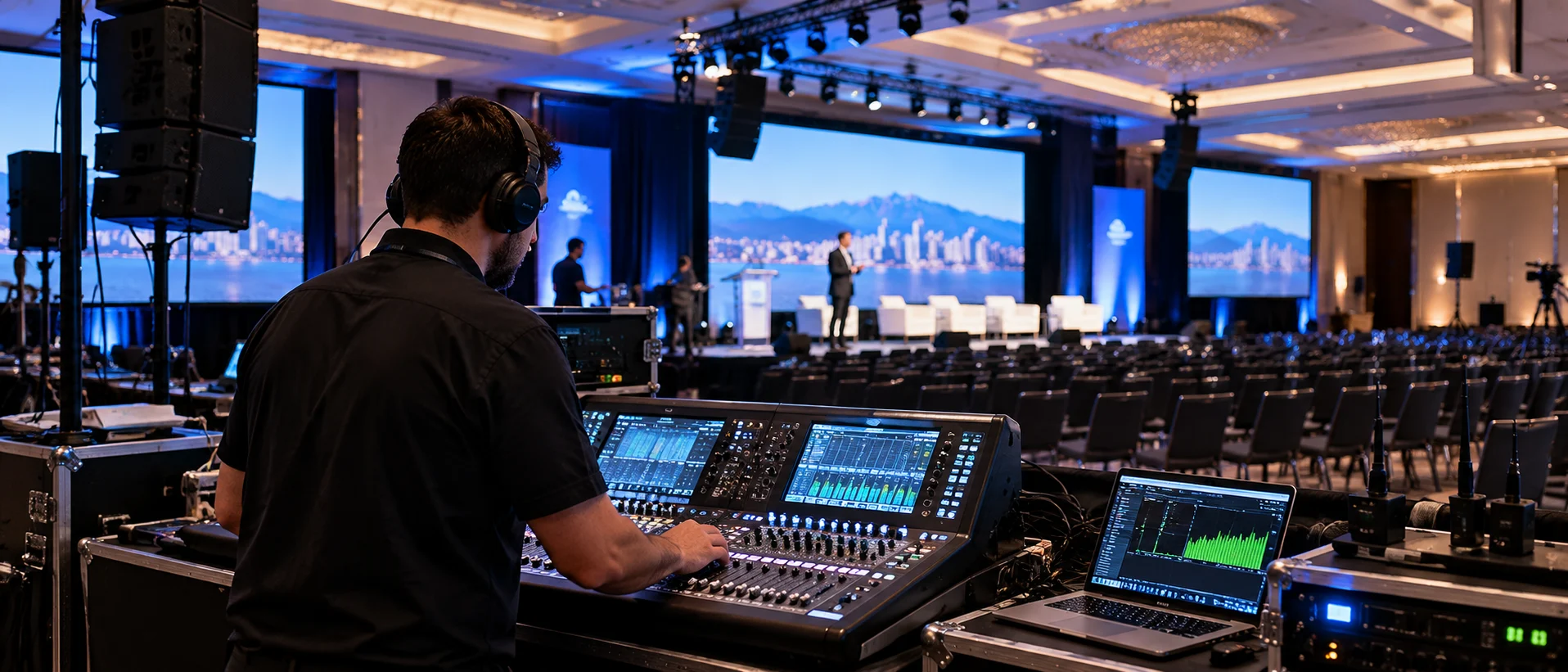
A proper soundcheck confirms that every audio component works as intended.
Before guests arrive, the sound engineer or sound technician should complete these checks:
- Test all microphones and presentation audio sources.
- Verify speech intelligibility throughout the audience area.
- Confirm wireless microphone frequencies and batteries.
- Test music, video playback, and presenter transitions.
- Check microphone feedback and overall audio levels.
- Prepare backup microphones and essential spare equipment.
- Verify recording and livestream audio feeds where applicable.
This focused soundcheck should fit into the wider corporate event AV checklist to coordinate audio with visual presentations, lighting, and event timing.
When Should You Hire a Professional Audio Team in Vancouver?
A small meeting may work with a compact PA system, but large conferences, awards ceremonies, and hybrid events often benefit from experienced technical management.
Professional corporate event audio Vancouver services help organizers choose suitable equipment, coordinate installation, and maintain reliable performance throughout the event.
The main benefits include:
- Appropriate equipment selection for the venue.
- Consistent audio coverage and clear speech.
- Professional microphone and mixing control.
- Technical rehearsals and ongoing technical support.
- Faster troubleshooting when unexpected issues occur.
Danesh Production provides professional event production and audio services for corporate events in Vancouver.
Whether you’re planning a conference, executive presentation, or company celebration, you can request a corporate AV quote based on your venue, audience, and production requirements.
Frequently Asked Questions About Corporate Event Sound Systems
What Is the Best Sound System for a Small Corporate Meeting?
A compact conference sound system with appropriately positioned speakers and one or two microphones is often sufficient. The final configuration depends on the room’s acoustics and presentation requirements.
How Many Microphones Does a Corporate Panel Discussion Need?
Ideally, each active panelist and moderator should have a dedicated microphone. Additional microphones may be needed for audience questions.
Can a Venue’s Built-In PA System Handle a Corporate Event?
Yes, provided its speaker coverage, microphone inputs, audio quality, and connection options meet the event’s requirements. A technical assessment is recommended before relying on it.
How Early Should You Book Sound Equipment?
Book once your event date, venue, and main technical requirements are confirmed. Larger productions and events with complex audiovisual needs typically require more advance planning.
Choosing the Right Sound System for Your Corporate Event
The best corporate event sound system is not necessarily the most powerful or expensive—it is the one that matches your venue, audience, and event goals.
Start with your audio requirements, evaluate the venue, select suitable equipment, and confirm professional setup and testing.
With the right planning and technical expertise, your event can deliver clear communication, balanced sound, and a seamless experience for every attendee.