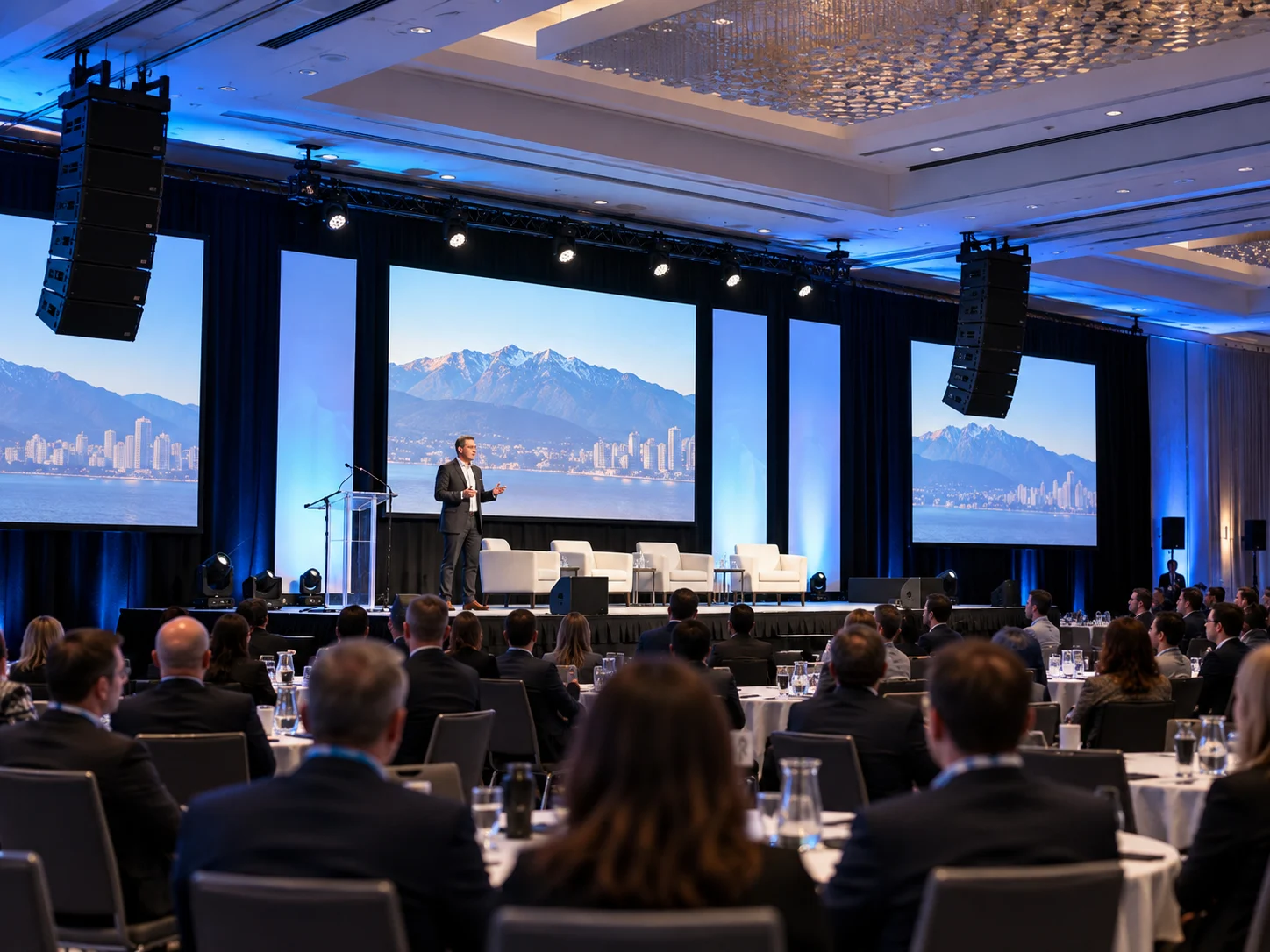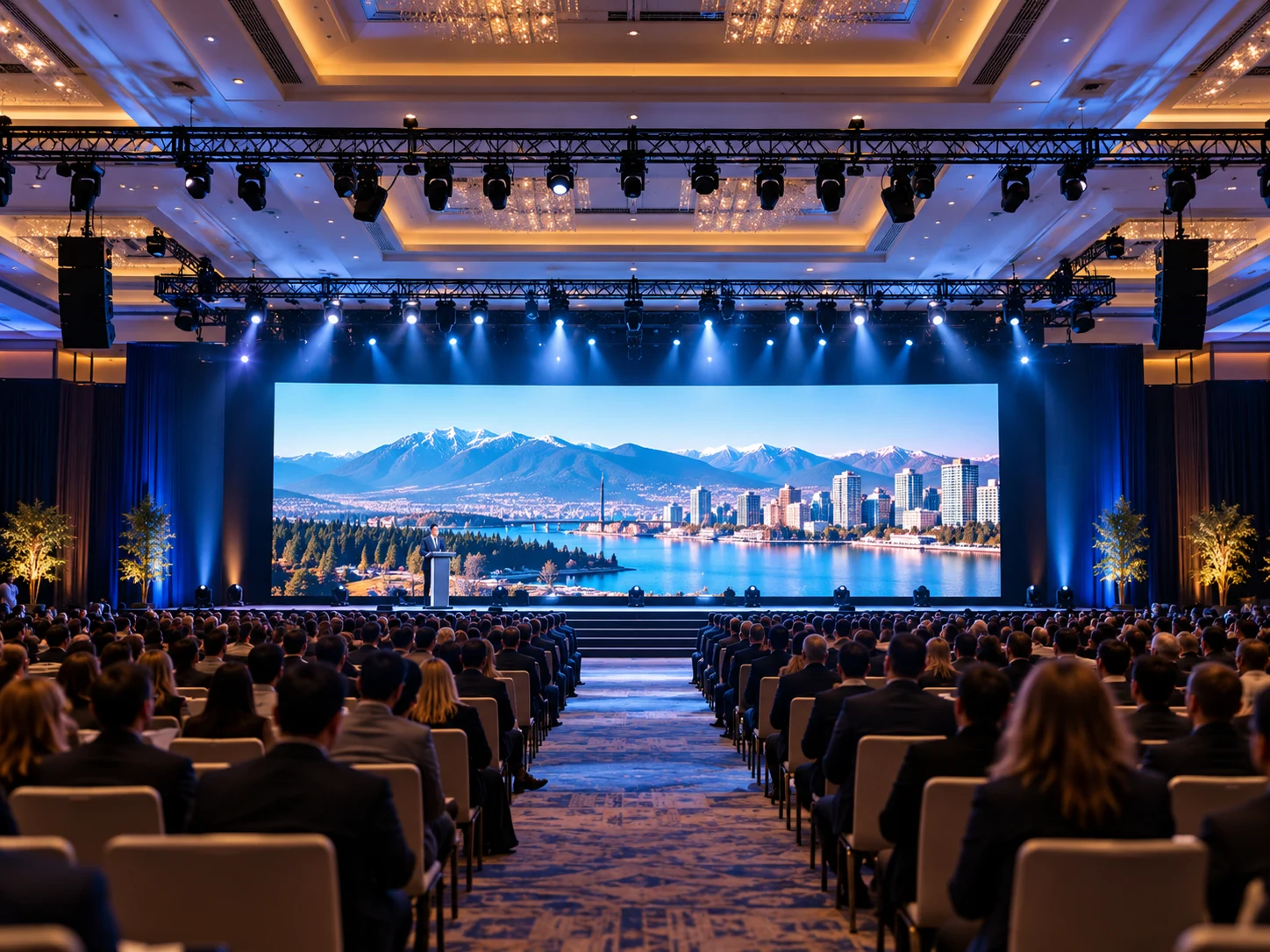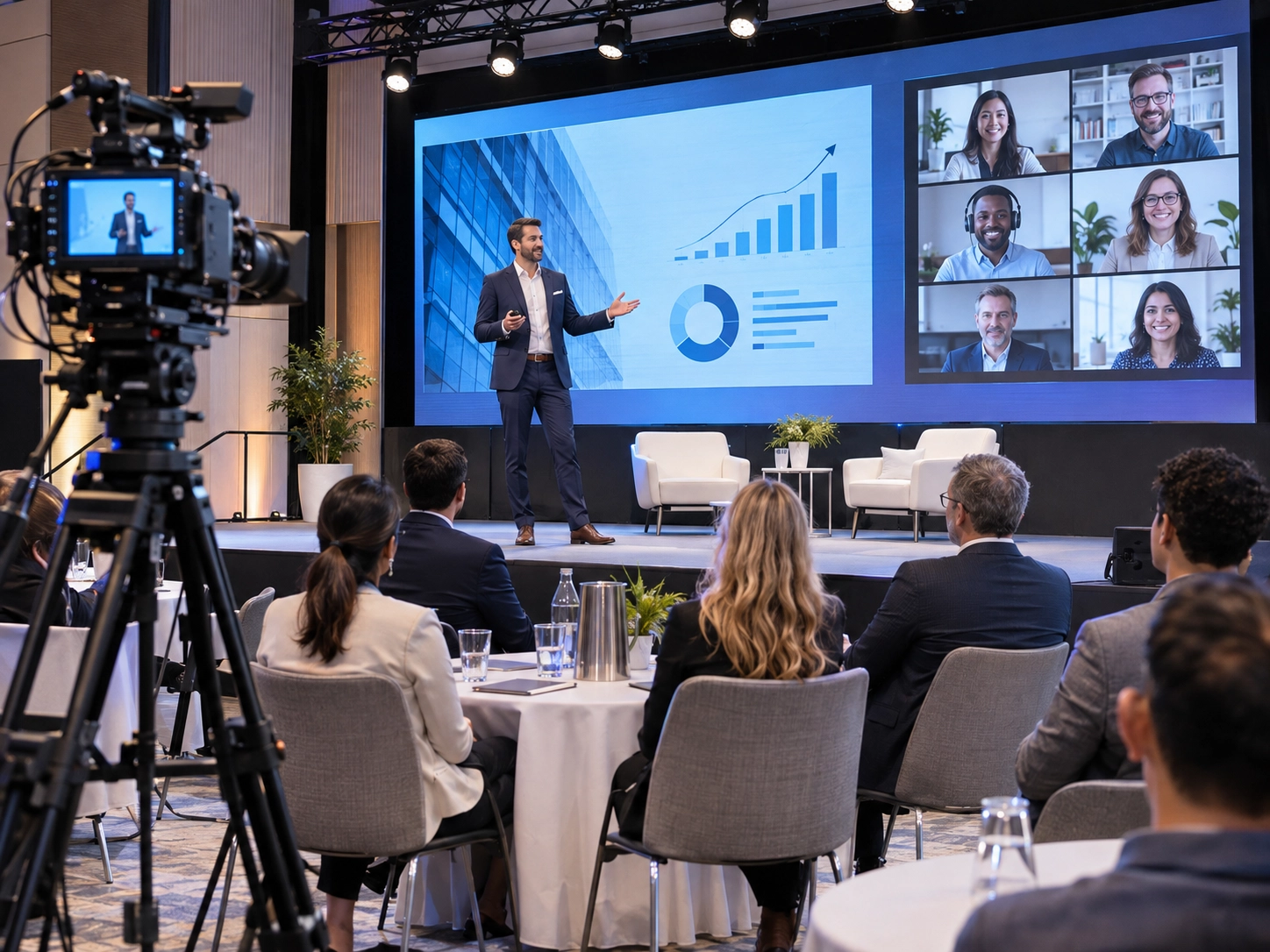
Imagine hosting a corporate conference where everyone inside the venue hears the speakers perfectly, but online attendees struggle with echo, poor lighting, or a frozen livestream. These problems highlight why successful hybrid event production requires more than cameras and an internet connection.
Professional hybrid event planning combines sound, video, lighting, streaming technology, and coordinated technical support into one seamless experience. An effective integrated event production approach ensures that both in-person and remote attendees receive a consistent, professional presentation.
Whether you’re organizing a business conference, product launch, or executive meeting, this guide covers the essential equipment, production workflow, common technical challenges, and practical steps for success. Starting with a reliable corporate event AV checklist can help prevent costly oversights.
What Is Hybrid Event Production?
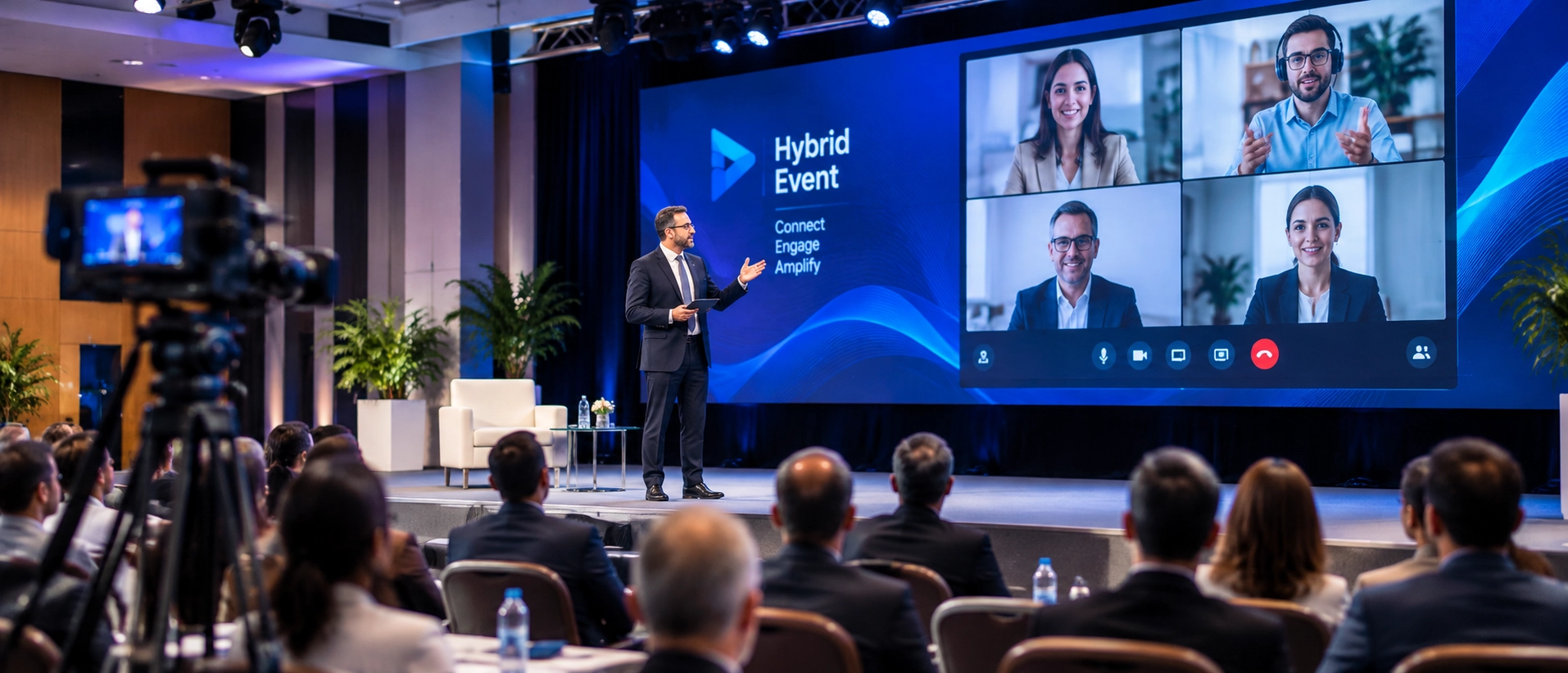
Hybrid event production combines an in-person event with a live digital experience, allowing attendees to participate from the venue or remotely.
Unlike a standard livestream, successful hybrid events must support communication, clear presentations, and audience engagement for two different groups.
| Production Element | In-Person Audience | Online Audience |
|---|---|---|
| Audio | Clear sound throughout the venue | Direct, balanced audio without echo |
| Video | Unobstructed stage and screen visibility | Close-up camera shots and readable slides |
| Interaction | Microphones and on-site participation | Moderated chat, live polls, and Q&A |
| Accessibility | Accessible seating and hearing support | Captions and accessible digital content |
Professional hybrid event AV setup combines cameras, microphones, screens, and event lighting for live streaming to deliver consistent results.
This approach is suitable for corporate conferences, product launches, industry summits, educational seminars, and events featuring remote presenters.
How to Plan a Hybrid Event Step by Step
Effective hybrid event planning begins with clear objectives, audience requirements, and realistic production expectations.
Define Event Goals and Audience Needs
Decide whether your event focuses on executive presentations, networking, training, or interactive discussions.
Estimate the number of in-person attendees and your expected remote audience. Consider accessibility, presentation formats, audience participation, and recording requirements.
These decisions determine the necessary hybrid event technology and overall production scope.
Choose the Venue and Streaming Format
Select a venue with suitable camera positions, reliable internet, adequate power, and enough space for technical equipment.
Check sightlines, background noise, and stage access. For conferences featuring multiple presenters, proper conference stage lighting helps maintain consistent visibility as speakers move across the stage.
Choose between an interactive meeting platform, private broadcast, or public livestream based on your audience’s needs.
Set the Budget and Production Timeline
Your hybrid event budget should include AV equipment, technical crew, internet connectivity, streaming services, and rehearsal time.
Confirm equipment requirements early, establish setup deadlines, and allow time for testing before guests arrive.
What Equipment Is Needed for a Hybrid Event?
The right hybrid event equipment depends on the event format, venue size, and expected production quality.
| Equipment | Purpose | Practical Selection Tip |
|---|---|---|
| Professional cameras | Capture speakers and presentations | Use multiple angles for panels or moving presenters |
| Video switcher | Combine camera feeds and slides | Match inputs to the number of video sources |
| Audio mixer and microphones | Deliver clear speech | Provide separate room and streaming mixes |
| Stage lighting | Illuminate presenters | Avoid harsh shadows and screen glare |
| LED walls and displays | Present visual content | Match screen dimensions to viewing distance |
| Streaming encoder | Deliver video to online platforms | Confirm platform compatibility |
| Confidence monitors | Display slides and cues | Useful for speakers facing an audience |
| Backup connectivity | Maintain streaming continuity | Prepare an independent internet connection |
Cameras, Video Switching and Presentation Screens
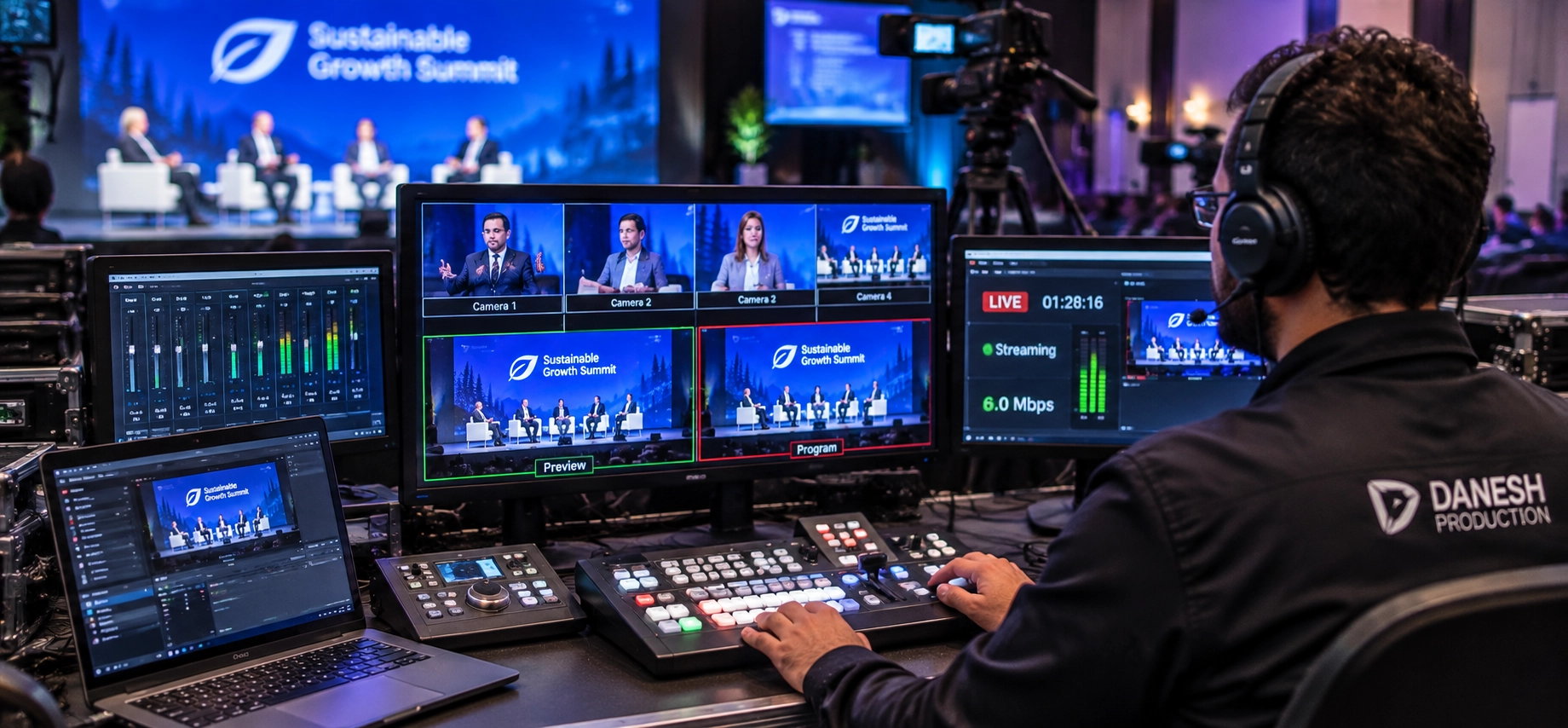
Multi-camera production allows viewers to see both wide stage shots and close-ups of speakers.
A video switcher combines camera angles, presentation slides, and video playback into a consistent broadcast. Depending on the equipment, HDMI or SDI connections may be used to transport signals.
For larger venues, an appropriately sized LED display improves presentation visibility. Understanding LED wall size for events helps organizers select screens based on audience distance, venue layout, and content requirements.
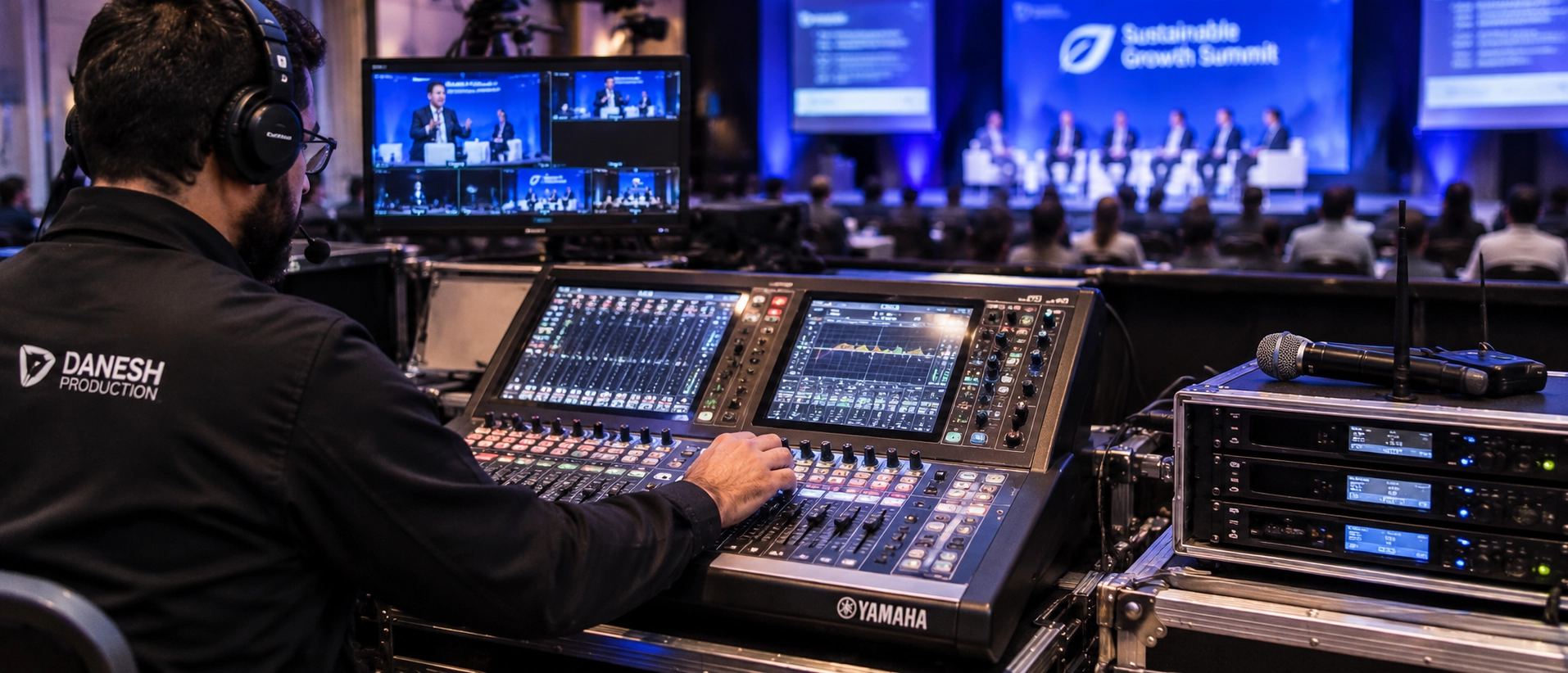
Microphones, Audio Mixing and Sound Distribution
Clear speech is one of the most important technical requirements for hybrid event production.
The room sound system and online broadcast often need different audio mixes. A dedicated stream mix allows technicians to balance microphones and presentation audio without capturing excessive room echo.
A professional corporate event sound system may include wireless lavaliers, handheld microphones, digital mixing consoles, direct microphone feeds, and backup audio equipment.
Stage Lighting for In-Person and Online Audiences
Professional stage lighting must work for both human vision and camera exposure.
Consistent front lighting, suitable colour temperature, and controlled shadows keep presenters visible without distracting online viewers.
The goal is not necessarily brighter lighting, but balanced illumination that supports clear live video production.
How Does Hybrid Event Live Streaming Work?
Hybrid event live streaming connects the physical production environment with a digital audience.
Cameras, microphones, and presentation sources feed into a production system. The final audio-video signal passes through a streaming encoder before reaching the selected hybrid event platform.
Professional live streaming services support signal management, stream monitoring, and reliable broadcast delivery.
Choose a Streaming Platform and Encoder
The right platform depends on your event format.
Zoom and Microsoft Teams are often suitable for interactive meetings. YouTube, Vimeo, and dedicated event platforms may work better for larger broadcasts.
Evaluate audience capacity, access permissions, recording options, captions, and interaction features.
A reliable hybrid live stream setup should also maintain stable video encoding, appropriate stream delay, and audio-video synchronization.
Set Up Reliable Internet and Backup Connections
Use a dedicated wired internet connection rather than relying solely on shared venue Wi-Fi.
Test actual upload performance under realistic conditions and ensure sufficient bandwidth for your selected streaming quality.
Prepare a backup internet connection, such as a secondary wired service or bonded 4G/5G connection, so the team has an alternative if the primary network fails.
How to Keep In-Person and Virtual Audiences Engaged
Successful audience engagement means providing meaningful participation opportunities for both groups.
Use live Q&A, live polls, moderated chat, and shared presentation content to connect the physical room with online viewers.
For events with remote speakers, assign a remote moderator to manage questions and speaking cues.
Accessible captions, readable slides, and timely communication help improve the overall hybrid event experience.
How to Coordinate the Hybrid Event Production Team
Professional hybrid event production services rely on coordinated technical roles rather than equipment alone.
Assign Technical Roles and Create a Run of Show
| Production Role | Main Responsibility |
|---|---|
| Technical producer | Coordinates production systems and event cues |
| Video director | Manages camera angles and visual switching |
| Audio technician | Controls room audio and broadcast sound |
| Streaming operator | Monitors the encoder and online stream |
| Virtual moderator | Supports remote speakers and online attendees |
A detailed run of show should identify speaker transitions, presentation changes, audience interaction segments, and technical cues.
Conduct Rehearsals and Prepare Backup Plans
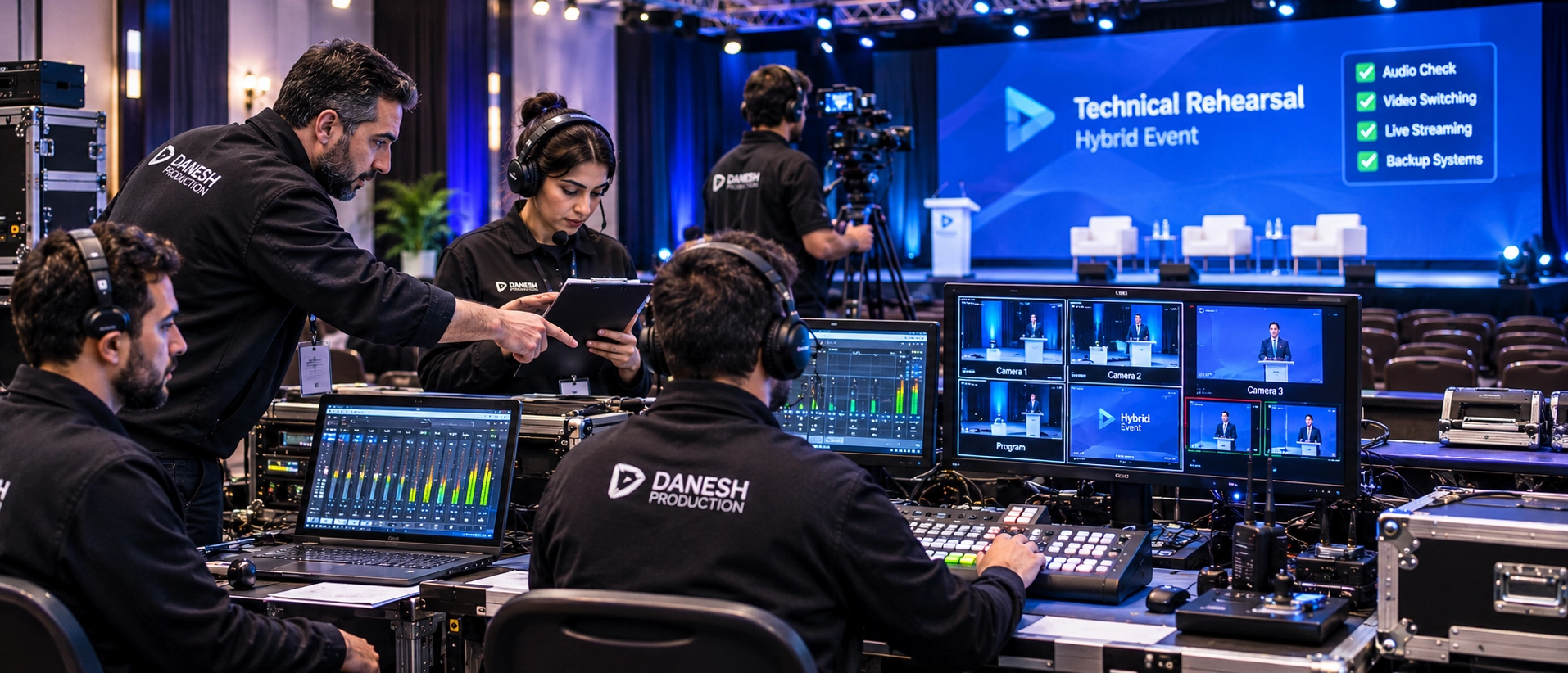
A complete technical rehearsal should test the entire experience from microphone input to the remote viewer’s screen.
Confirm presenter positions, video transitions, sound levels, captions, and platform access.
Assign responsibility for backup plans, including equipment replacement, internet failure, and streaming platform outages.
Common Hybrid Event Production Problems and Solutions
Even a carefully planned event can encounter technical challenges. The key is identifying risks before they affect your audience.
| Common Problem | Impact | Prevention |
|---|---|---|
| Echo in the online broadcast | Distracting or unclear speech | Use a dedicated stream mix and controlled microphone routing |
| Unstable internet | Freezing or interrupted video | Test bandwidth and configure backup connectivity |
| Poor camera exposure | Dark faces or washed-out screens | Adjust lighting and camera settings during rehearsal |
| Delayed remote speakers | Awkward presentation transitions | Establish speaking cues and test connection latency |
A well-prepared production workflow reduces disruptions and allows technical teams to respond quickly when conditions change.
Hybrid Event Production Checklist
Use this practical hybrid event production checklist to organize your event from setup to completion.
Before the Event
- Confirm event objectives and the hybrid event planning checklist.
- Inspect venue power, internet, and AV access.
- Finalize camera, audio, lighting, and display requirements.
- Configure the streaming platform and encoder.
- Test backup connections and rehearse speaker transitions.
During the Event
- Monitor sound quality and camera feeds.
- Track stream stability and audience connectivity.
- Follow the run of show and technical cues.
- Support remote audience interaction.
- Activate contingency procedures when necessary.
After the Event
- Verify and back up event recordings.
- Review streaming performance and technical issues.
- Collect attendee feedback and engagement data.
- Deliver final recordings and presentation assets.
How Much Does Hybrid Event Production Cost?
The total hybrid event cost depends on production complexity, equipment requirements, venue conditions, and technical staffing.
| Cost Factor | What Affects Pricing |
|---|---|
| Event duration | Setup, rehearsal, and live production hours |
| Video production | Number of cameras, operators, and visual sources |
| AV equipment | Sound, lighting, displays, and stage requirements |
| Streaming infrastructure | Encoders, internet, and platform subscriptions |
| Technical crew | Production roles and event complexity |
| Event format | Remote speakers, multiple rooms, or simultaneous sessions |
A small meeting may only need essential hybrid meeting equipment, while a large corporate conference may require a complete production crew and dedicated streaming infrastructure.
Requesting a quote based on a clear technical brief is more useful than relying on a generic equipment package.
Why Hire a Professional Hybrid Event Production Company?
A professional hybrid event production company coordinates audio, video, staging, lighting, and streaming within one production plan.
This helps organizers reduce technical uncertainty and focus on delivering valuable content to their audience.
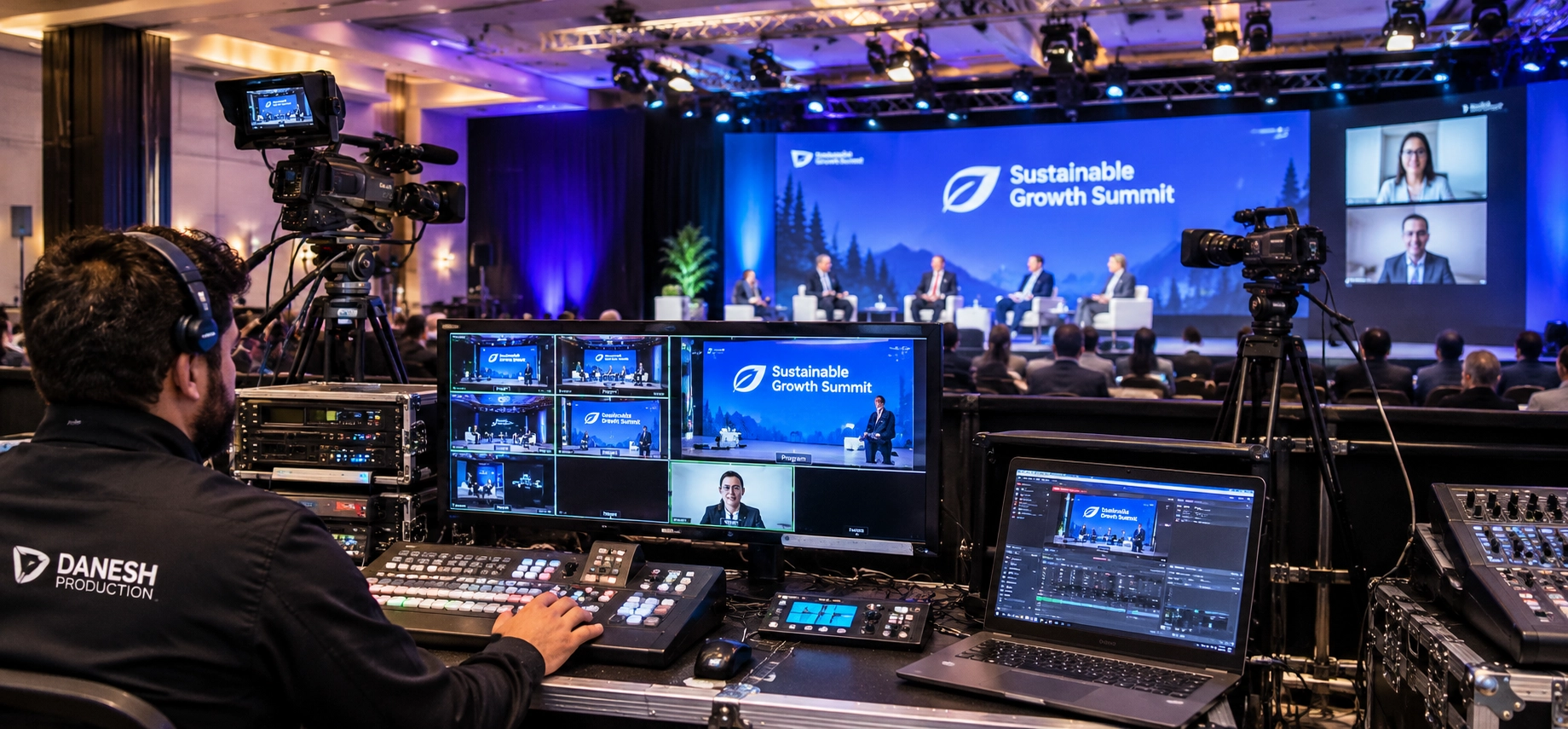
For businesses planning conferences and corporate events in Metro Vancouver, Danesh Production provides corporate event production solutions involving professional AV technology, staging, and broadcast support.
Professional hybrid event production services can be particularly valuable when an event involves multiple speakers, remote participants, complex presentations, or strict schedules.
Planning your next corporate event? Request a free event AV consultation to discuss your production requirements.
Hybrid Event Production FAQs
Can a hybrid event work with a limited budget?
Yes. A smaller event can use a streamlined camera configuration, essential microphones, and a suitable streaming platform. Prioritize clear audio, reliable internet, and the most important audience interactions.
How far in advance should you book a hybrid event production team?
Book once the date, venue, and general event format are confirmed. Events involving multiple presenters, custom staging, or complex streaming requirements usually benefit from more preparation time.
What happens if the live stream fails during a hybrid event?
The production team follows its recovery procedure, which may include activating backup connectivity, switching to a standby encoder, or using an alternative streaming destination. Remote attendees should also receive clear communication about the interruption.
Final Thoughts
Successful hybrid event production connects physical and digital audiences through coordinated planning, professional equipment, and dependable streaming technology.
With the right hybrid event AV setup, experienced technicians, and a clear production workflow, corporate organizers can deliver engaging, reliable events without unnecessary technical complications.