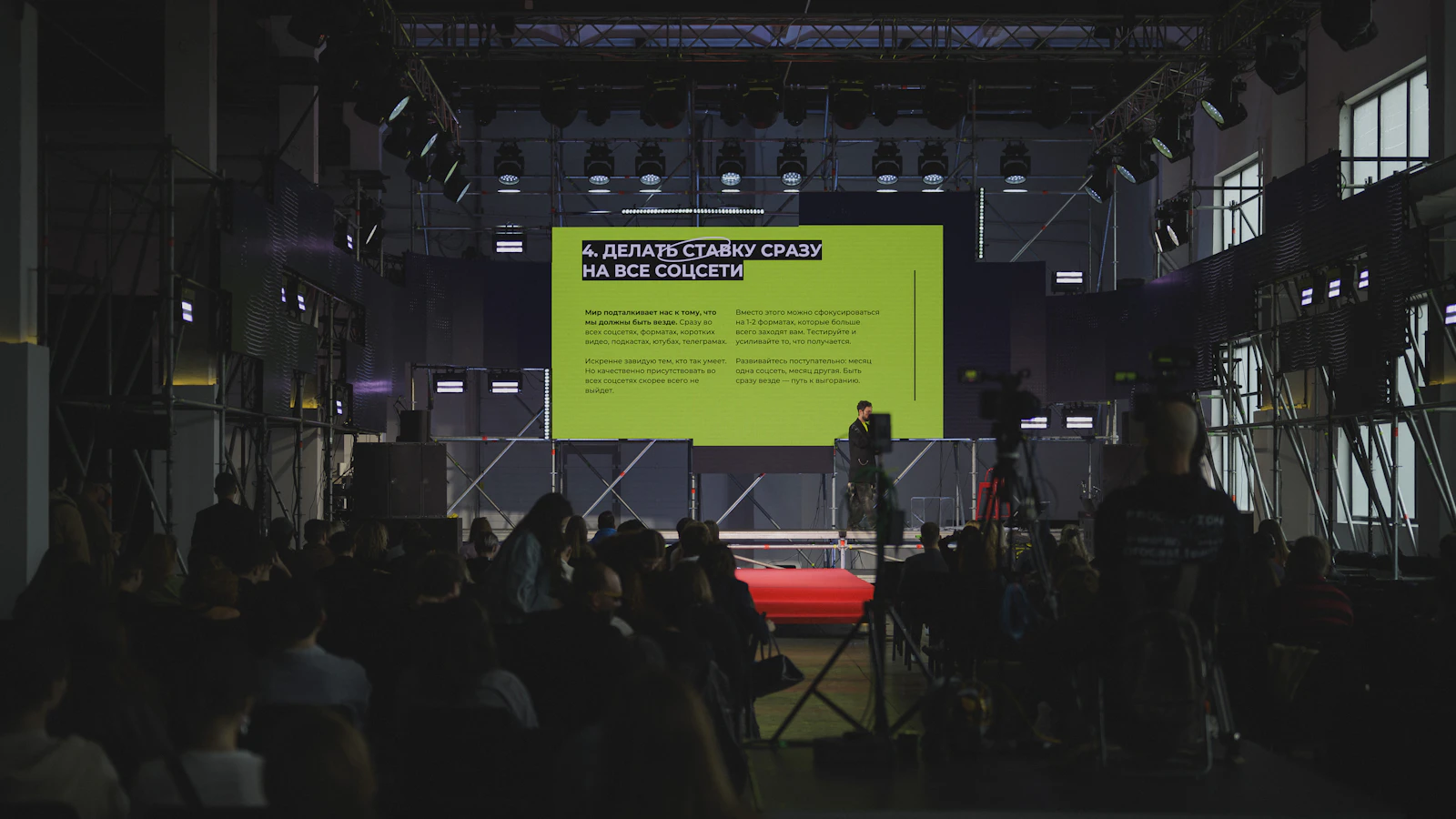
Conference stage lighting has a different job from concert lighting. The goal is not to create the most dramatic look in the room; it is to keep speakers easy to see, presentation screens readable, cameras properly exposed, and the whole stage visually consistent from the first keynote to the final panel.
That means lighting decisions should be made around the actual conference format: where presenters stand, how far they move, where panelists sit, what is displayed on the screen, and whether the event is being recorded or streamed. A well-planned setup supports the message without distracting from it.
This guide explains how to light a conference stage for keynote speakers, panel discussions, presentations, LED walls, cameras, and hybrid events.
What Makes Conference Stage Lighting Different?
Conference lighting is primarily about visibility, consistency, and control. A corporate presenter should look natural from the audience and on camera, while slides and screens must remain clear enough to read.
The most important priorities are:
- Facial visibility: presenters need enough front light for expressions and eye contact to remain clear.
- Even coverage: a speaker should not move from a well-lit area into a noticeably darker zone.
- Controlled contrast: the stage needs dimension without creating harsh shadows across faces.
- Screen readability: fixtures should not wash out projection surfaces or compete unnecessarily with LED displays.
- Camera compatibility: exposure, colour temperature, flicker, and background brightness need to work for recording and live streaming.
Concert lighting can intentionally use heavy colour, movement, silhouettes, and extreme contrast. For a business conference, those effects normally belong in transitions, walk-ins, branding, or entertainment segments—not across a CEO’s face during a presentation.
Start With the Stage Layout Before Positioning Any Lights
A good conference stage lighting setup begins with the stage plan, not the fixture list. Before deciding where lights should go, identify every place a person will speak and every surface that needs to remain visible.
Identify Every Speaker Position
Mark the lectern, centre-stage keynote position, interview chairs, panel seating, award presentation area, and any path used by speakers who walk while presenting. If the conference includes several formats, the lighting system should cover all of them without requiring major changes between sessions.
Coordinating lighting with conference stage design also helps protect sightlines, rigging positions, camera angles, and screen placement before the room is built.
Mark Screens, LED Walls and Presentation Displays
Projection screens and LED walls affect lighting in different ways. A projection surface is especially sensitive to front light spilling onto it, while an LED wall can be bright enough to change how the camera exposes the presenter standing in front of it.
Plan fixture angles so the speaker is lit without sending unnecessary light directly into the display area.
Map Camera Angles and Audience Sightlines
If the event is being filmed, camera positions should be known before the final lighting focus. A setup that looks acceptable from the centre of the room may create deep facial shadows from a side-camera angle.
Camera planning should therefore be treated as part of the lighting design rather than something added after the stage is finished.
How to Light a Speaker on a Conference Stage
Stage lighting for speakers should make the presenter look clear, natural, and consistent from different audience positions. The most reliable approach is to create a usable lighting zone rather than aiming a single spotlight at one exact mark.
Use Front Light to Keep the Speaker’s Face Visible
Front light is the foundation of conference speaker lighting. It should illuminate the face from an angle that reveals expression without producing heavy shadows under the eyes, nose, or chin.
For a fixed lectern position, coverage can be tightly controlled. For a keynote speaker who moves, the front-light system needs to overlap across a wider area so brightness does not change dramatically as the presenter walks.
Add Fill Light to Control Harsh Shadows
Fill light reduces contrast created by the main front or key light. The goal is not to flatten the face completely; it is to keep the shadow side readable for the audience and cameras.
Fill becomes particularly important when the stage has side cameras, strong ambient light, or a bright screen behind the presenter.
Use Back Light for Separation
Back or hair light helps separate the speaker from the background. This is useful when the stage backdrop is dark, when presenters wear dark clothing, or when an LED wall creates a visually busy background.
The effect should remain subtle for most corporate presentations. The speaker needs definition, not a theatrical halo.
Create an Even Lighting Zone for Speakers Who Move
A common mistake is lighting the lectern perfectly while leaving the rest of the presentation area underexposed. If a speaker uses a confidence monitor, walks toward a screen, or steps forward for audience interaction, the lighting should follow the usable stage zone.
Overlapping front-light coverage across the expected movement area produces a more professional result than relying on one narrow beam.
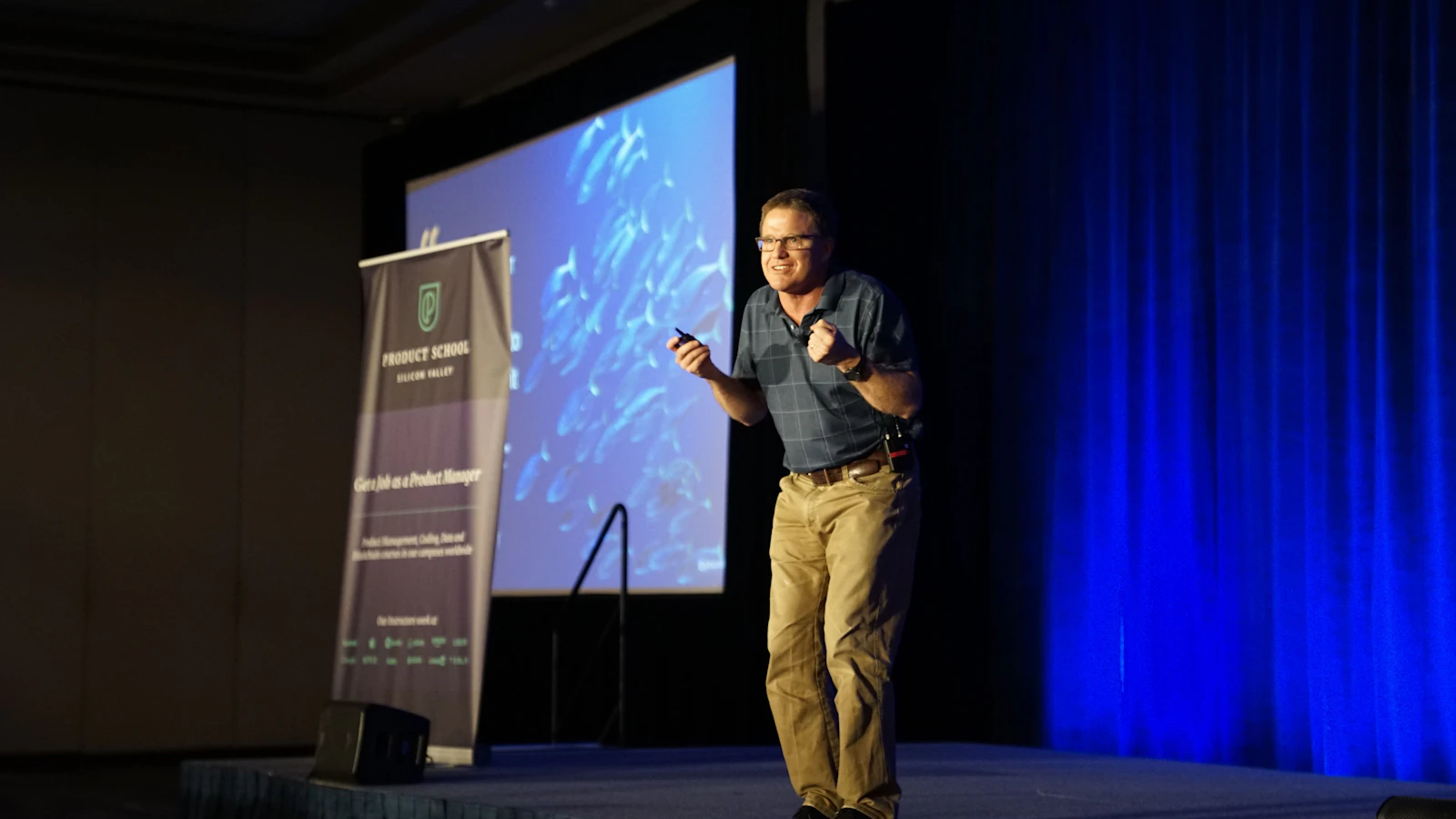
Should You Use Three-Point Lighting on a Conference Stage?
Three-point stage lighting is a useful way to understand the basic relationship between key light, fill light, and back light:
- Key light provides the main illumination.
- Fill light reduces harsh shadows.
- Back light separates the subject from the background.
For interviews, fireside chats, and presenters who remain in a controlled position, a three-point concept can work very well. A conference stage, however, often needs a larger system because several people may occupy different positions during the same event.
When Three-Point Lighting Works Well
Use a classic three-point approach when the speaker position is predictable, the stage is relatively compact, and camera framing remains controlled. It is particularly useful for executive interviews, small fireside chats, and dedicated recording areas.
When You Need Multiple Lighting Zones Instead
A keynote stage with a moving presenter, a wide panel, or a programme that switches between lectern, centre stage, and interview seating normally requires multiple overlapping zones. The principle remains the same, but the coverage is extended across the stage.
How to Light a Panel Discussion
Panel discussion lighting is less forgiving than lighting one speaker because several faces must look consistent at the same time. The moderator should not appear significantly brighter than the guests, and the people at the ends of the panel should not fall into darker areas.
Light Every Panelist Evenly
Build coverage around the full seating arrangement. If chairs are moved during rehearsal, refocus the lighting before the session begins. A small change in seating position can make a noticeable difference when the lighting is tightly focused.
Control Shadows Between Closely Seated Panelists
When panelists sit close together, one fixture angle can create unwanted shadows across another person. Cross-lighting and balanced fill can help maintain definition without creating distracting shadow patterns.
Keep Lighting Consistent When Camera Angles Change
Panels are frequently covered by multiple cameras: a wide shot, moderator shot, guest close-ups, and sometimes an audience camera. Each face should hold up across these angles without major exposure changes.
Separate the Panel From the Background
Background lighting, practical set pieces, or restrained colour can add depth behind the panel. Keep decorative lighting separate from the neutral light used on faces so brand colours do not contaminate skin tones.
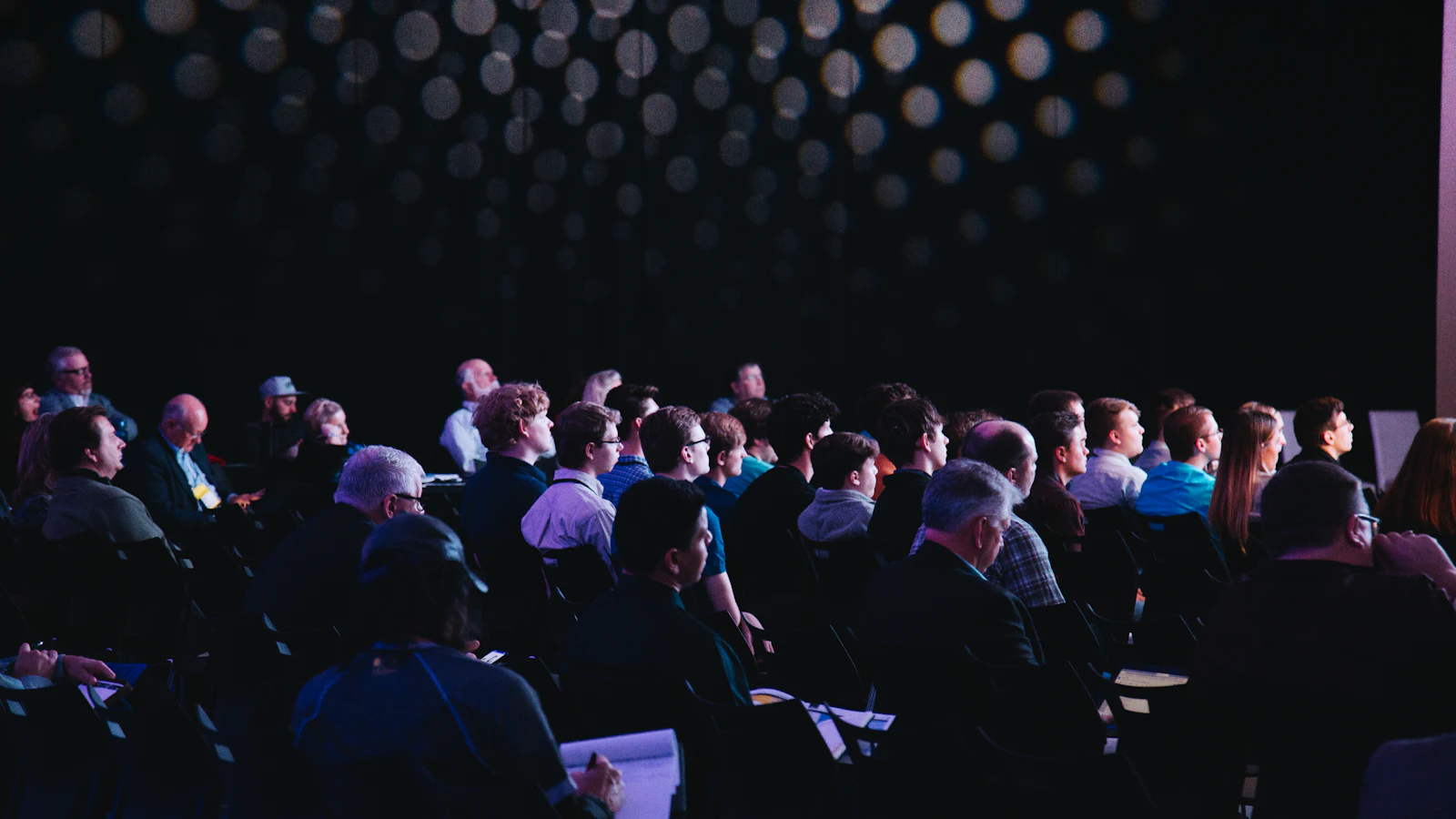
How to Light a Stage for Presentations and Screens
Presentation stage lighting needs to support two subjects at once: the person presenting and the visual content. A bright speaker with an unreadable screen is not a successful setup, and neither is a vivid display with a presenter disappearing in front of it.
Keep Stage Light Off Projection Screens
Projection screens depend on contrast. Front light aimed too broadly can wash out blacks, reduce perceived contrast, and make text harder to read. Fixture position and shuttering should be adjusted so useful light reaches the presenter without flooding the screen.
Balance Speaker Brightness With LED Walls
LED walls are self-emissive and can be significantly brighter than the people standing in front of them. During technical rehearsal, test the actual show content rather than a blank screen. A bright white slide, dark video, and branded animation can all affect the visual balance differently.
If you are planning a large-format display, Danesh Production’s professional video and screen solutions can be coordinated with lighting from the beginning of the production design. It also helps to understand how LED walls work before finalizing brightness and screen placement.
Avoid Reflections and Glare
Check glossy lecterns, confidence monitors, glass surfaces, presenter glasses, and polished stage finishes from the audience and camera positions. Moving a fixture or adjusting its angle slightly can prevent a reflection that would otherwise remain visible throughout the programme.
Conference Stage Lighting for Cameras and Live Streaming
For more on camera exposure, flicker, colour temperature and LED wall brightness, see our event lighting for live streaming and video guide.
Conference stage lighting for video needs to produce a stable image, not just a stage that looks good to the eye. Cameras can reveal exposure differences, colour mismatches, and flicker that the audience may barely notice in the room.
Maintain Consistent Exposure Across the Stage
Presenters should be able to move between planned speaking positions without forcing constant camera exposure corrections. This is one reason even lighting zones are more useful than isolated bright spots for corporate conferences.
Watch Colour Temperature and White Balance
Mixing fixtures with noticeably different colour temperatures can produce inconsistent skin tones. Keep the main speaker lighting controlled and let cameras white-balance against the actual show lighting during rehearsal.
Avoid Flicker on Camera
Some LED fixtures, dimming methods, display systems, and camera settings can interact in ways that create visible flicker or banding. Test the complete lighting and video system together at the camera settings that will actually be used for recording or streaming.
Test LED Walls and Stage Lighting Together
Camera exposure is affected by both the presenter and the background. Run actual presentation slides, videos, and branded content before doors open, then adjust the relationship between screen brightness and speaker lighting.
For hybrid or recorded events, coordinate the lighting plan with live streaming and broadcast services so the online audience sees the same polished production as the room.
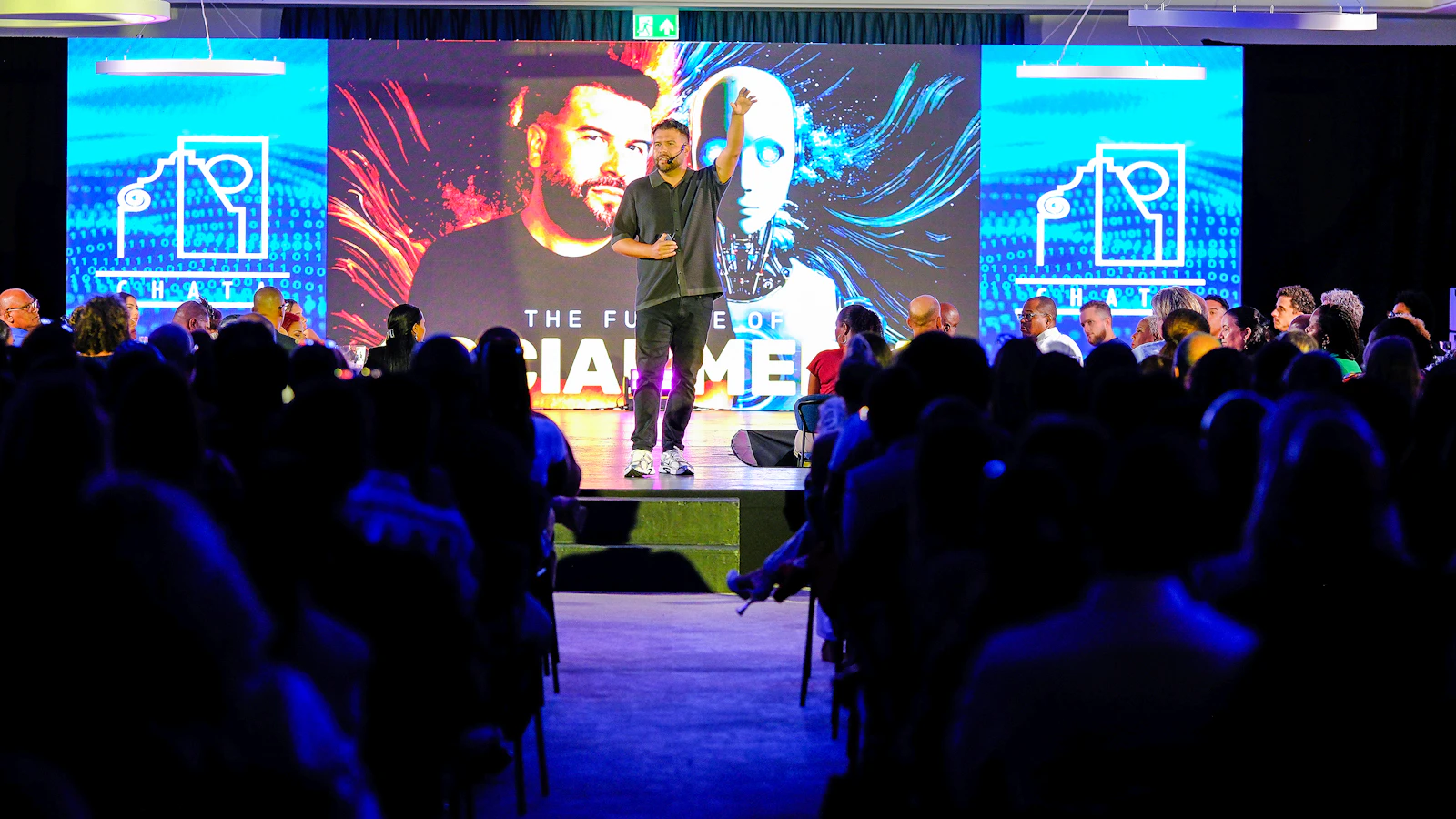
See a Danesh Production Stage Lighting Setup
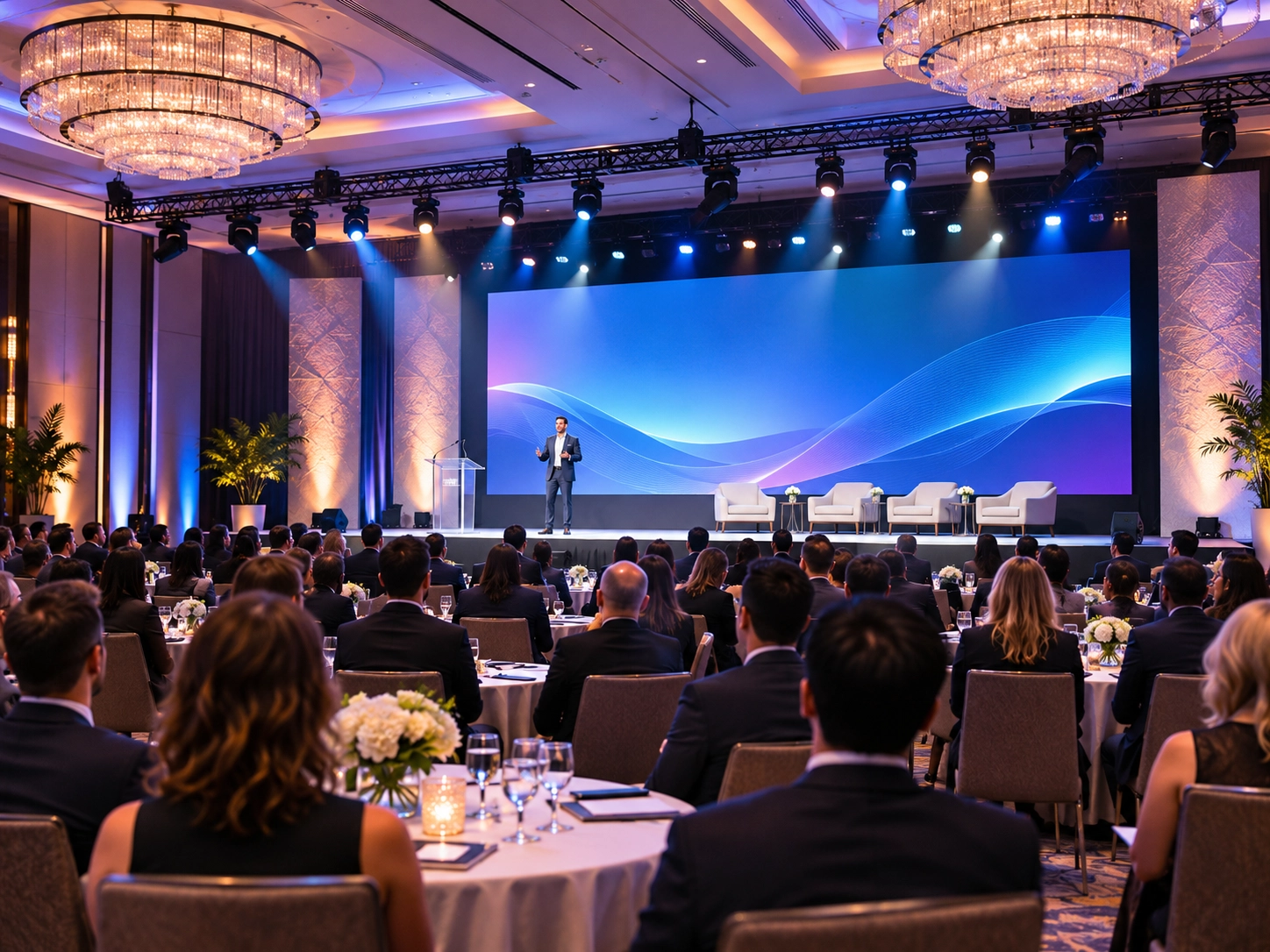
This Danesh Production project at Capilano University shows a real corporate stage environment where lighting is used to support the stage presentation rather than overwhelm it.
How Bright Should Conference Stage Lighting Be?
There is no single brightness level that works for every conference. The correct output depends on venue ambient light, fixture distance, camera requirements, screen brightness, ceiling height, presenter positions, and the overall visual design.
Instead of selecting brightness in isolation, balance the stage as a system:
- the speaker must remain clearly visible to the audience;
- the camera must retain usable exposure and natural skin tones;
- projection content must maintain contrast;
- LED walls should not overpower the presenter;
- background and scenic lighting should provide depth without competing with faces.
Any numerical target should be treated as part of a specific technical design, not as a universal rule for all venues.
Choosing Colour Temperature and Colour for a Corporate Stage
The main light on presenters should normally remain neutral enough to reproduce natural skin tones. Brand colours can still play a major visual role, but they are usually more effective on backdrops, scenic elements, set pieces, and room architecture than directly on faces.
Keep Speaker Lighting Neutral
Consistent neutral light gives cameras a reliable white-balance reference and makes different presenters look more uniform across the programme.
Use Brand Colours on the Background, Not on Faces
Colour can reinforce identity without compromising visibility. Use it behind or around the subject, and keep enough separation between decorative lighting and the speaker light.
How Lighting Changes for Different Conference Formats
| Conference format | Lighting priority | Planning focus |
|---|---|---|
| Keynote speaker | Consistent face lighting across movement | Wide presentation zone and camera coverage |
| Fireside chat | Natural, dimensional faces | Controlled key, fill, and back light |
| Panel discussion | Equal brightness across all participants | Wide, even coverage and multiple camera angles |
| Product presentation | Presenter plus product visibility | Reflection control and screen coordination |
| Awards or executive announcement | Clear speaking area with stronger stage presence | Lectern, walk-on positions, branding and photography |
| Hybrid conference | Camera-ready consistency | White balance, flicker testing and background exposure |
Common Conference Stage Lighting Mistakes
Most conference lighting problems come from planning the stage as a static picture instead of following how the programme actually runs.
- Lighting only the podium: speakers become underexposed as soon as they step away.
- Creating dark zones: panelists or presenters appear inconsistent across the stage.
- Using concert-style effects during speeches: colour and movement can distract from executive presentations.
- Washing out projection screens: poorly controlled front light reduces screen contrast.
- Ignoring camera exposure: a stage that looks fine in person may not look balanced in a recorded close-up.
- Mixing colour temperatures: inconsistent fixtures can produce uneven skin tones.
- Testing without show content: LED wall brightness may change dramatically once real slides and videos are displayed.
- Skipping panel rehearsal: chair positions and camera framing may change after the lighting focus is finished.
Conference Stage Lighting Checklist
| Stage | What to confirm |
|---|---|
| Before setup | Stage layout, lectern, speaker movement, panel positions, screens, camera locations and rigging points |
| During focus | Even speaker zones, panel coverage, controlled screen spill, background separation and safe fixture angles |
| Technical rehearsal | Keynote movement, panel seating, real presentation slides, LED wall brightness, camera exposure and colour balance |
| Before doors | Final cues, backup looks, transitions, recording or livestream test and communication with show operators |
Add these checks to your broader corporate event AV checklist so lighting is coordinated with sound, screens, presentations, show flow, and technical staffing.
Audio planning matters as well. A conference with keynote speakers and panels needs lighting and professional event sound to be designed around the same stage positions and programme schedule.
See LED Wall and Stage Lighting Working Together
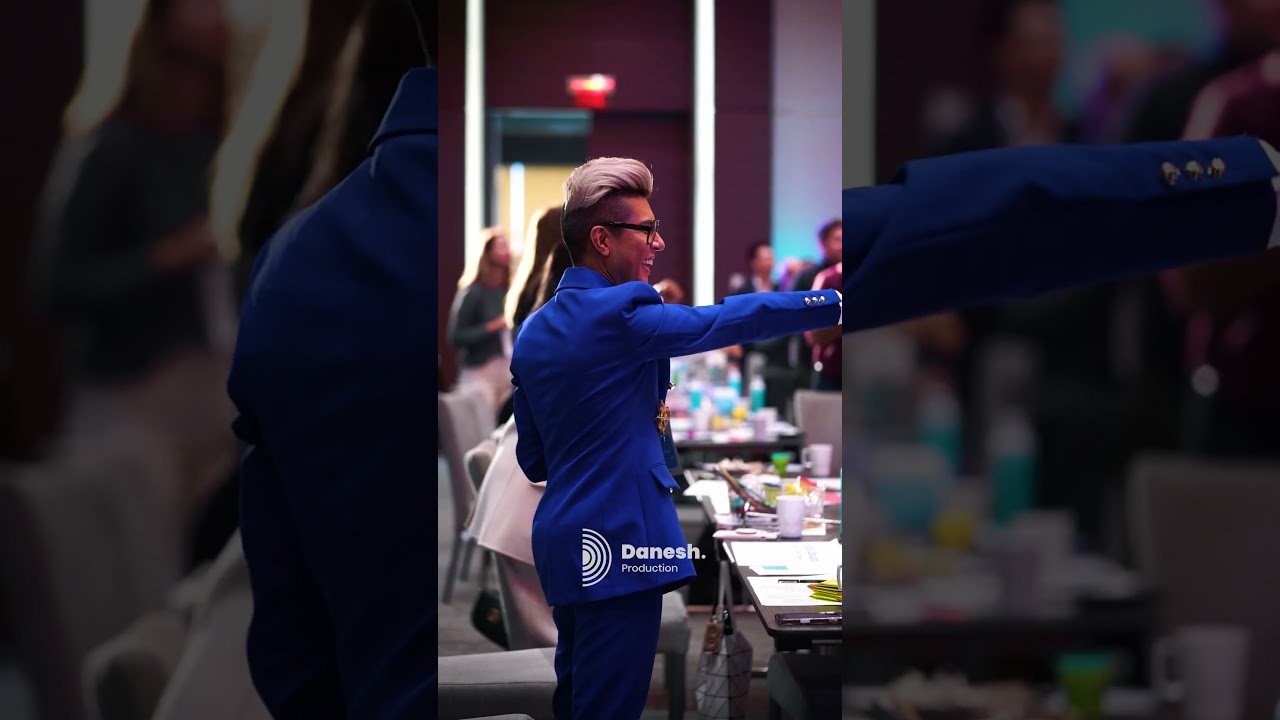
This Danesh Production corporate event at Paradox Vancouver shows the relationship between stage lighting, LED visuals, sound, and the physical event environment.
Planning Professional Conference Stage Lighting in Vancouver
For a conference in Vancouver, the lighting plan should be based on the venue, stage dimensions, speaker format, panel size, presentation system, camera requirements, and rehearsal schedule. Those details determine where fixtures can be rigged, how wide the speaker zones need to be, and how the lighting should interact with screens and scenic elements.
Danesh Production provides professional event lighting in Vancouver as part of integrated corporate event production. When lighting, stage design, sound, screens, and video are planned together, the result is easier to operate and more consistent for both the audience and cameras.
If your event includes multiple technical systems, you can also review Danesh Production’s conference AV and production in Vancouver approach before finalizing the room design.
Frequently Asked Questions About Conference Stage Lighting
Where should lights be placed for a conference stage?
Place fixtures to create even front coverage across every planned speaking position while keeping unnecessary light off screens. Add fill and back light where needed for facial detail and separation. Final positions depend on room geometry, rigging options, camera angles, and speaker movement.
How do you light a keynote speaker on stage?
Create a broad, even lighting zone that covers the presenter’s expected movement. Use controlled front or key light for the face, fill to manage shadows, and back light for separation. Test the setup while the presenter walks through the actual stage path.
How do you light a panel discussion?
Light the full seating area evenly so every panelist and the moderator have similar facial exposure. Check the setup from wide and close-up camera positions, and refocus if chair positions change during rehearsal.
What is three-point stage lighting?
Three-point lighting uses a key light as the main source, fill light to reduce shadows, and back light to separate the subject from the background. It is a useful foundation for conference lighting but often needs to be expanded into multiple zones for wider stages.
How do you keep stage lights off a projection screen?
Use controlled fixture angles, shutters or beam shaping, and careful positioning so the speaker receives front light without excessive spill onto the projection surface. Always test the screen with actual presentation content before the event.
How do you light a conference stage for video?
Prioritize consistent exposure, neutral skin tones, controlled background brightness, and flicker-free operation. White-balance cameras under the actual show lighting and test LED walls, presentation content, and dimming states together.
Do LED walls change how a conference stage should be lit?
Yes. LED walls can be much brighter than the presenter and may influence camera exposure and perceived contrast. Balance screen brightness with speaker lighting and test bright, dark, and branded content during technical rehearsal.
Plan the Lighting Around the Entire Conference Experience
The best conference stage lighting is not the most complicated system. It is the setup that keeps speakers visible, panels consistent, presentations readable, and cameras stable throughout the programme.
Start with the stage layout, build lighting zones around real speaker positions, coordinate with screens and cameras, and test everything using the actual show content. When those pieces are planned together, lighting becomes part of the communication rather than a distraction from it.