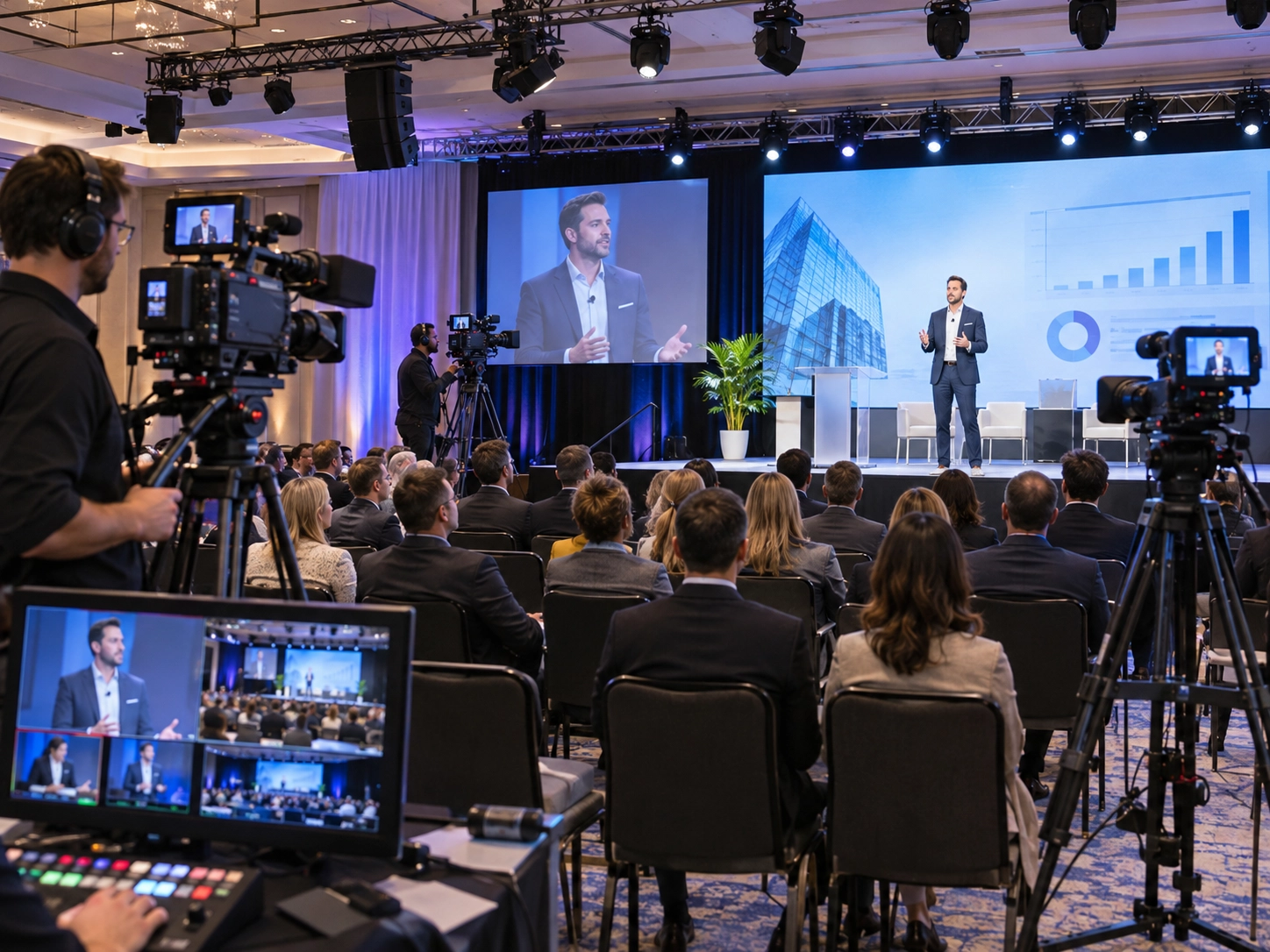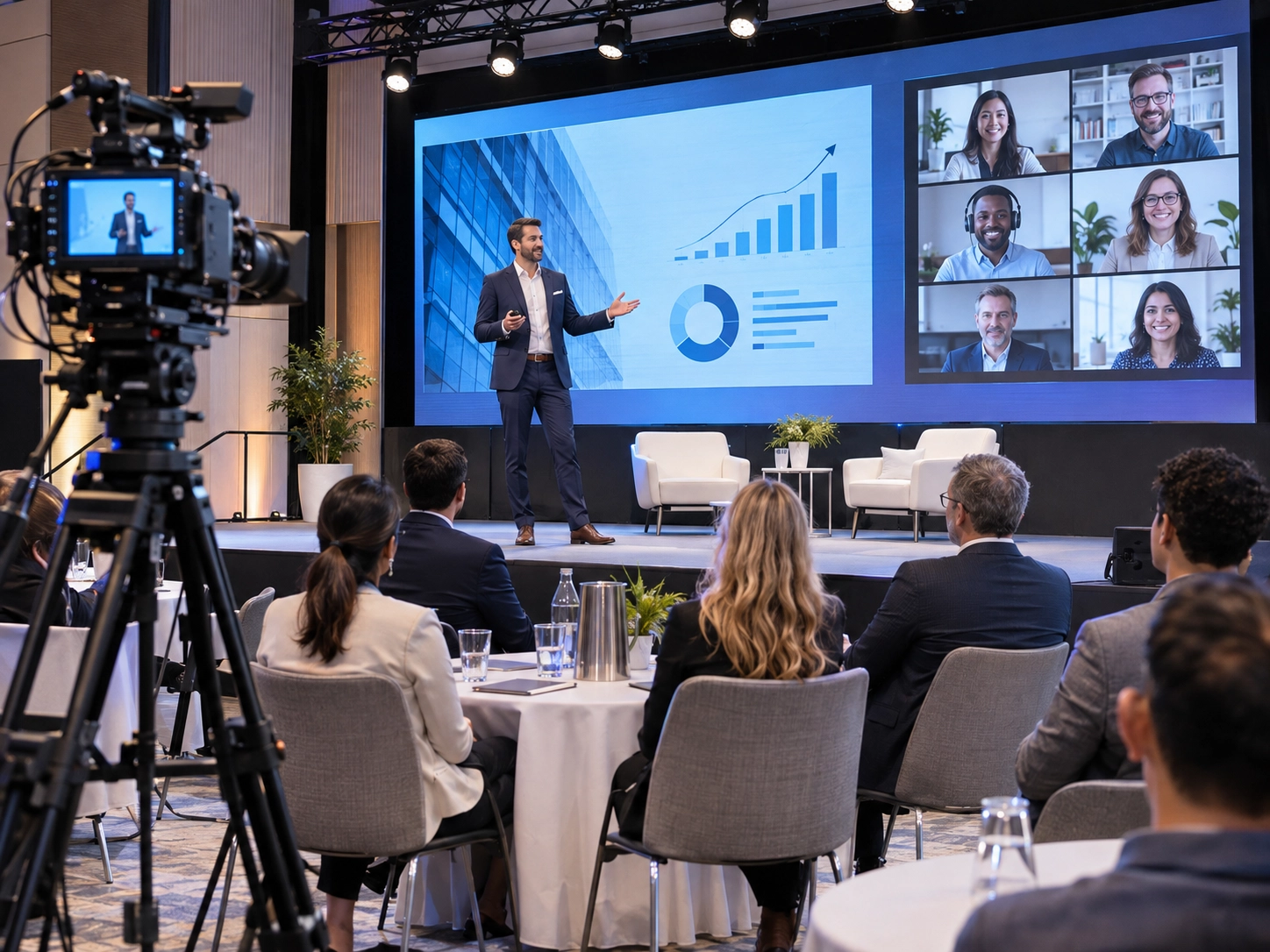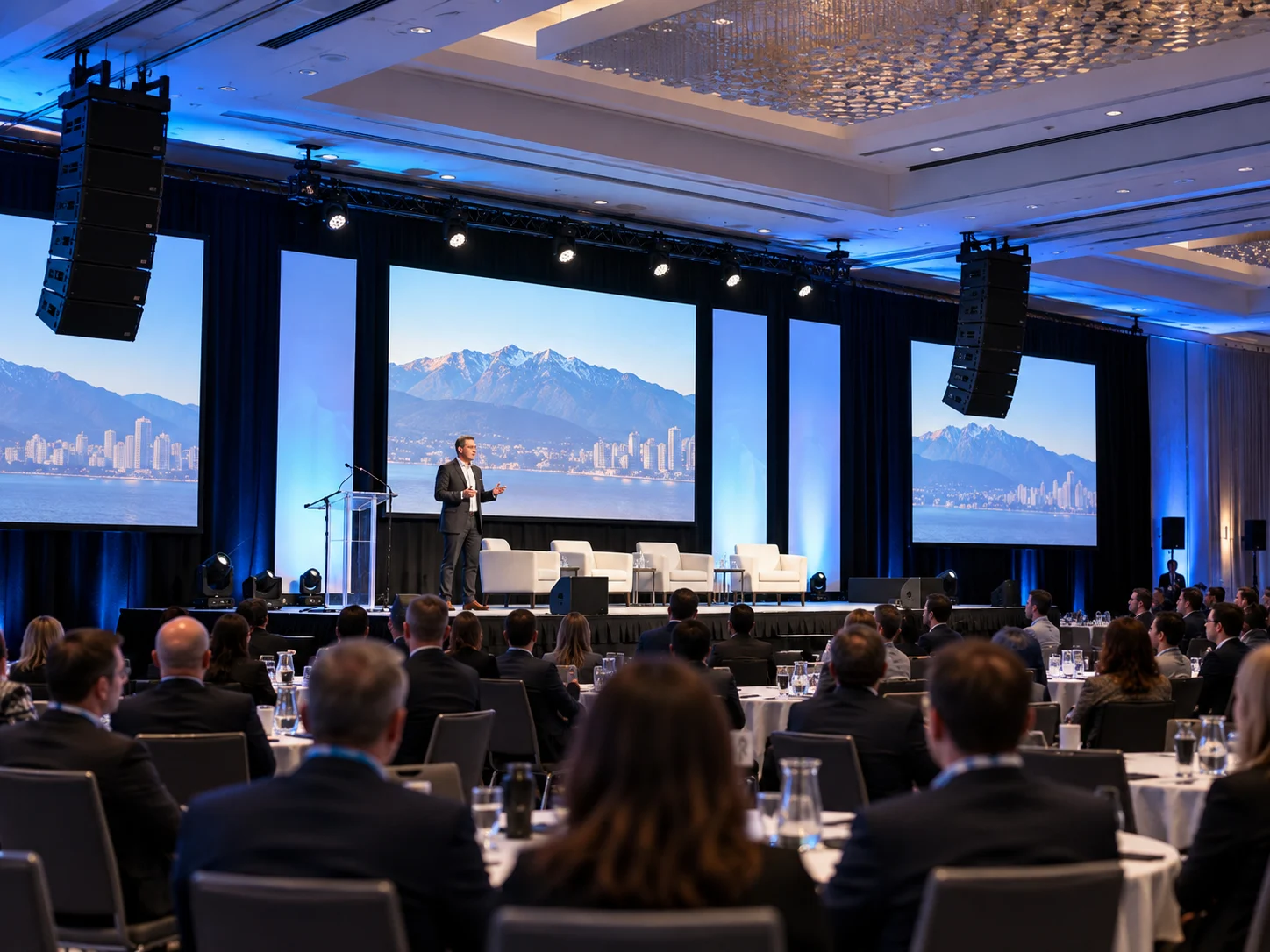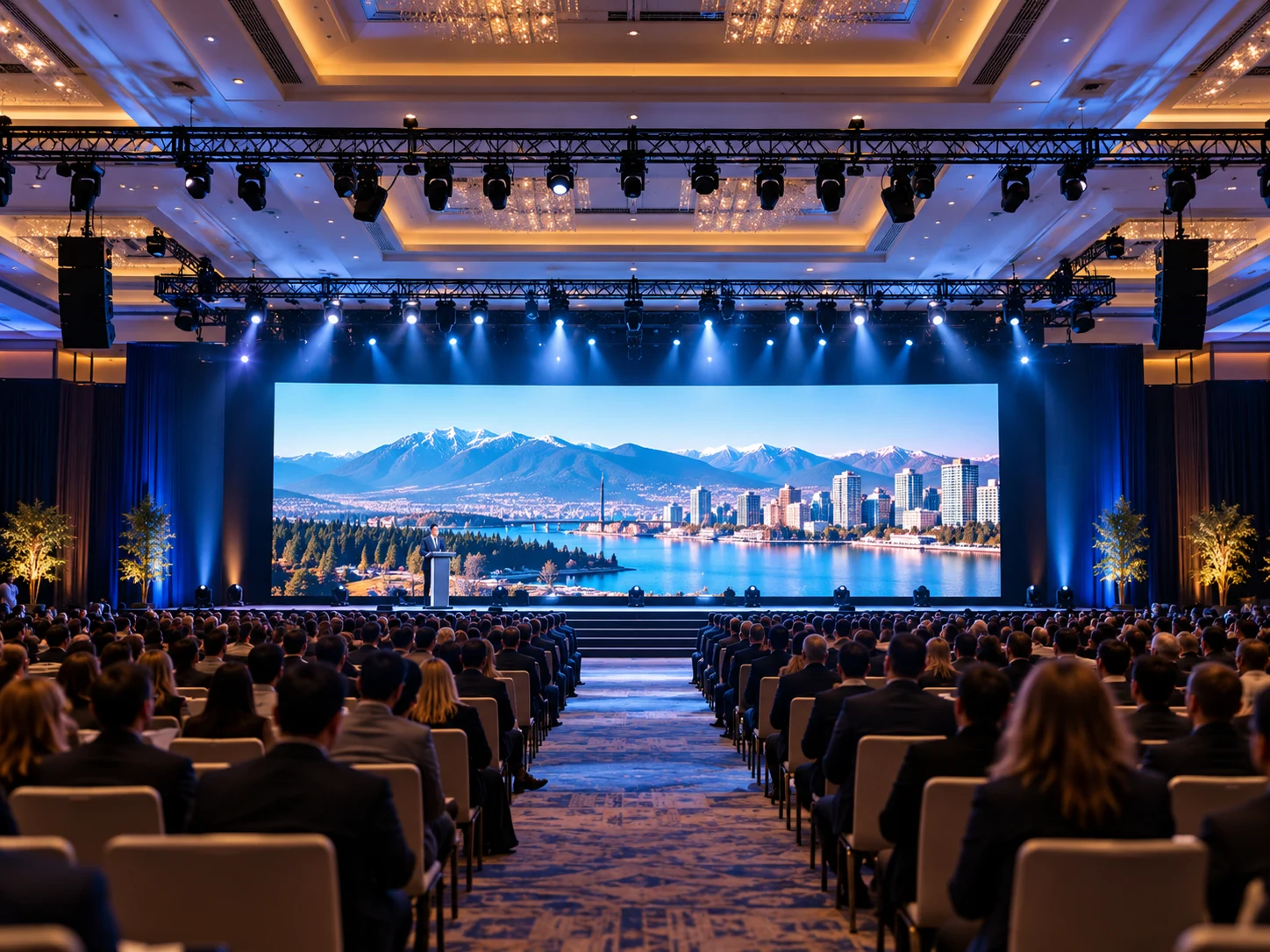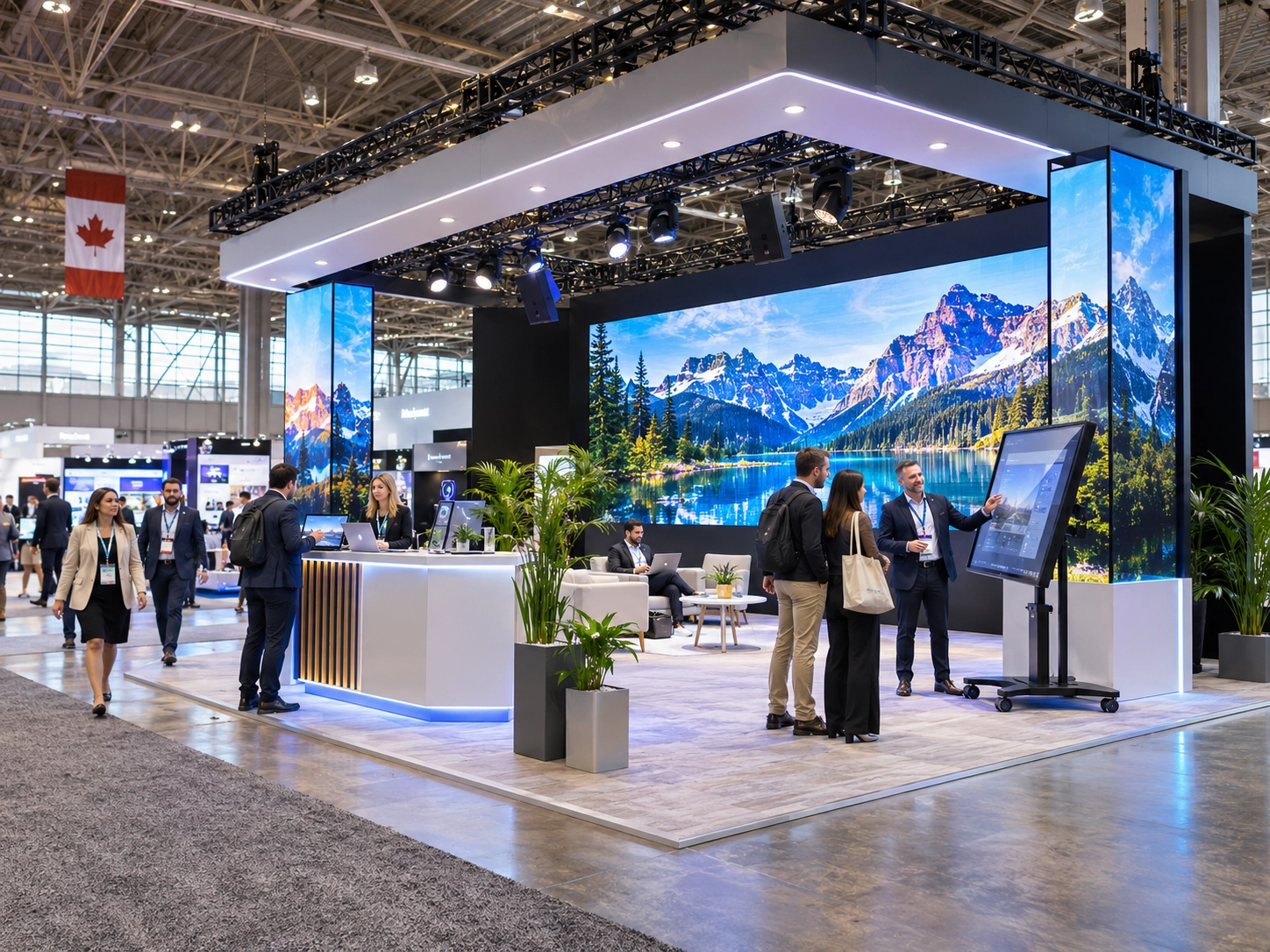
A successful trade show booth needs more than attractive branding. Clear sound, eye-catching visuals, and professional lighting help exhibitors attract visitors, showcase products, and create memorable experiences.
Whether you’re preparing a small display or a large exhibition in Vancouver, this trade show AV equipment checklist will help you identify essential equipment, plan your setup, and avoid costly technical mistakes.
Professional exhibition booth production brings displays, lighting, sound, and technical requirements together. While many planning principles overlap with a corporate event AV checklist, trade show exhibitors must also consider booth dimensions, visitor movement, venue restrictions, and neighbouring displays.
This guide covers the essential AV equipment for trade shows, along with practical recommendations for equipment selection, installation, testing, and rental.
What AV Equipment Do You Need for a Trade Show Booth?
The right trade show AV equipment depends on booth size, audience engagement, and presentation goals. A simple information stand may only need a screen, while a product demonstration booth could require interactive displays, microphones, and focused lighting.
Use this trade show booth checklist to identify the most important exhibition booth AV equipment before booking your event.
| Equipment | Purpose | Priority |
|---|---|---|
| LED video walls, TVs, or monitors | Product videos and branding | Essential |
| Speakers and microphones | Presentations and demonstrations | If audio is required |
| Spotlights and ambient lighting | Product visibility and atmosphere | Essential |
| HDMI cables and adapters | Connecting presentation devices | Essential |
| Power distribution and extension cords | Equipment operation | Essential |
| Media players and presentation tools | Content playback and control | As needed |
| Backup equipment | Preventing technical interruptions | Recommended |
Choosing AV Equipment Based on Booth Type
Not every exhibitor needs a complete audiovisual system. These common trade show booth must haves vary depending on the presentation format.
| Booth Type | Recommended Equipment |
|---|---|
| Small information booth | Commercial display, media player, accent lighting |
| Product demonstration booth | Interactive display, microphone, compact speakers |
| Large exhibition booth | LED wall, professional sound system, coordinated lighting |
| Hybrid presentation booth | Video display, microphones, camera, streaming equipment |
For a compact audio visual booth, prioritize clear communication and reliable displays over unnecessary equipment.
A complete trade show booth planning checklist should also account for installation space, electrical access, and equipment positioning.
LED Walls, TVs or Projectors: Which Display Is Best for Your Booth?
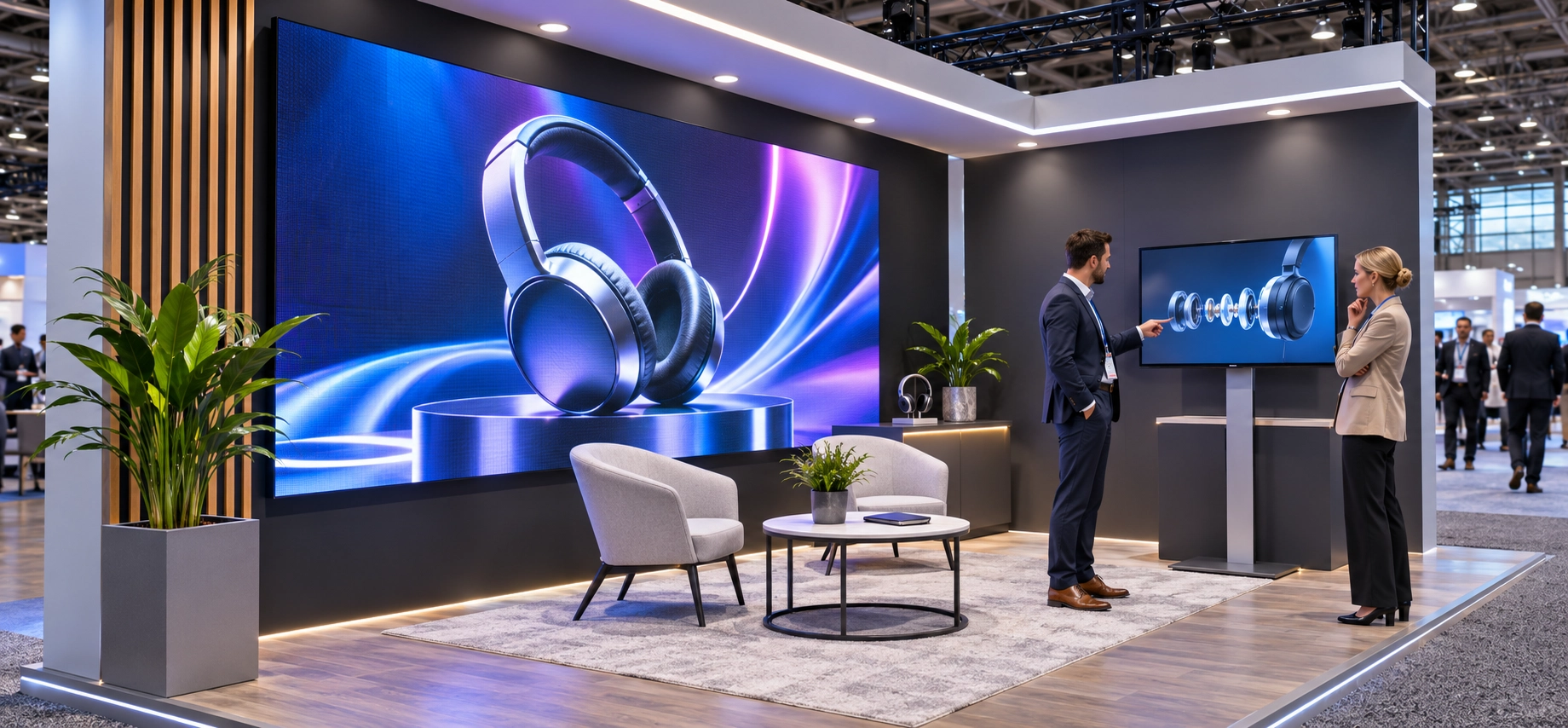
Visual displays are central to effective trade show audio visual equipment because they communicate branding, product features, and promotional messages.
Professional LED wall rental and video solutions can help exhibitors choose suitable display formats based on viewing distance, ambient lighting, and booth dimensions.
LED Video Walls for High-Impact Visuals
LED video walls are ideal for large exhibition stands requiring bright, seamless visuals. They can display product launches, promotional animations, and branded content.
When selecting an LED wall, consider:
- Pixel pitch: Smaller pixel spacing generally provides sharper images at close distances.
- Brightness: Displays must remain visible under exhibition lighting.
- Viewing distance: Screen size should match the audience’s position.
- Content resolution: Videos and graphics must match the display format.
Understanding how LED walls work helps exhibitors evaluate screen resolution, processors, and installation requirements.
TVs, Monitors and Interactive Displays
LCD displays, commercial monitors, and interactive displays for trade shows are practical for smaller spaces, product catalogues, touchscreen demonstrations, and customer presentations.
They are particularly useful when visitors need to explore detailed product information independently.
Projectors and Screens
Projectors and screens can work well in larger presentation areas with controlled lighting. However, bright convention halls may reduce projection contrast.
| Display Type | Best For | Main Consideration |
|---|---|---|
| LED video walls | Large branded booths | Brightness and installation |
| TVs and monitors | Product demonstrations | Size and glare |
| Interactive displays | Visitor engagement | Touch functionality |
| Projectors | Controlled-light presentations | Ambient lighting |
Choose trade show booth displays based on content, visibility, and available space rather than screen size alone.
What Sound Equipment Does Your Exhibition Booth Need?
A reliable exhibition sound system ensures visitors can hear presentations clearly without disturbing neighbouring booths.
Professional sound and audio solutions can help match speakers, microphones, and audio coverage to the exhibition environment.
Speakers and PA Systems
A compact PA system may be enough for small presentations, while larger booths may require additional speakers or a mixing console for multiple audio sources.
For an effective trade show sound system:
- Position speakers toward the intended audience.
- Keep volume within venue restrictions.
- Prioritize speech clarity over loudness.
- Test audio playback before visitors arrive.
The principles of a properly configured event sound system are especially relevant when planning speaker coverage and managing background noise.
Wireless Microphones for Live Demonstrations
Wireless microphones allow presenters to move freely during product demonstrations.
Handheld microphones work well for interviews and audience interaction, while lavalier microphones are useful for hands-free presentations.
Check frequency compatibility, battery levels, and potential interference from nearby exhibitors before the event.
How to Choose the Right Lighting for a Trade Show Booth
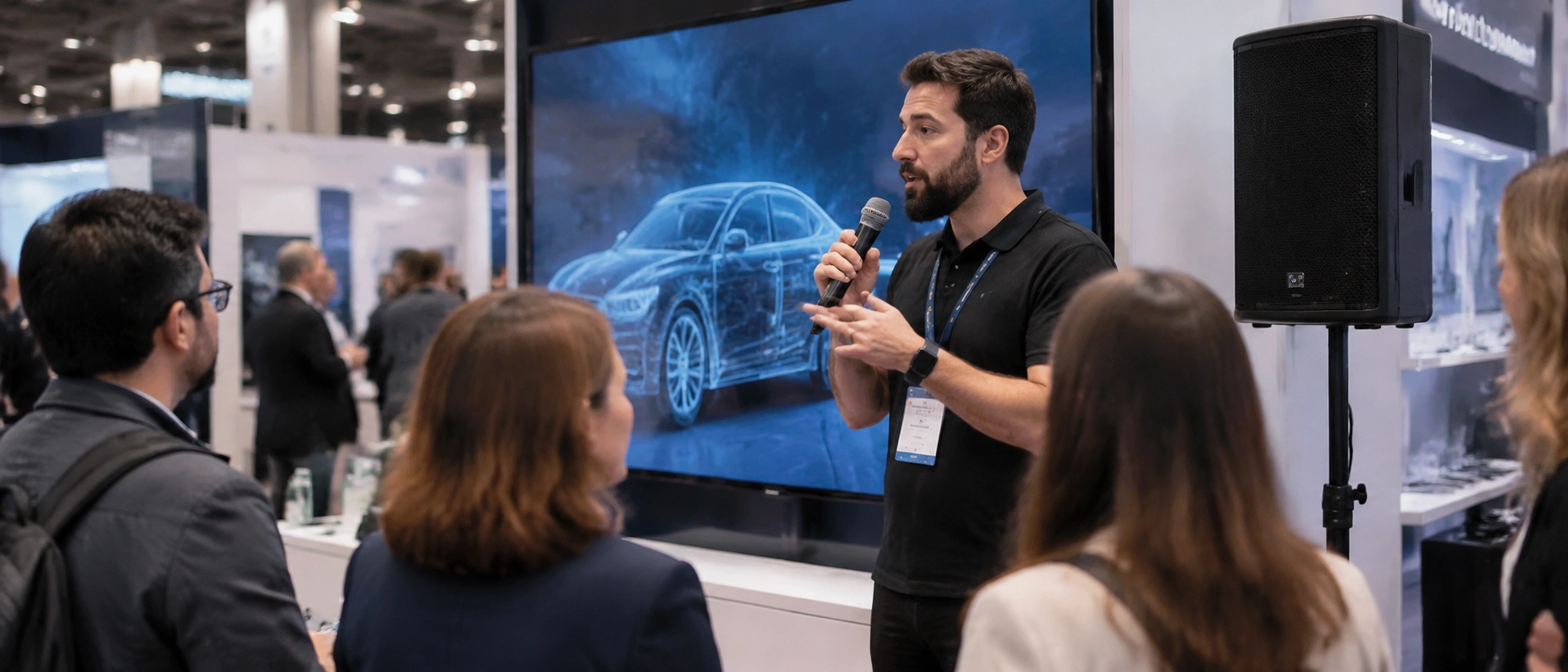
Effective trade show booth lighting improves product visibility, reinforces branding, and creates a welcoming exhibition environment.
Professional event lighting solutions can help balance focused illumination with comfortable ambient lighting.
Spotlights and Accent Lighting
Use spotlights to highlight product displays, demonstration counters, and key branding elements.
Adjust fixture angles to prevent reflections and uncomfortable glare, especially around glossy products or video screens.
Ambient Lighting for Brand Visibility
A balanced lighting design should complement brand colours without reducing screen visibility.
For exhibitions involving product filming, interviews, or streaming, the principles of event lighting for live streaming can also help maintain consistent camera exposure and colour.
Avoid excessive brightness, flashing effects, or unnecessary fixtures that increase power requirements.
What Cables, Power and Connectivity Equipment Should You Prepare?
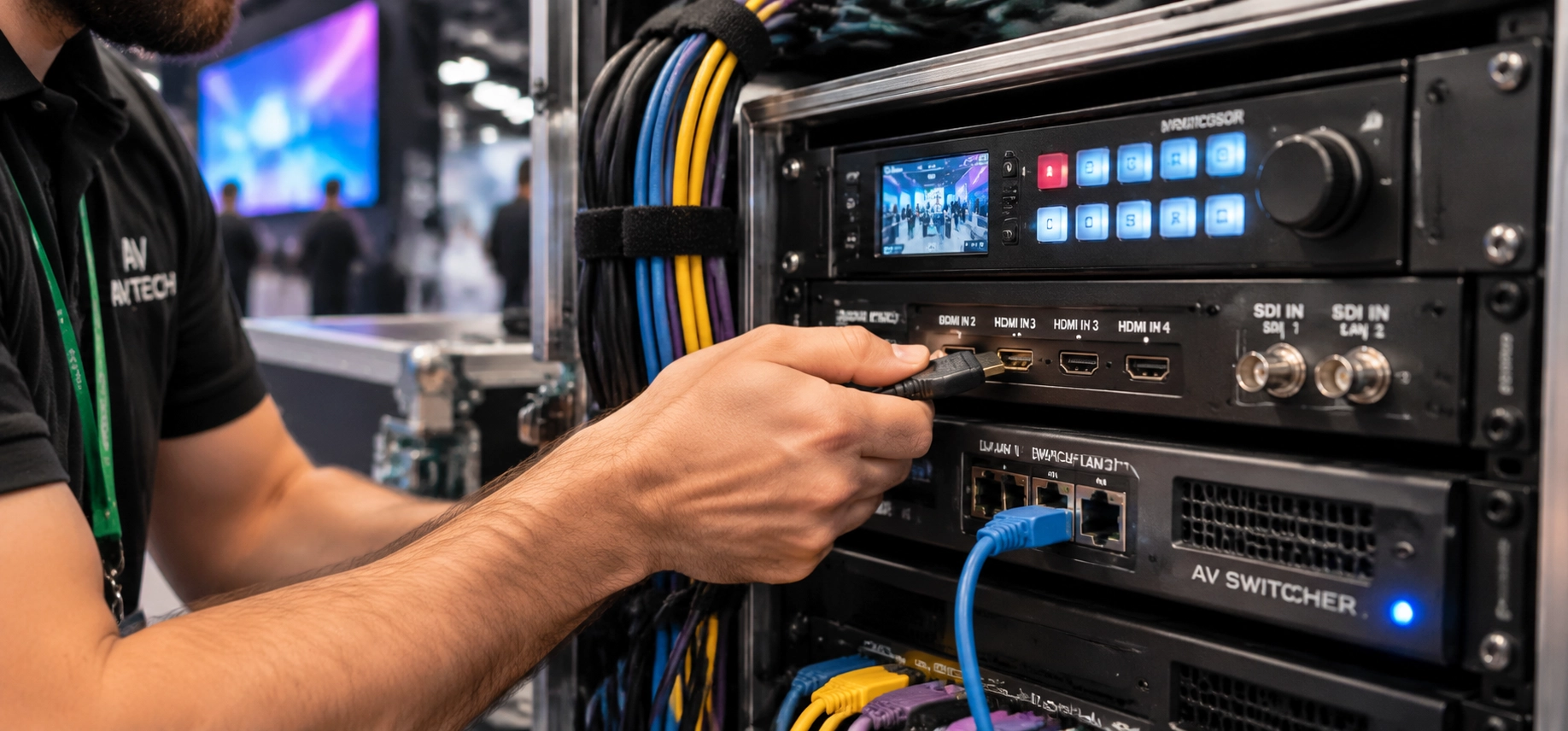
Reliable connections are essential for a successful exhibition booth setup. Even professional displays and sound systems can fail when cables, adapters, or electrical capacity are overlooked.
| Equipment | Main Use |
|---|---|
| HDMI cables | Connecting laptops and displays |
| USB-C adapters | Laptop compatibility |
| SDI cables | Professional video connections |
| CAT6 Ethernet cable | Network connectivity |
| Extension cords | Reaching approved power points |
| Power distribution units | Supplying multiple devices |
| Surge protection | Protecting compatible equipment |
Proper cable management keeps the booth organized and reduces tripping hazards.
Confirm available circuits, network access, and power distribution requirements with the venue. Temporary electrical installations should follow the venue’s approved procedures.
For online demonstrations or live broadcasts, test the livestream connection using the actual network that will be available during the exhibition.
How to Plan Your Trade Show Booth AV Setup
Effective AV setup requires careful coordination between equipment placement, venue access, installation schedules, and technical restrictions.
Booth Layout and Equipment Placement
Position screens where visitors can see them without blocking entrances or walkways. Speakers should cover designated presentation areas, while lighting should highlight important displays.
For booths incorporating elevated platforms or presentation stages, stage design and staging services can help coordinate structural and audiovisual requirements.
Venue Requirements and Installation Checklist
Before equipment delivery, confirm these technical requirements:
Booth dimensions and height restrictions
Approved mounting and rigging locations
Available electrical capacity and outlet positions
Internet and network requirements
Loading dock and delivery access
Approved contractors and venue restrictions
Installation, rehearsal, and dismantling times
Recommended Trade Show AV Setup Timeline
| Stage | Required Action |
|---|---|
| Before booking | Confirm booth layout and equipment requirements |
| Before delivery | Verify power, access, and venue approvals |
| During installation | Check equipment placement and connections |
| Before opening | Complete technical testing and adjustments |
| After closing | Coordinate safe dismantling and collection |
This timeline helps prevent last-minute changes and keeps the exhibition production process organized.
Trade Show AV Equipment Testing and Backup Checklist
Complete pre-event equipment testing before the exhibition opens. This final AV setup checklist focuses on operational readiness rather than equipment selection.
| Check | What to Verify |
|---|---|
| Video displays | Correct resolution and uninterrupted playback |
| Audio system | Clear speech and appropriate volume |
| Lighting | Correct positioning and illumination |
| Connectivity | Working cables, adapters, and network |
| Power | Stable connections and approved electrical loads |
| Presentation content | Videos, slides, and media files open correctly |
| Backup equipment | Spare batteries, cables, and files available |
| Technical support | Technician responsibilities and contact details confirmed |
Perform a final sound check under realistic exhibition conditions whenever possible.
Keep essential backup equipment accessible, including spare adapters, batteries, and offline copies of important presentations.
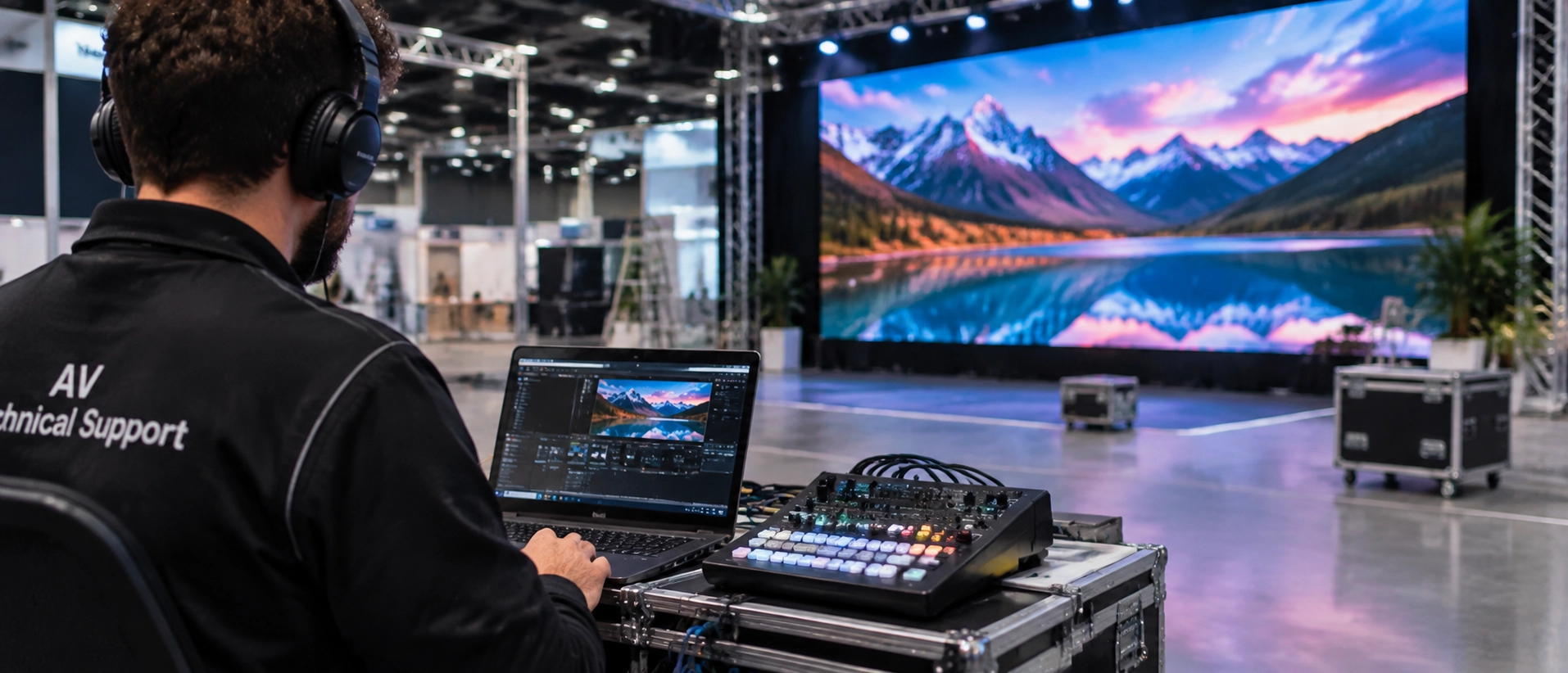
For complex installations, dedicated AV technical support can help resolve issues quickly and keep demonstrations running smoothly.
Should You Rent or Buy AV Equipment for a Trade Show?
Choosing between purchasing and trade show AV rental depends on exhibition frequency, storage capacity, transportation, and technical requirements.
For occasional exhibitors, AV equipment rental for events often provides greater flexibility and avoids long-term maintenance responsibilities.
| Factor | Renting | Buying |
|---|---|---|
| Initial investment | Lower upfront commitment | Higher purchase cost |
| Equipment flexibility | Adaptable to each exhibition | Limited to owned equipment |
| Maintenance | Often managed by rental provider | Owner’s responsibility |
| Installation support | May be included or added | Usually arranged separately |
| Best suited for | Occasional or changing requirements | Frequent, consistent use |
What Affects Trade Show AV Rental Costs?
Your AV budget should account for more than the equipment rental fee.
Common cost factors include:
- Equipment delivery and collection.
- Installation and dismantling labour.
- Venue electrical and internet charges.
- Mounting, rigging, or structural requirements.
- On-site technicians and additional operating hours.
- Equipment quantity and rental duration.
When comparing AV rental packages, request an itemized estimate to identify these expenses before committing.
Companies looking for AV equipment rental Vancouver services can coordinate screens, audio, lighting, and technical setup through professional trade show and exhibition production services.
The best solution is not necessarily the most expensive equipment package, but the one that supports your exhibition goals reliably.
Frequently Asked Questions About Trade Show AV Equipment
How Far in Advance Should Exhibitors Book AV Equipment?
Simple equipment packages should ideally be arranged several weeks ahead. Large LED walls, custom displays, and complex installations may require additional planning time, depending on equipment availability and venue deadlines.
Do Trade Show Venues Require Approved AV Providers?
Some venues require approved contractors for electrical services, rigging, or internet connections. Always confirm venue policies before selecting external suppliers.
What Information Should You Provide an AV Rental Company?
Share your booth dimensions, event dates, floor plan, audience expectations, presentation format, equipment requirements, power availability, and installation schedule.
What Is the Most Important AV Equipment for a Small Booth?
For a small booth, prioritize a reliable display, appropriate lighting, and essential connectivity. Add microphones or speakers only when demonstrations require sound.
Final Thoughts
A well-organized trade show AV equipment checklist helps exhibitors avoid technical problems, control costs, and create a professional exhibition experience.
From choosing LED video walls and audio systems to coordinating lighting, installation, and testing, every equipment decision should support your booth’s purpose.
For businesses planning exhibitions in Vancouver, Danesh Production provides professional AV equipment rental, display solutions, sound, lighting, and technical coordination.
Contact Danesh Production to plan the audiovisual setup for your next trade show or exhibition.